M A E D A Mini-Crawler Crane Section 4 – MONITOR
1/2019 MC285C-3 4-11
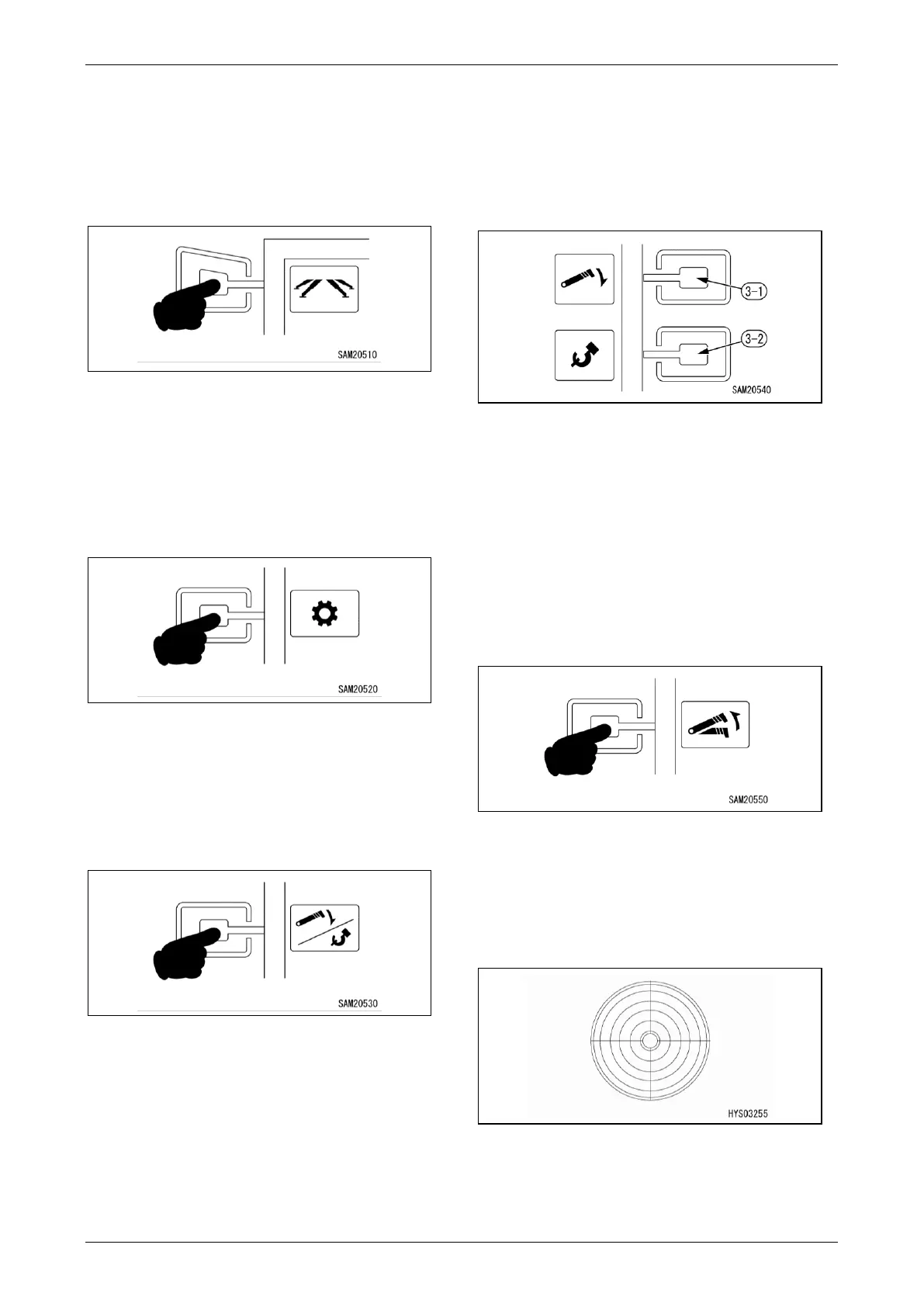
18BOutrigger Mode Switch
Used when operating the outriggers
Press the switch to switch to outrigger mode.
For more information on outrigger mode, see
“Outrigger Mode” on page 4-36.
Fig. 4-15
19BUser Mode Switch
Used for user settings.
Press the switch to switch to user mode.
For more information on user mode, see “User
Mode” on page 4-13.
Fig. 4-16
20BHook Stowage/Boom Stowage Switch
Used when stowing the hook or the boom
Press the switch to display the selection for hook
stowage and boom stowage.
Fig. 4-17
The hook or boom can be stowed by pressing
each switch.
• Boom stowage: Switch (3-1)
• Hook stowage: Switch (3-2)
For more information on stowage procedures, see
“Crane Stowing Operation” on page 4-61.
Fig. 4-18
Boom Lift Bypass Switch
Used to lift the boom in overload state
Lifting is possible only while the switch is pressed
down. For more information on the operation of
Boom Lift Bypass Switch, see "Recovery
Operation after Auto-Stop" on page 4-68.
NOTICE: For more information on how to use the
switch, see “Home Screen” on page 4-10.
Fig. 4-19
Level Gauge
Displays the tilt status of the machine.
The position of the yellow bubble indicates the
direction in which the machine is tilting.
Fig. 4-20



 To Next Page