Section 4 – MONITOR Mini-Crawler Crane M A E D A
4-16 1/2019 MC285C-3
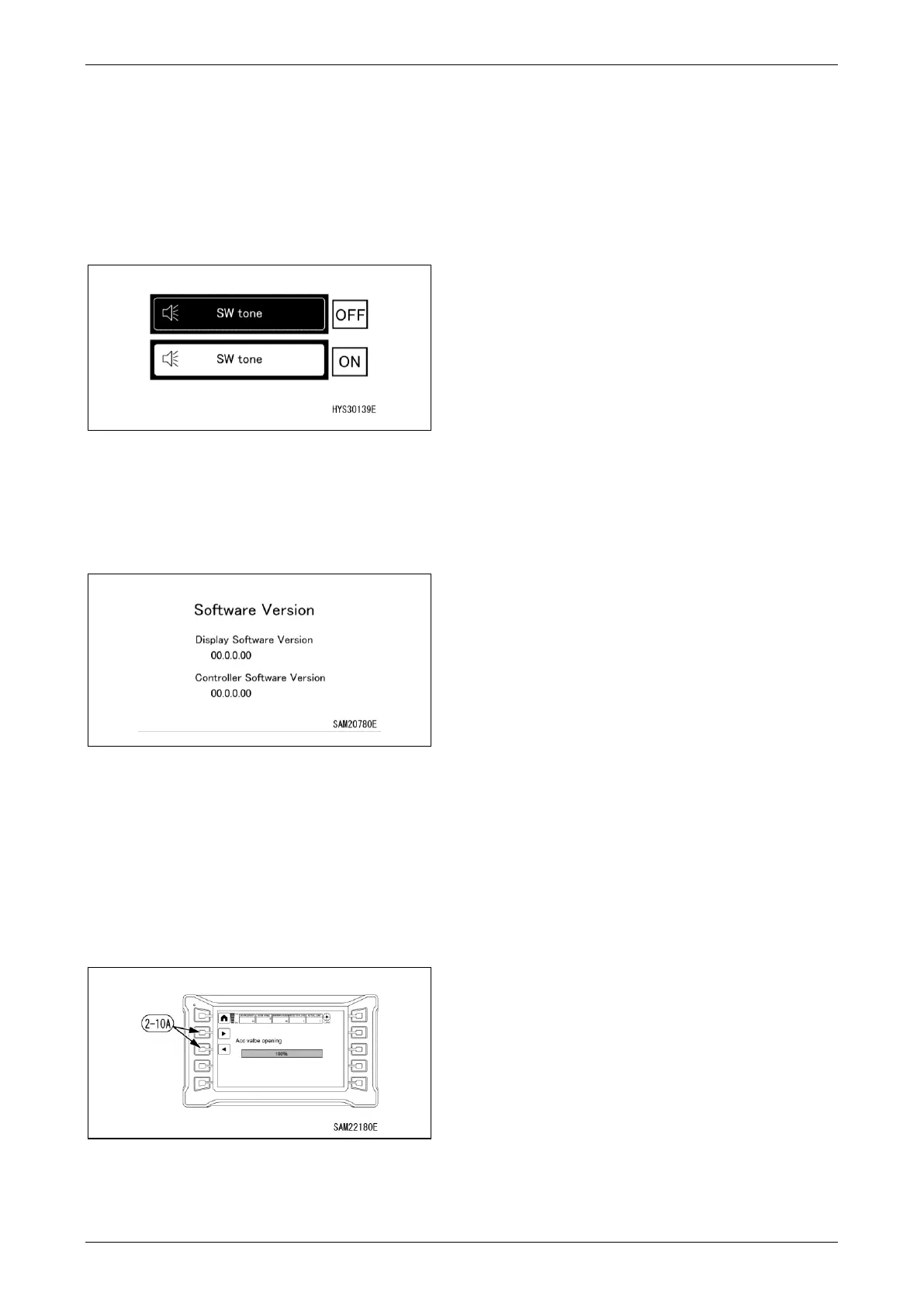
52BSwitch Tone ON/OFF Change
When the switch is pressed, switch tone can be
turned OFF and ON.
• OFF: No tone is heard when switches are
operated.
• ON: Tone is heard when switches are
operated.
Fig. 4-37
Software Version Check
The version of the controller software and
monitor can be checked.
Fig. 4-38
3B
Remote Control System Accelerator
Switch
The acceleration value can be adjusted for use
of the remote control system operation lever.
Set the desired value using ◄ or ► on the
adjustment switch (2-10A).
Fig. 4-39
NOTICE: For example, if set to 60%, the
acceleration value will be 60% and not 100%
when the remote control system operation lever
is pushed all the way.
54BHome Switch
• Short press: Returns one page.
• Long press: Returns to home page.
NOTICE: The function of the Home switch is the
same for confirmation and setting screens.
55BDisplay Page Change
Each time the switch is pressed, the page
changes: “page 1/2 to page 2/2 to page 1/2”.
NOTICE: The function of the Display Page
Change switch is the same for confirmation and
setting screens if they cover more than one
page.



 To Next Page