Section 4 – HANDLING TRANSMITTER BATTERY Mini-Crawler Crane M A E D A
4-108 1/2019 MC285C-3
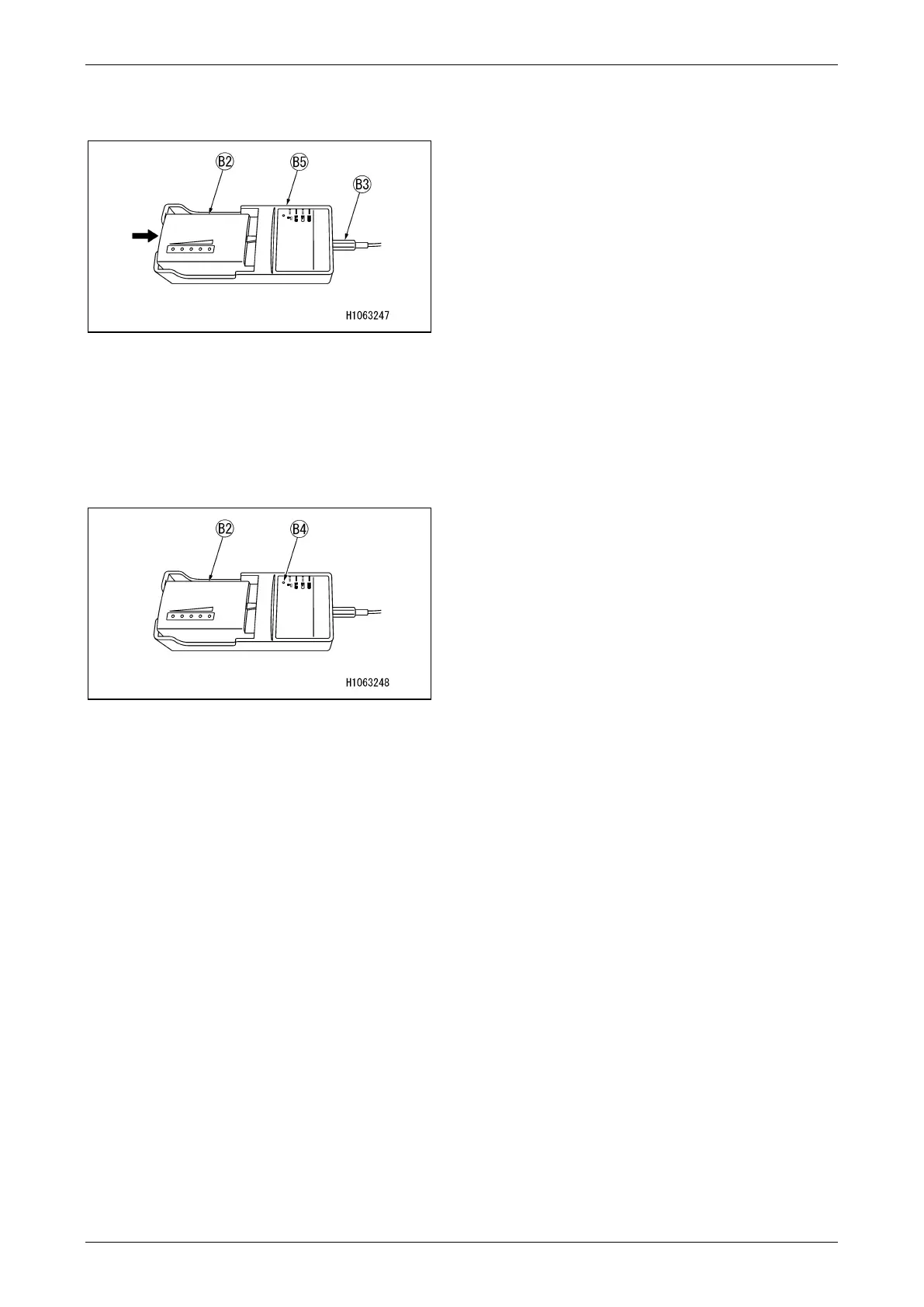
1. While pushing the battery (B2), put it into
place in the charger case (B5).
Fig. 4-292
2. Connect the battery charger (B1) to the cord
(B3), and insert the cord plug into the power
outlet.
3. The battery status LED indicator (B4) on the
charger starts blinking to indicate the
charging has started.
Fig. 4-293
4. When the battery becomes fully charged, the
LED indicator (B4) is lit in green.
5. After charging is completed, disconnect the
cord plug from the power supply.
NOTICE: The battery status indicator while
charging is as follows:
• Lights in green: Charged
• Blinks in green: Charging
• Lights in red: Battery failure
• Blinks in red: Cannot be charged due to a
battery temperature: below 0°C or above 45°C.



 To Next Page