-183-
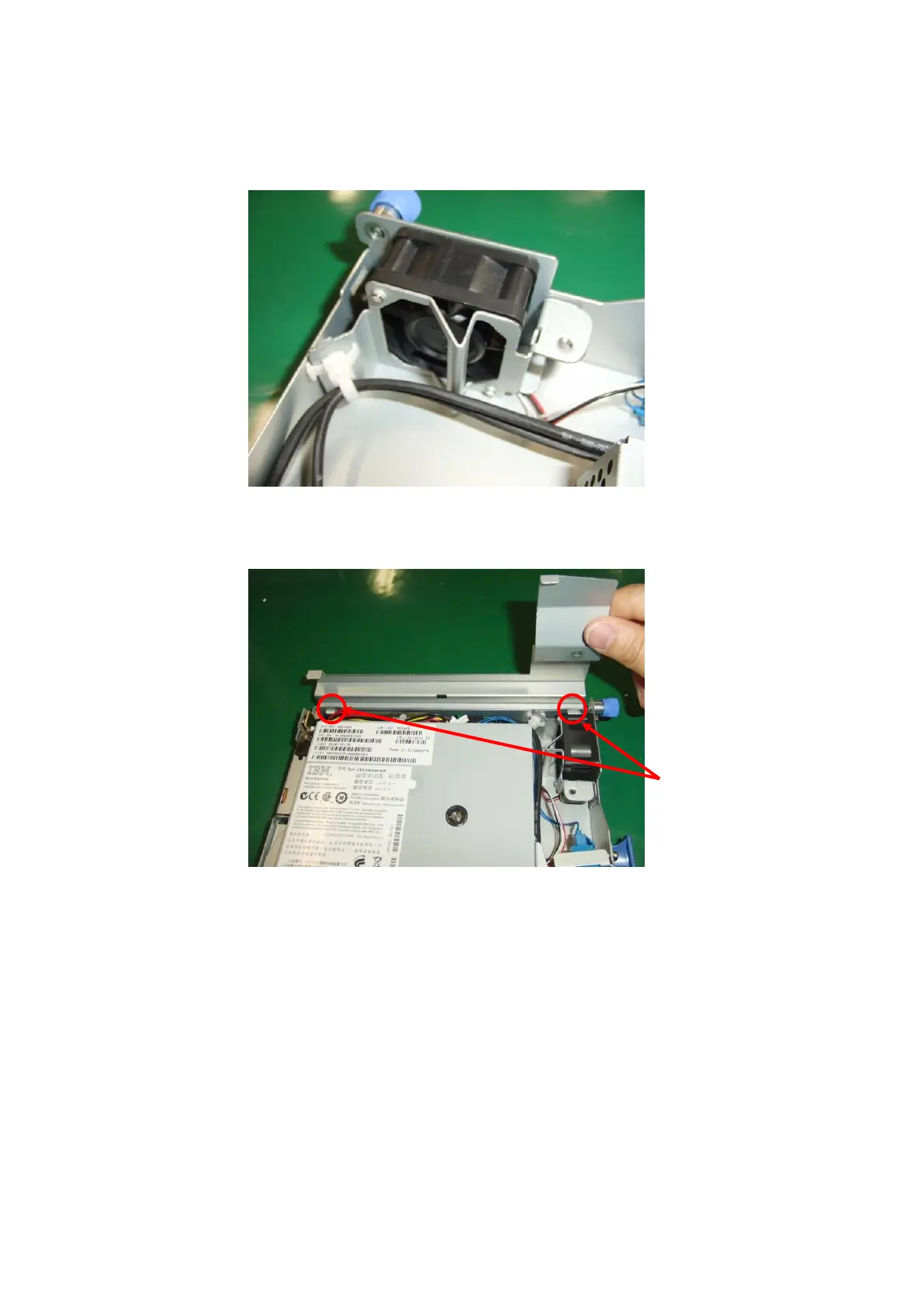
8. Mount the fan using the opposite procedure to the procedure used to demount it.
Wire the fan cable as shown below.
Take care not to get the cables caught when pushing in the drive.
Take care not to get the cables caught when mounting the drive cover.
To mount the drive cover, insert its two projections.



 To Next Page