115 / 374
SOCT User Manual Version 10.0 rev. A
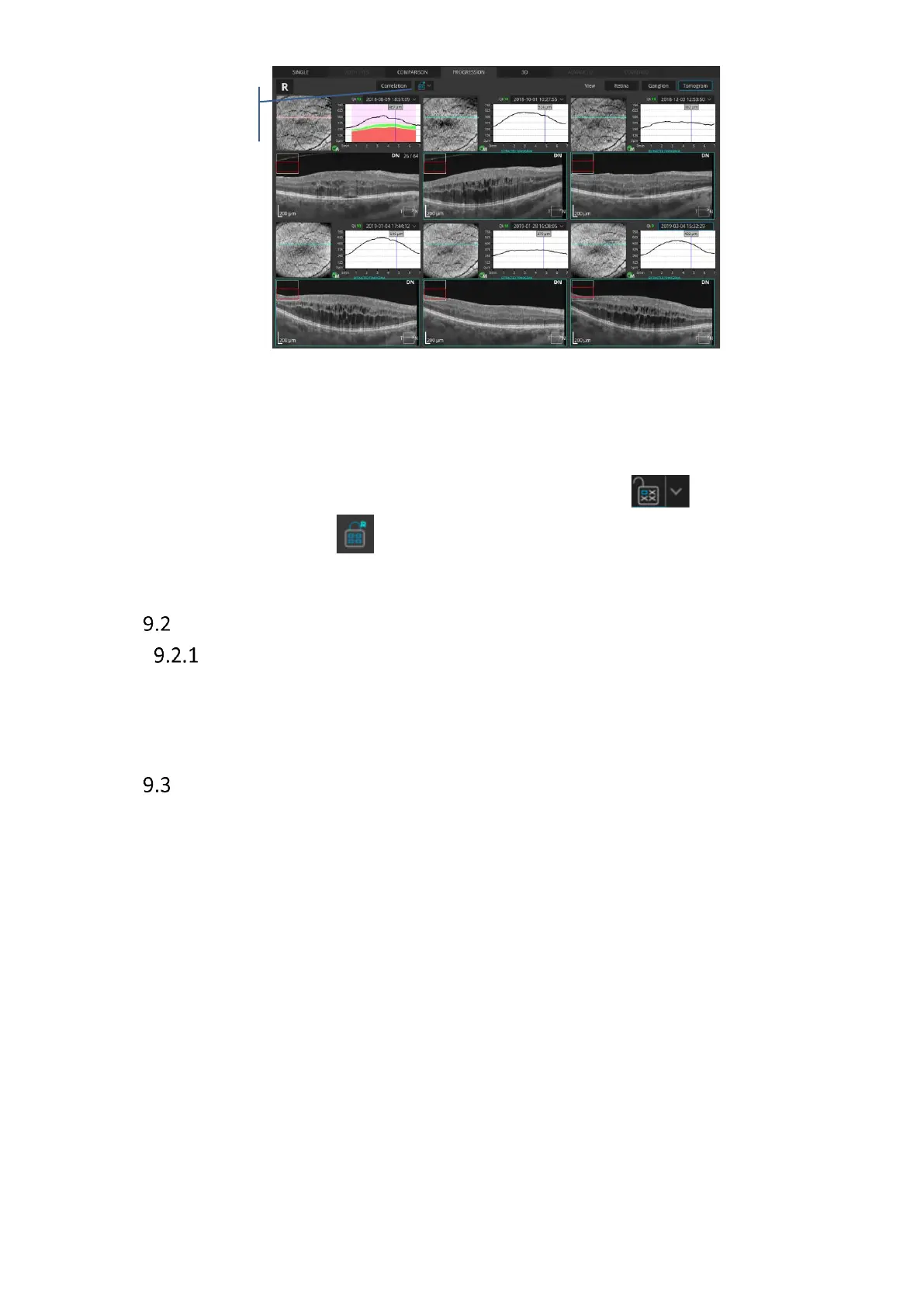
Figure 86. Progression view – Lock function on
9.1.5.2 Lock function with extracted tomograms
The Lock Function is also available in conjunction with the function of extracting tomograms
described in detail in section 16.3 Extracting tomograms from a 3D exam. To both lock and
extract correlated tomograms click the arrow next to the lock button to unfold a
drop-down menu and choose .
Types of Analysis
Single Retina analysis
This shows the tomogram image of the macula and analysis results of retinal thickness from
Retina 3D scan. There are two analysis views available.
AI DeNoise
The AI DeNoise algorithm filters out noise form the tomogram for the highest and smoothest
image quality. The function is available on all tomograms and in every tab featuring them,
including the 3D tab. On averaged tomograms the function is on by default.
The moment a tomogram is loaded for review the software starts denosing it. After a short
moment the original “undenoised” tomogram is replaced with a noise-free image.
This process is started each time you load or scroll to display a new tomogram.
The figures below present the same tomogram with the AI DeNoise function off (left)
and on (right).



 To Next Page