290 / 374
SOCT User Manual Version 10.0 rev. A
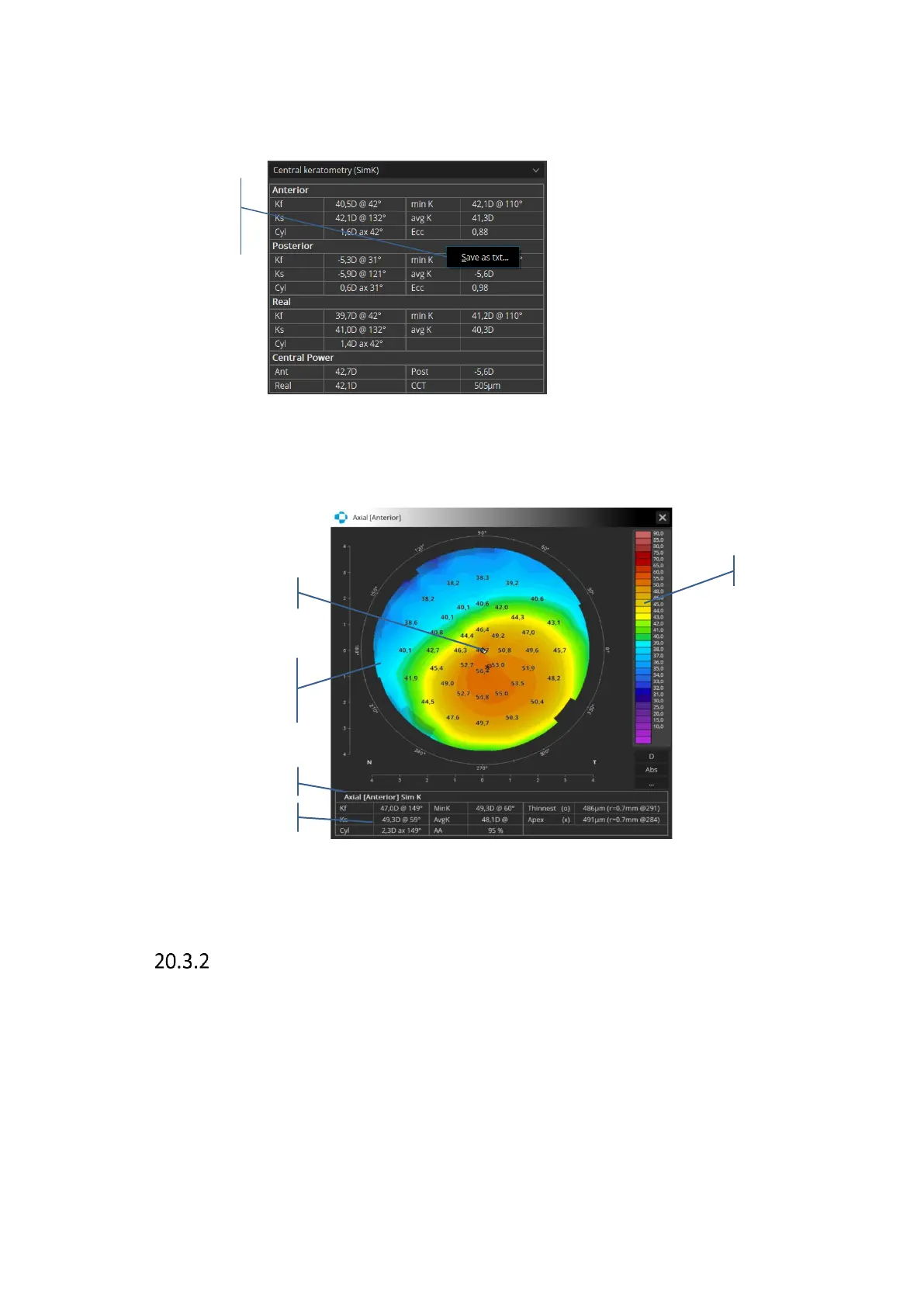
Clicking the right mouse button on the results Topography and Biometry table enables
exporting the data as a .txt file.
-
20.3.1.1 Enlarged detailed map view
Double click on the active map for a new window with an enlarged detailed map.
Figure 287. Enlarged detailed Topography map view
[Both] view
This screen shows the analysis results comparing examinations of both eyes performed in the
same scan mode and on the same date.



 To Next Page