50 / 374
SOCT User Manual Version 10.0 rev. A
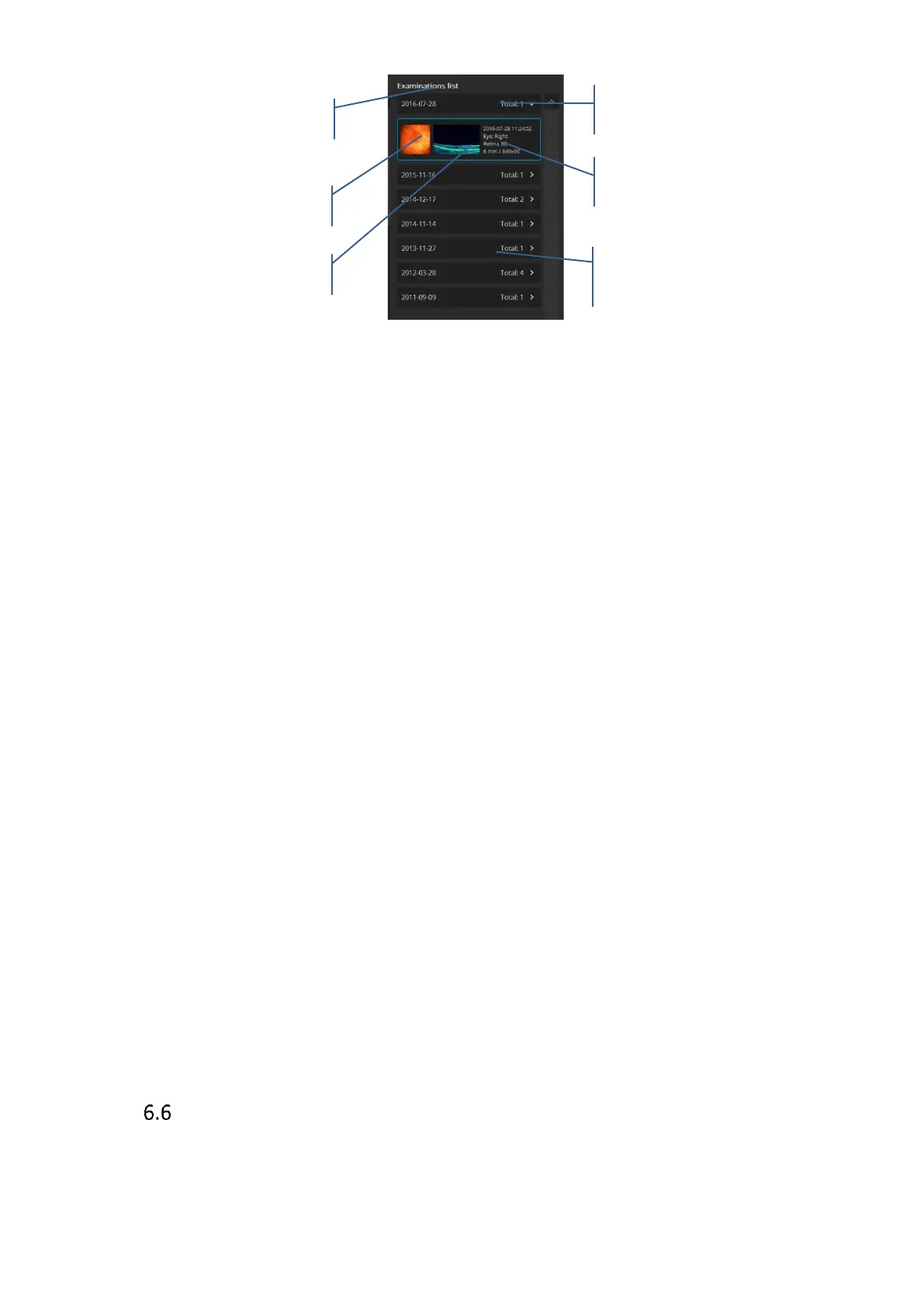
Figure 12. Examination list
Examinations on the examination list are shown in order of date. The examinations are sorted
by visits. As default expanded is the Last visit.
Clicking the date panel stores the examination or shows it expanded.
Right-Click mouse button over the examination opens the menu:
Correct When selected system can use examination for automatic display in Both,
Comparison and Progression tab.
Follow up Allows to repeat examination. Opens Acquire window and loads previous
settings.
Cut exam Select if you want to move examination assigned to wrong patient
Delete Remove examination from the database.
Output Output exam results. Configure Output set
Export Save .oct examination in raw .opt format
Reanalyze System processing examination data
Right-Click of mouse button over the visit date opens the menu:
Cut visit Select if you want to move all exams from a visit assigned to a wrong patient
Output visit Output results from whole visit
Export visit Save all oct examinations in raw .opt format from the visit
Deleting Exam/s
Right-click on exam thumbnail and select [Delete].



 To Next Page