321 / 374
SOCT User Manual Version 10.0 rev. A
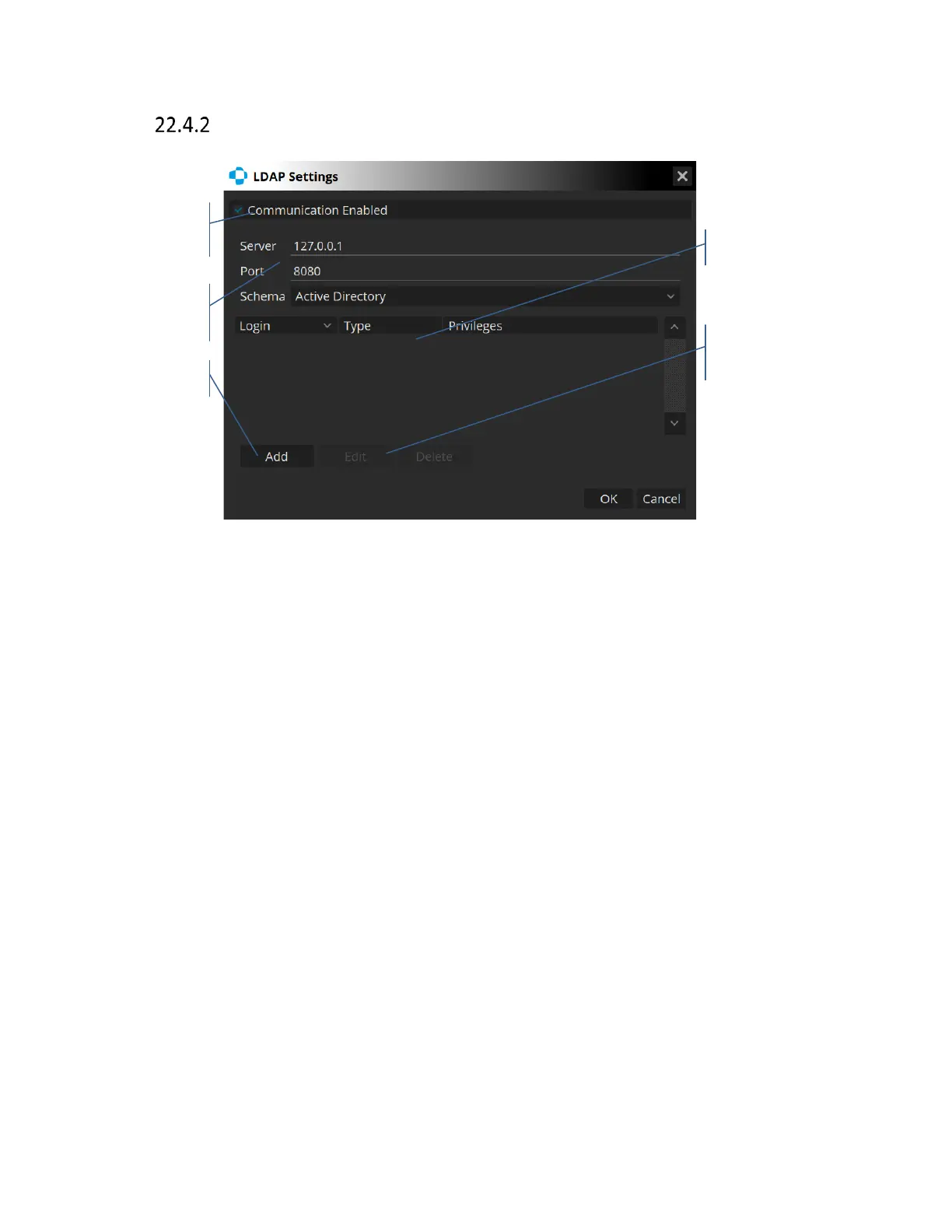
LDAP Settings
A common use of LDAP (Lightweight Directory Access Protocol) is to provide a central account
management to store usernames and passwords. This allows many different applications and
services to connect. It allows the server owner to directly control all users, require periodic
password updates, lock or close accounts that are unused or when necessary and to set a
password difficulty requirement.
[Server] – correctly configured host server address/domain
[Port] – host server port
[Schema] – protocol to be used with a choice of active directory, Apache directory or custom.
In order to correctly setup LDAP, a server address with port must be entered. Logins and
passwords must already be entered within the server in order for the application to fetch any
users. The [Schema] field allows the user to select the query/response protocol to be used by the
software. Users will only be allowed to login if their account exists on the host server.



 To Next Page