148 / 374
SOCT User Manual Version 10.0 rev. A
Central examination
Result review of Central examination can give below options of display:
- Depending on type of conducted examination:
Central 3D examination.
Display method depends on amount of taken examinations. It is the same as for retina 3D
exam. We are able to display the following views:
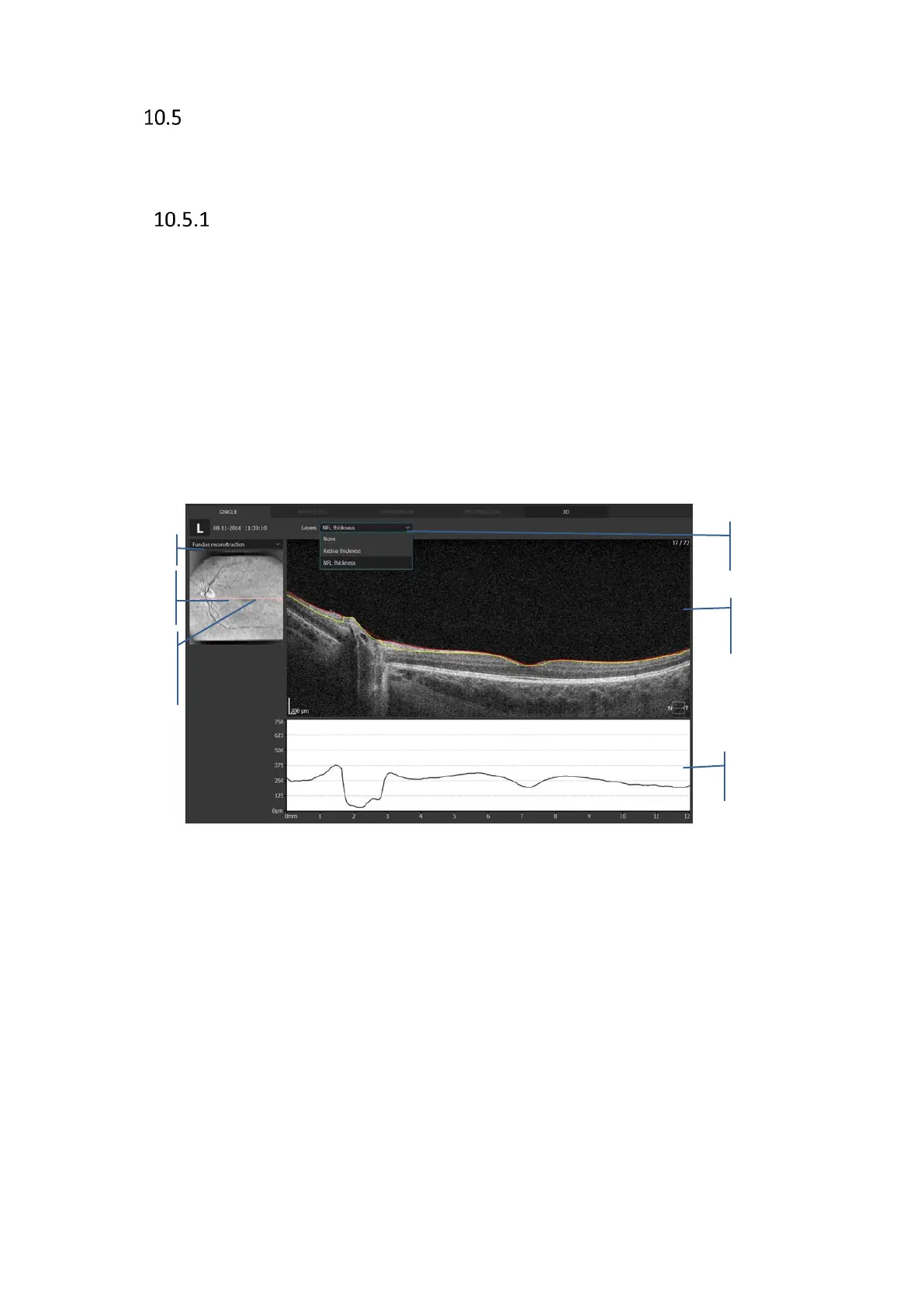
• Single - displays single examination with possibility of editing layers recognition, this
type of exam does not provide retina thickness maps.
• Both eyes - used to compare Left and right eye
• Comparison - to compare two exams on one sheet (no thickness maps available)
• Progression - used for treatment steps and compare up to 6 exams.
• 3D - three dimensional visualization of central exam
For more details refer to retina display modes.
Figure 116. Central examination single scan review window.
Retina signification
The fundus reconstruction image is created from all A-scans made in the scanned area.
From the menu available by the right mouse button you can select the image to overlay.
The following images are available:
- Fundus reconstruction,
- pSLO,
- Eye preview,
Layers
Select the display options to present the desired layers recognition lines:
- NFL Thickness
- Retina thickness



 To Next Page