95 / 374
SOCT User Manual Version 10.0 rev. A
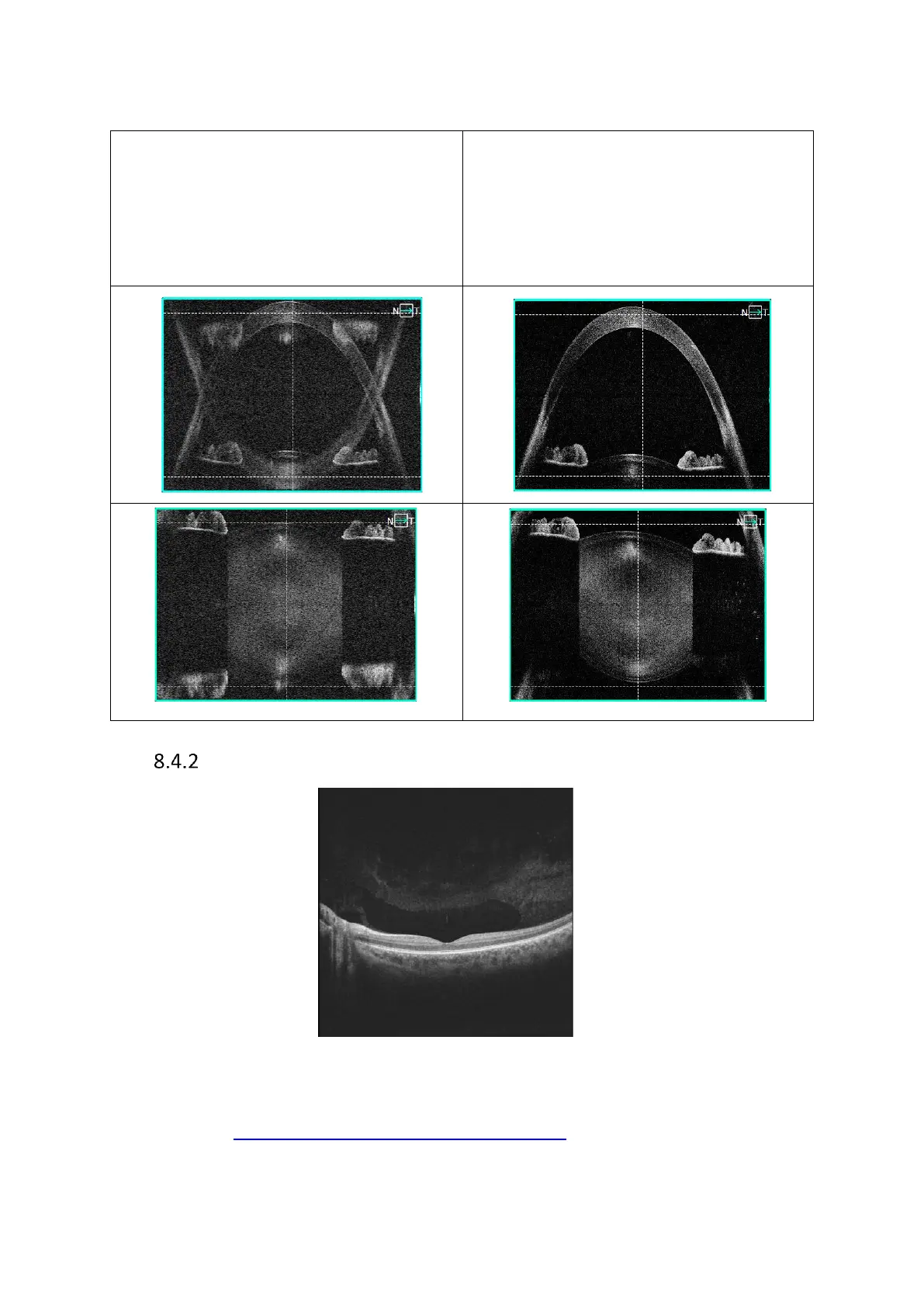
In the semi-automatic and manual modes, the image visible in the tomogram window can be
displayed in two modes:
Simple mode
Fast refresh Full Range discoupled – faster
refresh. In the simple mode the user can see
the original image together with its inverted
reflection.
Complex mode
Full Range coupled mode – default – lower
refresh. In the complex mode the original
and inverted images are coupled to form a
detailed, homogenous image.
Central Full Range examination mode
Figure 62.Full Range Posterior B-scan examination window
There are two ways of displaying the tomogram: simple and complex which are described in
detail in section 8.4.1 Anterior Full Range examination mode.



 To Next Page