155 / 374
SOCT User Manual Version 10.0 rev. A
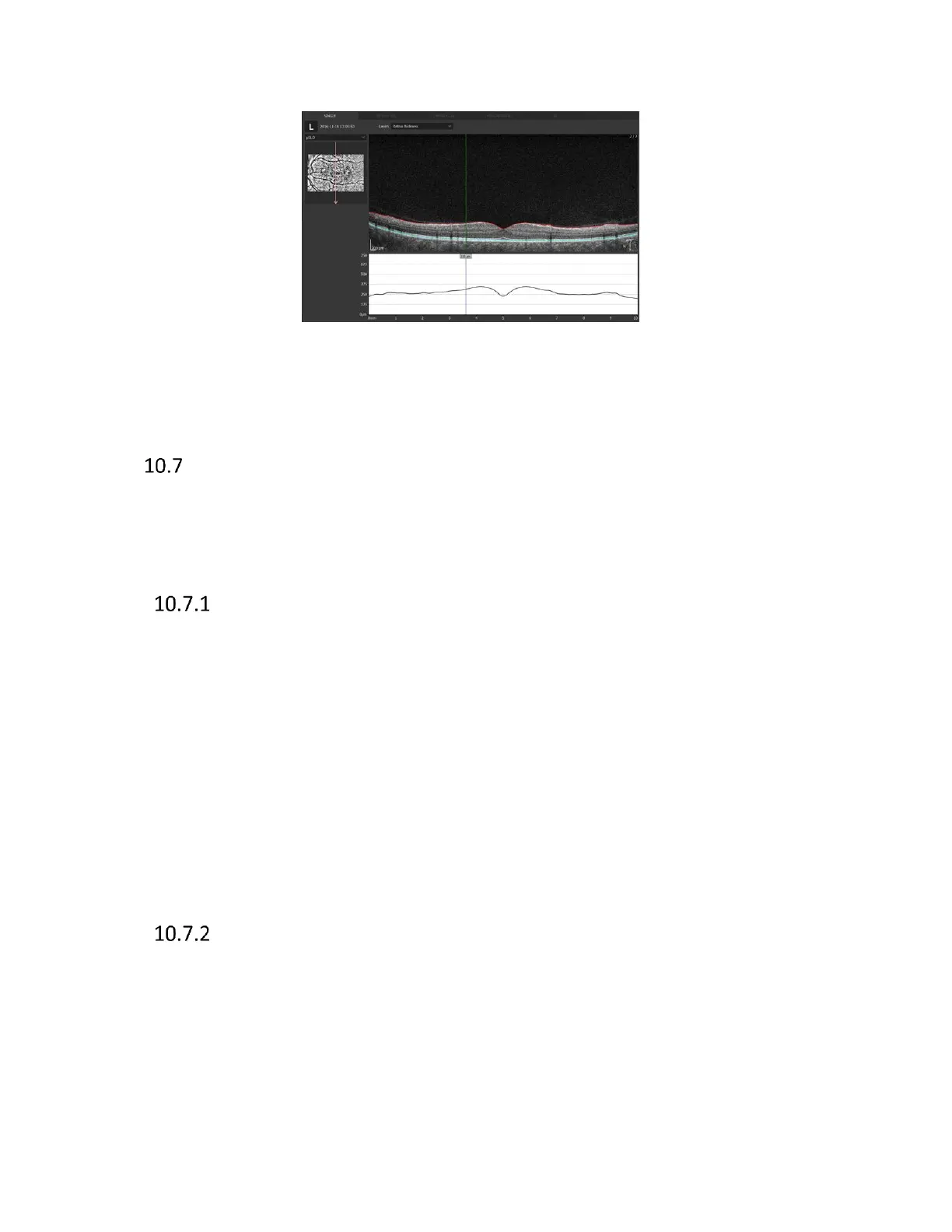
Figure 130. Cross scan vertical B-scan view.
Both eyes, Comparison, Progression displays are adequate to previously presented examples.
3D visualization
3D visualization tab is enabled only for posterior scans which have been taken using 3D and Angio
scanning program. The window shows the 3D reconstruction of the retina structure. Software has
the possibility of two 3D visualization modes: Solid and Volume.
Manipulation of the 3D cube
The following describes an example of how to operate the 3D view
- Rotating: Drag the 3D tomogram image in any direction. 3D reconstruction can be rotated
by 360 degrees around the vertical axis and from -90 to +90 around horizontal axis.
- Slicing - In order to slice reconstruction, press right mouse button, gray balls appear.
Direction of cutting is chosen by balls placed on proper axis. Click one of six balls to make
one active (clicked ball changes from grey to red) and then user can slice tomograms by
dragging the ball along the axis line or use scroll button to slice tomograms.
- Moving: Right Drag the 3D tomogram image in any direction with the shift key held down.
- Resizing: The ctrl keyboard button held down button and turn the mouse wheel.
- Restoring the 3D tomogram image to its original state. Press the [Reset] button.
Selection of displayed layers
Selection of layer that is shown
[Visible]: Shows selected layers in the 3D tomogram image. Uncheck ‘Visible’ checkbox to
hide selected retina layer.



 To Next Page