45 / 374
SOCT User Manual Version 10.0 rev. A
5 SOCT SOFTWARE
IMPORTANT: Always turn ON the PC first and then turn ON the SOCT device.
Running SOCT application
After the Windows operating system is started and initialized, it is possible to run SOCT
application: press START → Application → SOCT → SOCT. Click SOCT icon and the application
will be loaded and activated.
NOTE: The device is ready to work when software is opened and the status is READY.
SOCT application structure
The application has been created to be user-friendly. The buttons are clear and located
ergonomically what makes the usage very effective.
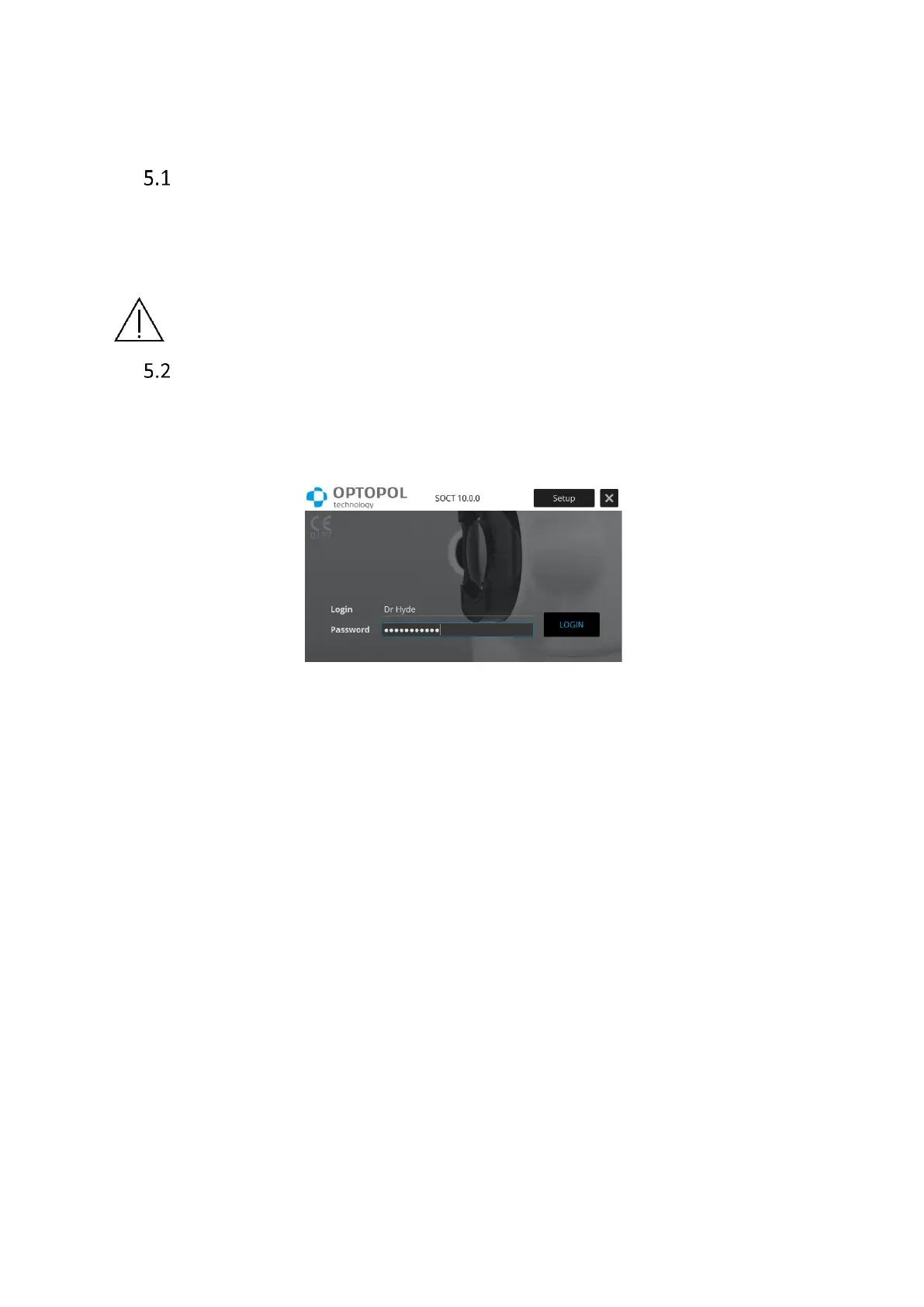
The Login screen will appear after starting the SOCT application.
Figure 8. Login screen
Enter the User Login and Password then press [Login] to go into the application or [Setup] to
change settings.
SOCT software is divided into three different modules which can be easily accessed from tabs:
Patients and exams list appear after logging in the application. It
enables to easily handle patients’ database.
It enables to preview previously taken examinations, make
quantitative analysis and compare results.



 To Next Page