338 / 374
SOCT User Manual Version 10.0 rev. A
In case this window appears please select backup folder location. Or check external HDD
connection.
Figure 329. Backup error example.
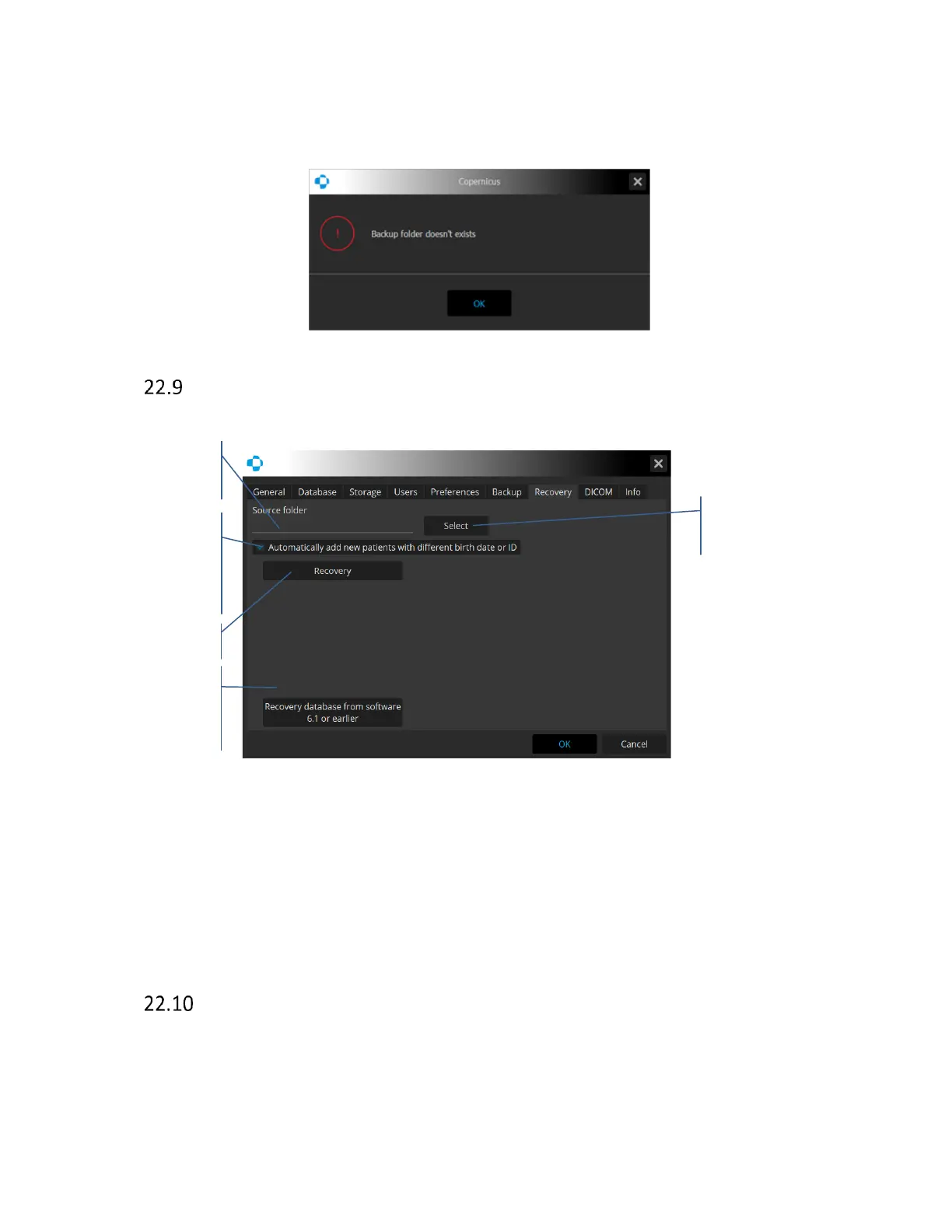
Recovery
The SOCT provides an option for a data recovery from the internal and external storage.
Figure 330. DICOM tab.
Database recovery from software 6.1 or earlier - after pressing the Select button, an additional
window opens, allowing selection of the folder from which the database will be imported. Before
it is done, the function checks the list of patients for any Patient ID conflicts (this field in version
6.1 was not unique). If the conflicts occur, the program adds a random string sign to the Patient
ID field. When all the conflicts are solved it imports ale examinations to the database.
DICOM
DICOM Interface consists of two client modules (SCU):
- Result Storage (Reports, Tomograms)
- Modality Work List



 To Next Page