285 / 374
SOCT User Manual Version 10.0 rev. A
While capturing the scan the following steps should be observed.
The cornea tomogram should be positioned within the range defined by the two horizontal
dashed lines.
Operator should make sure that the lids of the eye are not blocking or shadowing a
significant portion of the image in vertical meridians.
NOTE: The system automatically selects C-gate mode from top to bottom. In cases when the
ghost image touches the cornea (e.g. shallow anterior chamber) the user has to change the
C-Gate mode from bottom to top.
4. After the result is acquired, it is displayed in the Acceptance window. The operator should
verify the measurement reliability indexes. A measurement with poor measurement
reliability indicates an increased risk of measurement variability. Measurements with
poor reliability should be replaced.
5. Follow the procedure depending on the Acquisition mode.
Full Auto mode
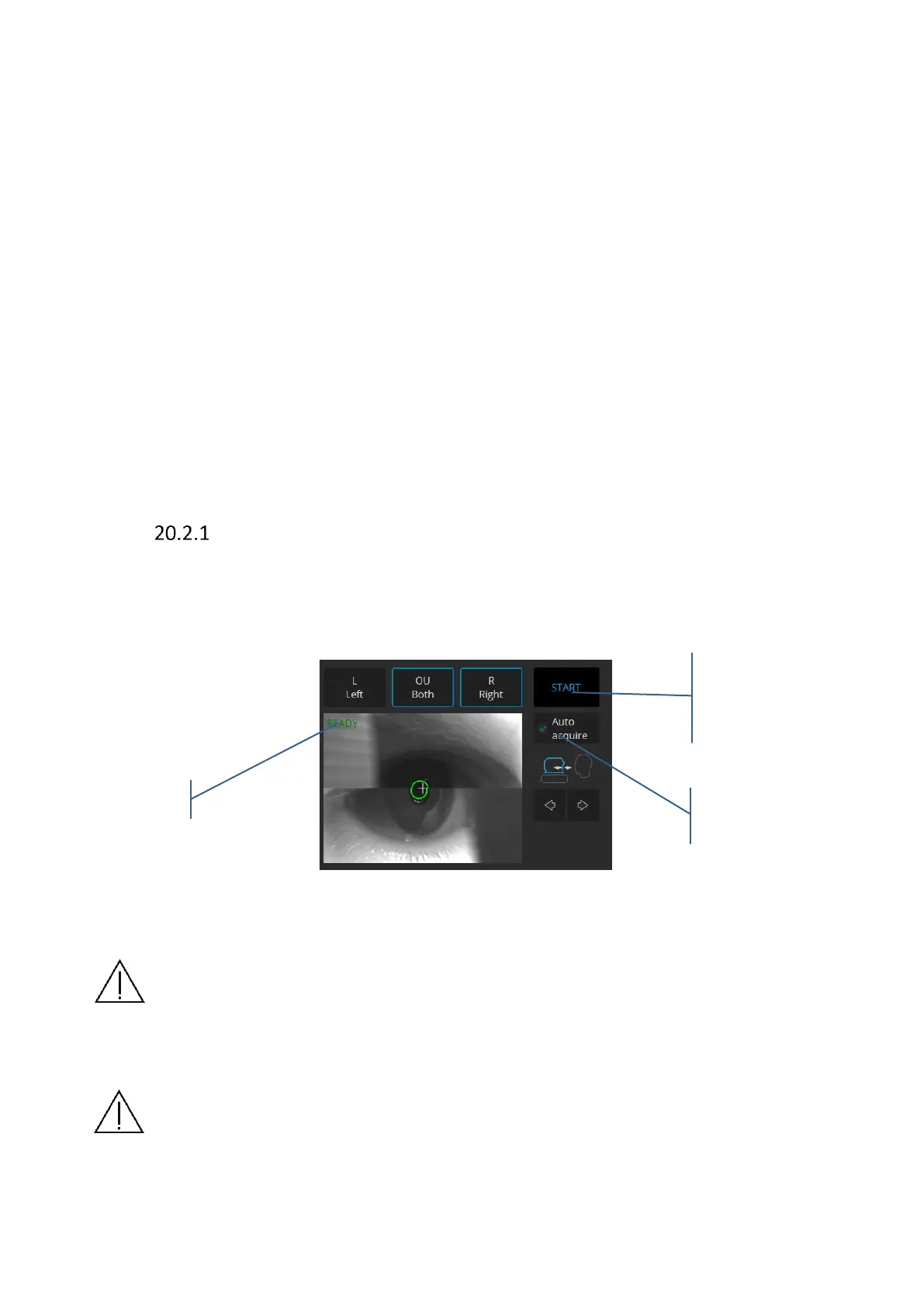
1. Mark AutoAcquire checkbox and Press the START button
2. Wait until the system finishes the examination. The patient will be voice guided
by the software.
Figure 282. Full auto examination
NOTE: There are a number of conditions in which auto functions processes could fail.
For example: dense media opacities, eyelashes or eyelids blocking the beam of light,
inability of subjects to maintain fixation, strong nystagmus. When an adverse condition
occurs optimize the OCT signal manually.
NOTE: If the system does not detect the pupil, the user has to adjust the center of the
patient’s pupil manually. In order to set the working position properly, align the center
of the pupil on a proper height.



 To Next Page