341 / 374
SOCT User Manual Version 10.0 rev. A
see a message indicating successful completion of the order,
or a list of errors
NOTE: Make sure that the SCP host delivering patients’ demographic data for tests is
correctly configured and active. Otherwise data collecting will fail.
C-storage
Examination results can be sent to DICOM network or DICOM file.
SOCT saves files in standard: Encapsulated PDF Storage, Multiframe True Color Secondary Capture
Image Storage, Multiframe Gray Scale 8bit Secondary Capture Image Storage, Ophthalmic
Tomography Image Storage
System can output in DICOM format: Tomogram, Series of tomograms, Series of tomograms +
report, Report.
Series of tomograms + Fundus photography examinations can be exported to DICOM.
See details in DICOM statement in file “SOCT DICOM Conformance Statement.pdf”
Detailed explanation how to configure DICOM storage can be found in chapter 22.7.4 DICOM C-
storage output set.
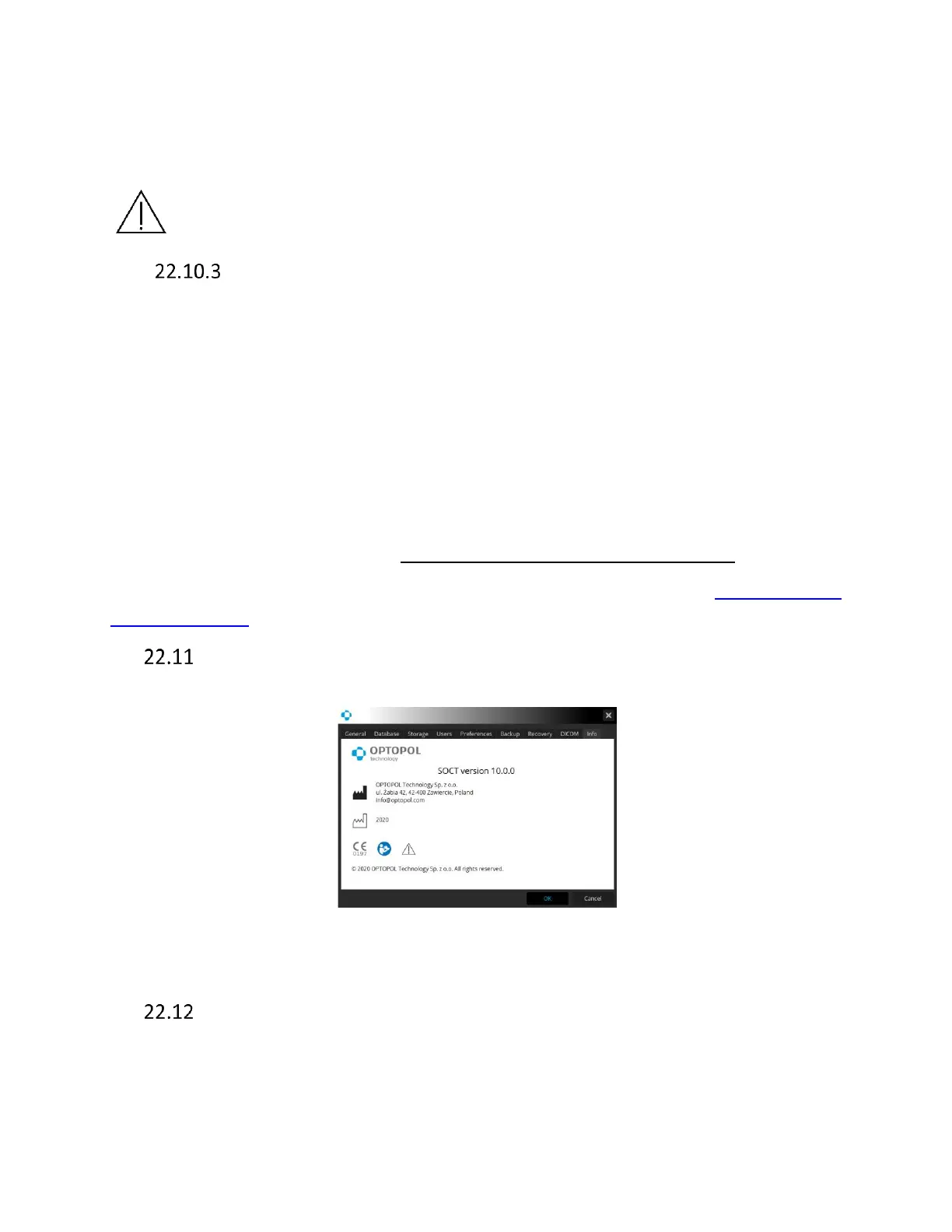
Info tab
Information label
Figure 334. Information label
Patient record change traceability and LogReader software
The LogReader.exe is located in the SOCT application directory. Only users with Admin rights can
log in the LogReader tool. Each login to the SOCT application and patient data modification is
recorded in a Log file. This application will allow the administrator to have a recorded history of



 To Next Page