281 / 374
SOCT User Manual Version 10.0 rev. A
NOTE The user should always seek to ever improve their IOL optimization. IOL personalized
and optimized data should be created through the analysis of pre-operative data obtained
with the device and the results of stable refraction tests performed 3 months after the
surgery.
Adding additional power ranges and increments
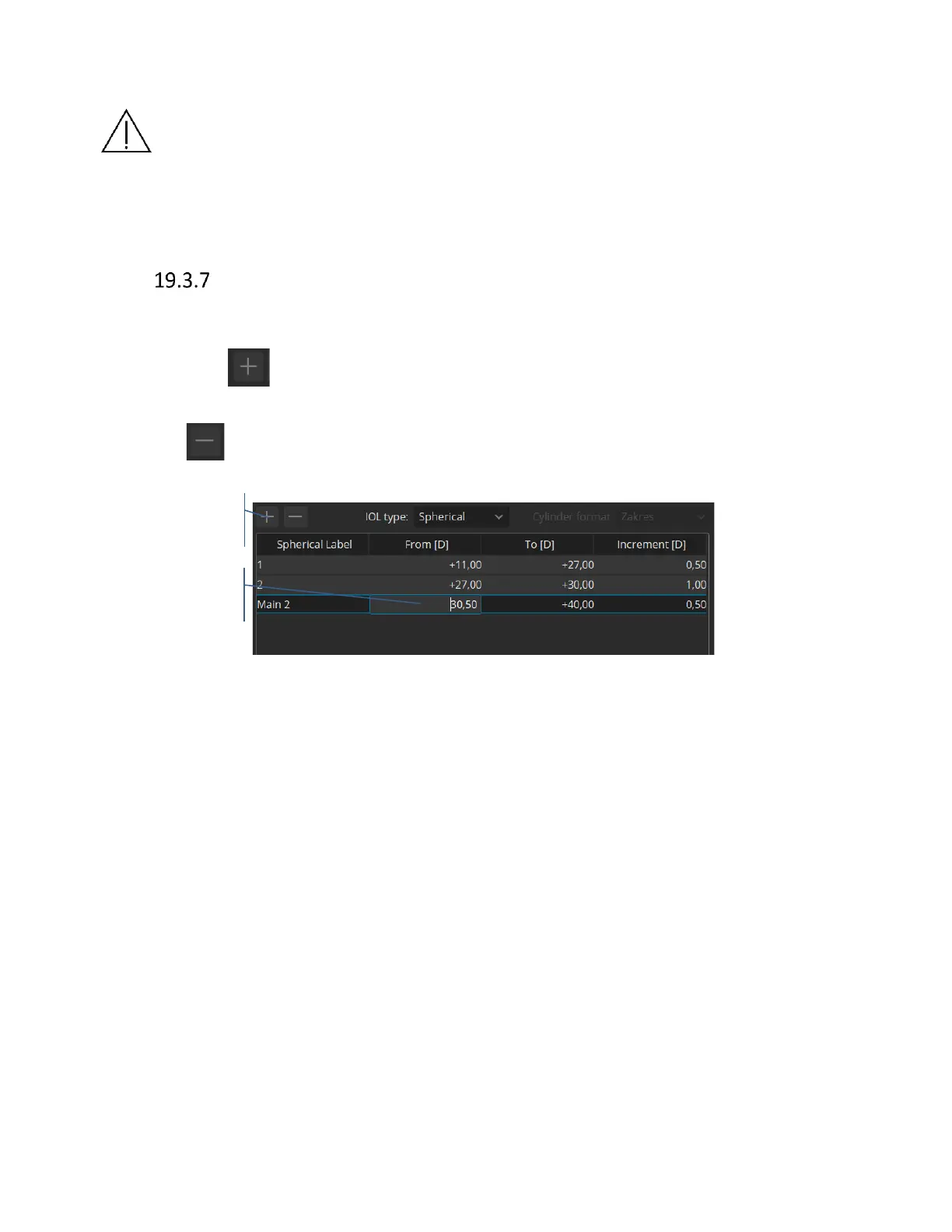
The default power range in the IOL Editor window is -10 to +40 dioptres with the increment of 0.5
dioptres. It is also possible to create additional power ranges and increments. To add a new power
range, click the button. To modify the range and increment values double click on the value
you wish to modify and enter a new value. To remove a power range, click on it to highlight it and
then click .
Figure 280. Adding additional power ranges and increments
Using a toric IOL requires the user to provide both the corneal astigmatism range and the cylinder
power.



 To Next Page