207 / 374
SOCT User Manual Version 10.0 rev. A
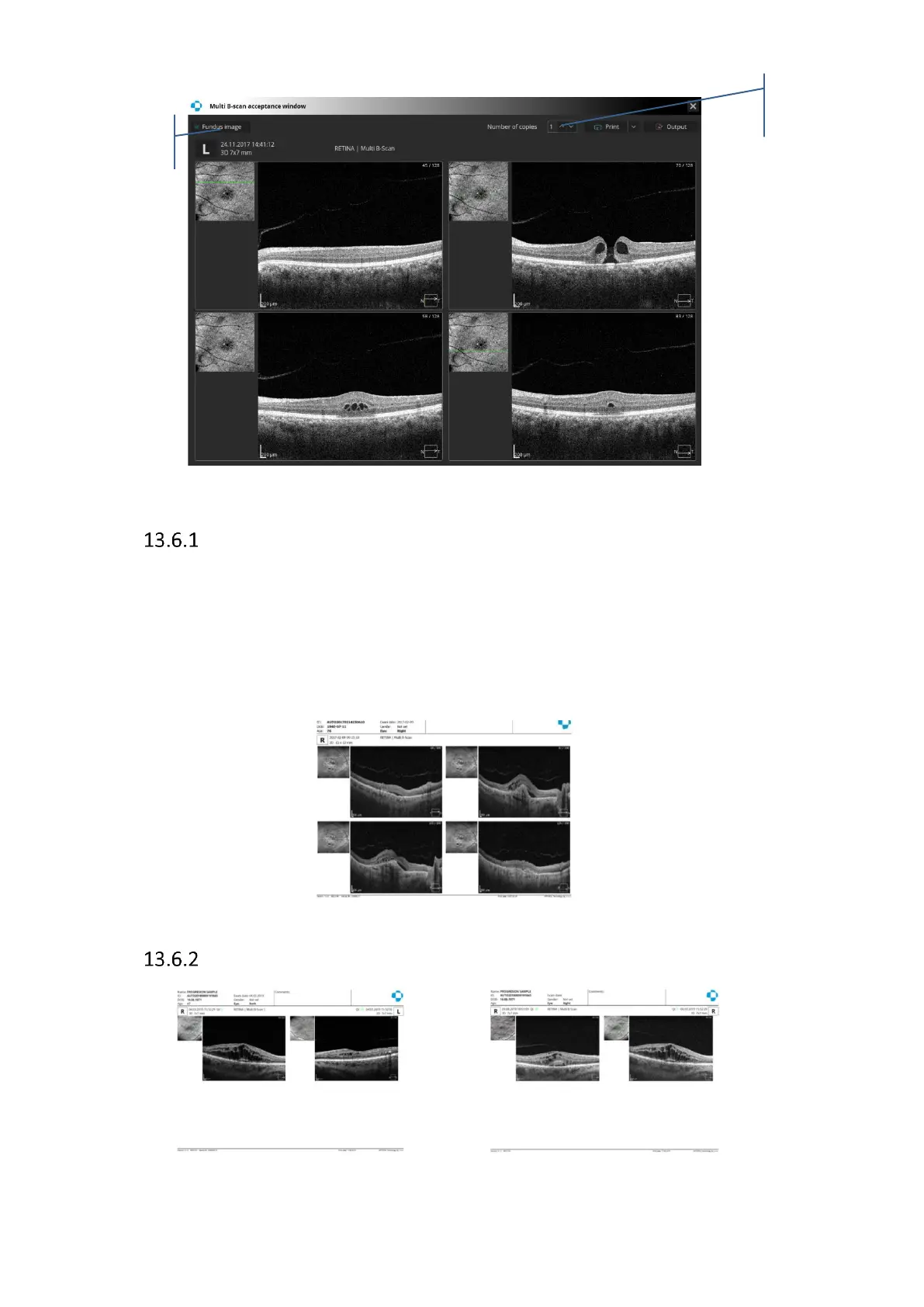
Figure 205. Multi B-scan acceptance window.
Manually select tomograms
It is possible to select tomograms individually to the Multi B-scan report. To select desired
tomogram to Multi B-scan printout press Right Click and select ‘Add to printout’ from menu or
hold [ctrl] button and Left-click anywhere in a printout preview. On the tomogram in the right-
top corner the letter P will appear. When you select more than 4 tomograms last selected
tomogram replaces the first selected. Press P letter on the tomogram to unselect tomogram
from the Multi B-scan printout.
Figure 206. Multi B-scan report
Multi B-scan report for Both and Comparison view.
Figure 207. Multi B-scan report for Both Eyes and Comparison view



 To Next Page