83 / 374
SOCT User Manual Version 10.0 rev. A
OCT Angiography mosaic mode
1. Prepare a patient as explained in chapter 8.1 Preparation for examination.
2. Instruct patient that in mosaic examination you are going to take a few scans.
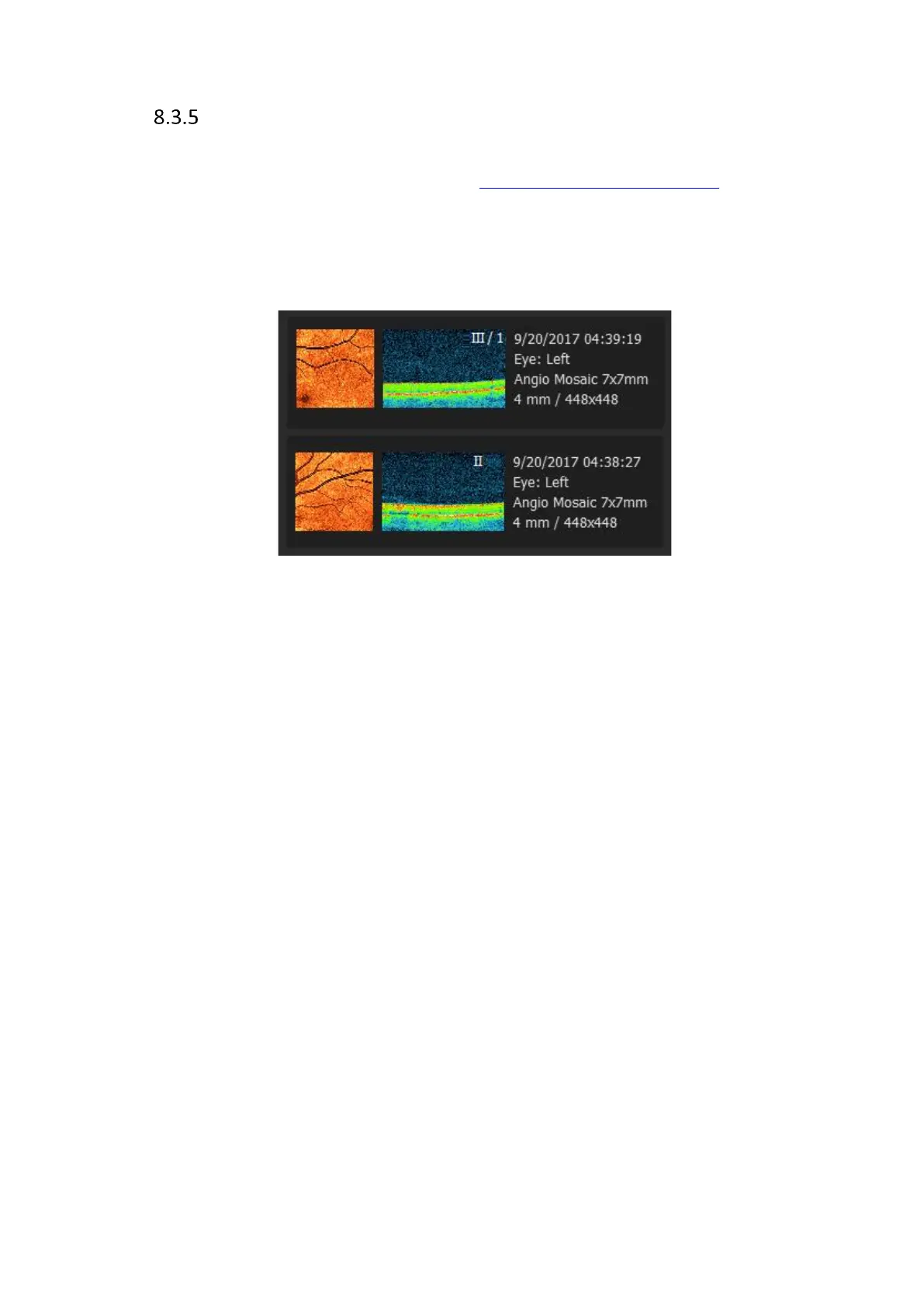
If a scan is carried out again, roman numerals indicative of the repeat number will be shown
at the top of the exam on the list. If the repeated scan is carried out in a different location, this
repeat indication will not be
shown.
8.3.5.1 Predefined mosaic modes
3. Select one of Angiography Mosaic mode program.
4. After Acquire the scan on the confirmation screen verify the result.
If you accept the result system will mark scanned area on pSLO window.
If you Repeat the examination system as default will use newer examination in mosaic
mode. If you use motion correction from specific location motion corrected exam will
be used.
5. System will load next examination and start shifting the fixation and the scanners
position.
6. On the upper part of window system shows which examination is already scanned. On
the pSLO window system will draw by blue lines already scanned area.
7. If voice guide is switched off inform the patient to follow fixation target.
8. If required correct position of tomogram and press Acquire to capture next image.
9. After last examination system will not load the next scan program.



 To Next Page