256 / 374
SOCT User Manual Version 10.0 rev. A
Correlation status
It informs about the method of superimposition.
Automatically superimpose
Manually superimposed (by the operator)
Select screen
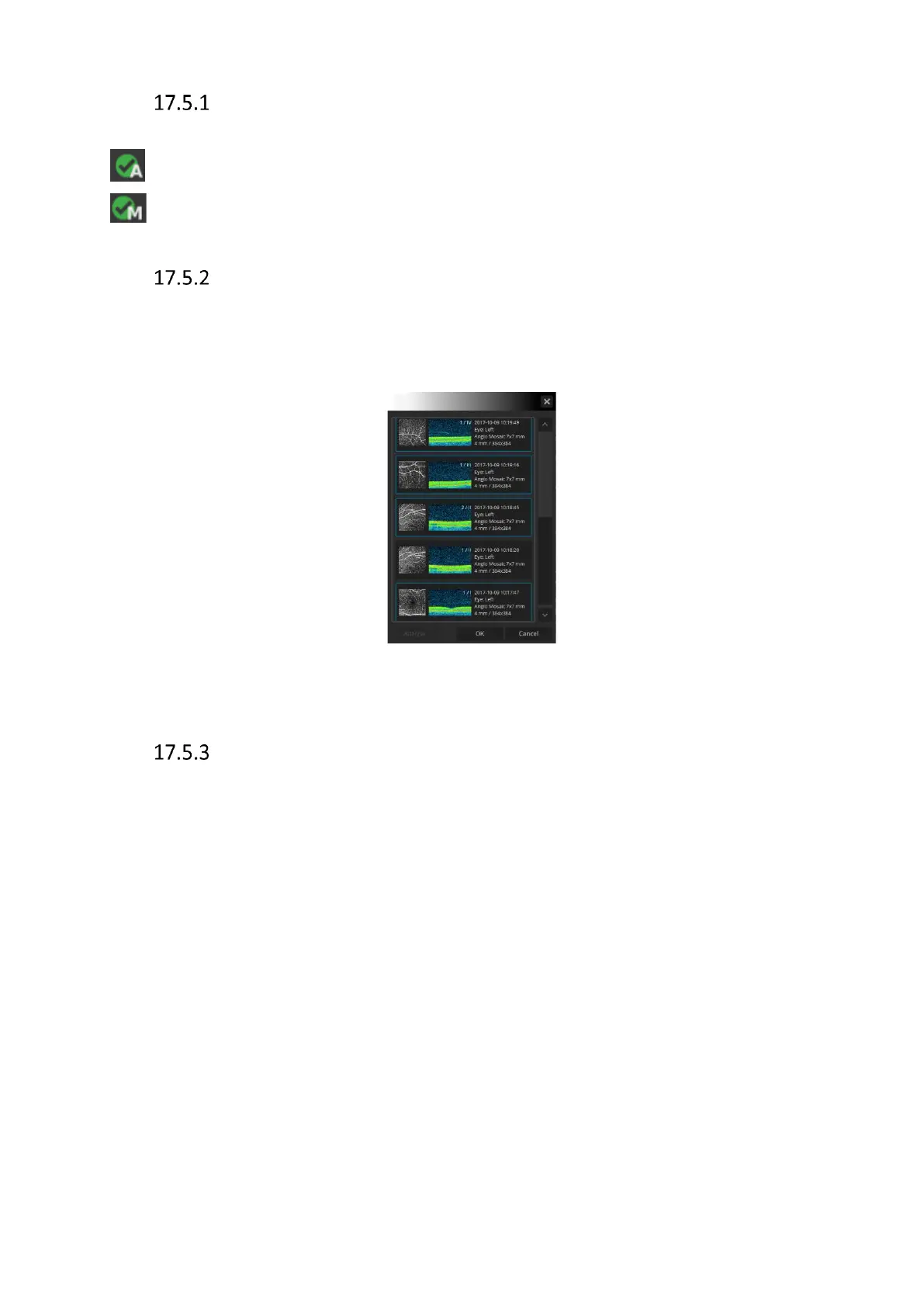
On the select screen you can change, remove or add exams used in mosaic composition.
Once you select or unselect the exams [Analyze] button becomes active. Press [Analyze] to
start automatic superimpose process.
Figure 257. Select screen.
Operation on the mosaic
17.5.3.1 Operation on the whole mosaic
Zoom in/out Press [ctrl] button and mouse scroll.
Move zoomed image Hold left mouse button and move to smoothly change the
position.
Brightness and Contrast Press and hold the right mouse button and move the mouse
up/down and left/right to adjusts the brightness and contrast of
the Angiogram image.
Transparency When Enface view or thickness map is selected mouse scroll
change transparency level.
User can modify depth position of the top and bottom boundaries at once. Scroll mouse wheel
to go deeper or upper from the initial position.
Right mouse menu
Inverse Inverses the color of tomograms.



 To Next Page