255 / 374
SOCT User Manual Version 10.0 rev. A
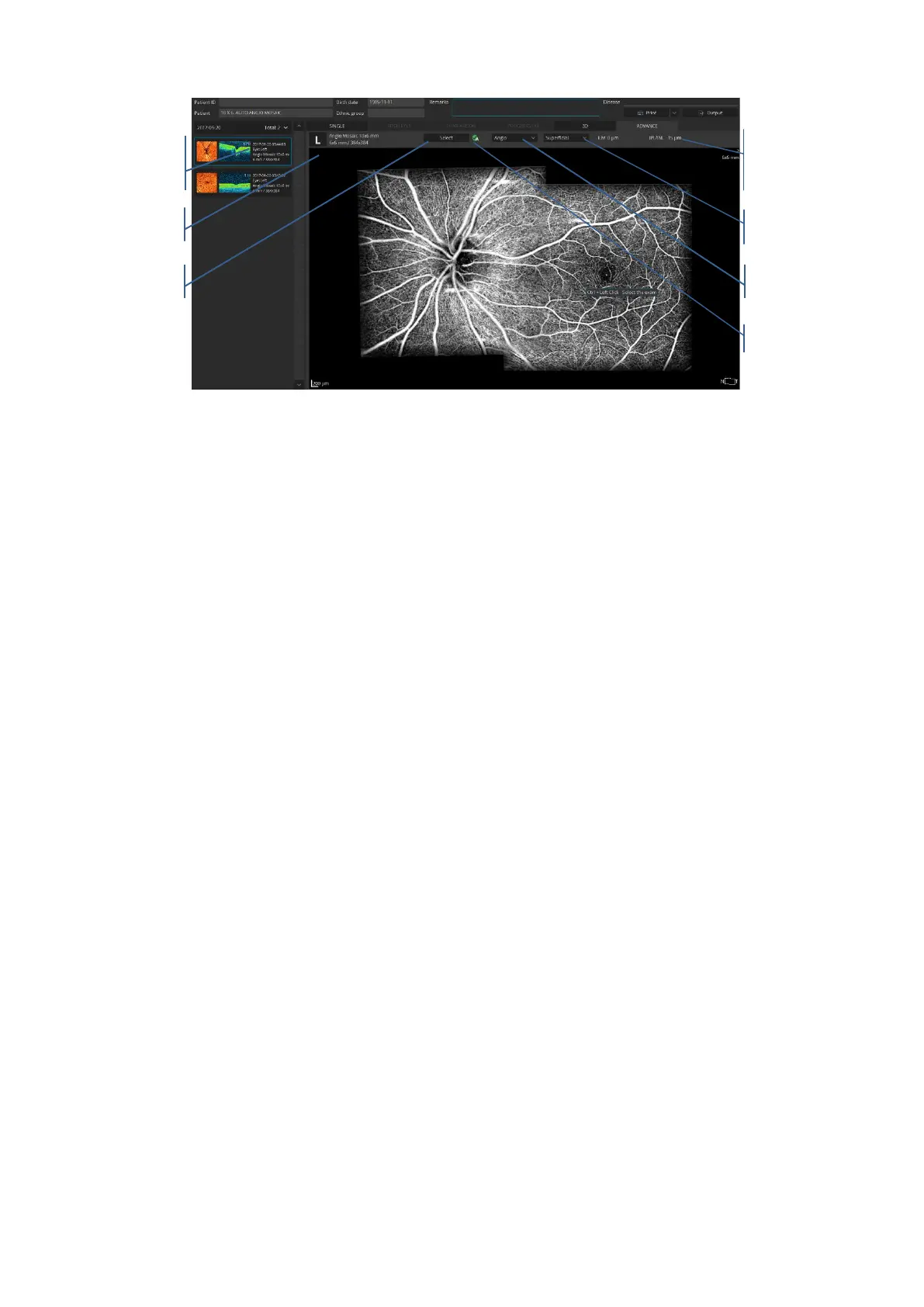
Figure 256. Advance tab – Angio mosaic.
At the mosaic window user can select one of predefined vasculature layers which base on
position of recognized retina layer. Vascular layer can be selected from the list box:
Vitreous - Structure above ILM layer
Retina - Retinal vasculature angiogram
Superficial - Superficial capillary plexus
RPC - Radial Peripapillary Capillaries
Deep - Deep capillary plexus
Outer - Outer retina layers (avascular zone)
Choriocapillaris - Choroid choriocapillaris visualization
Choroid - Choroid visualization.
Type of displayed data can be selected from the list box. User can select from the list box:
Angio - Vascular angiogram from selected vascular layer
Enface - Enface structure from selected vascular layer
Depth Coded - Color-coded Retinal vasculature angiogram
Retina thickness - Retina thickness map
RNFL thickness - RNFL thickness map



 To Next Page