47 / 374
SOCT User Manual Version 10.0 rev. A
menu. To customize width of each column, grab the end of the column’s header and move to
desired position.
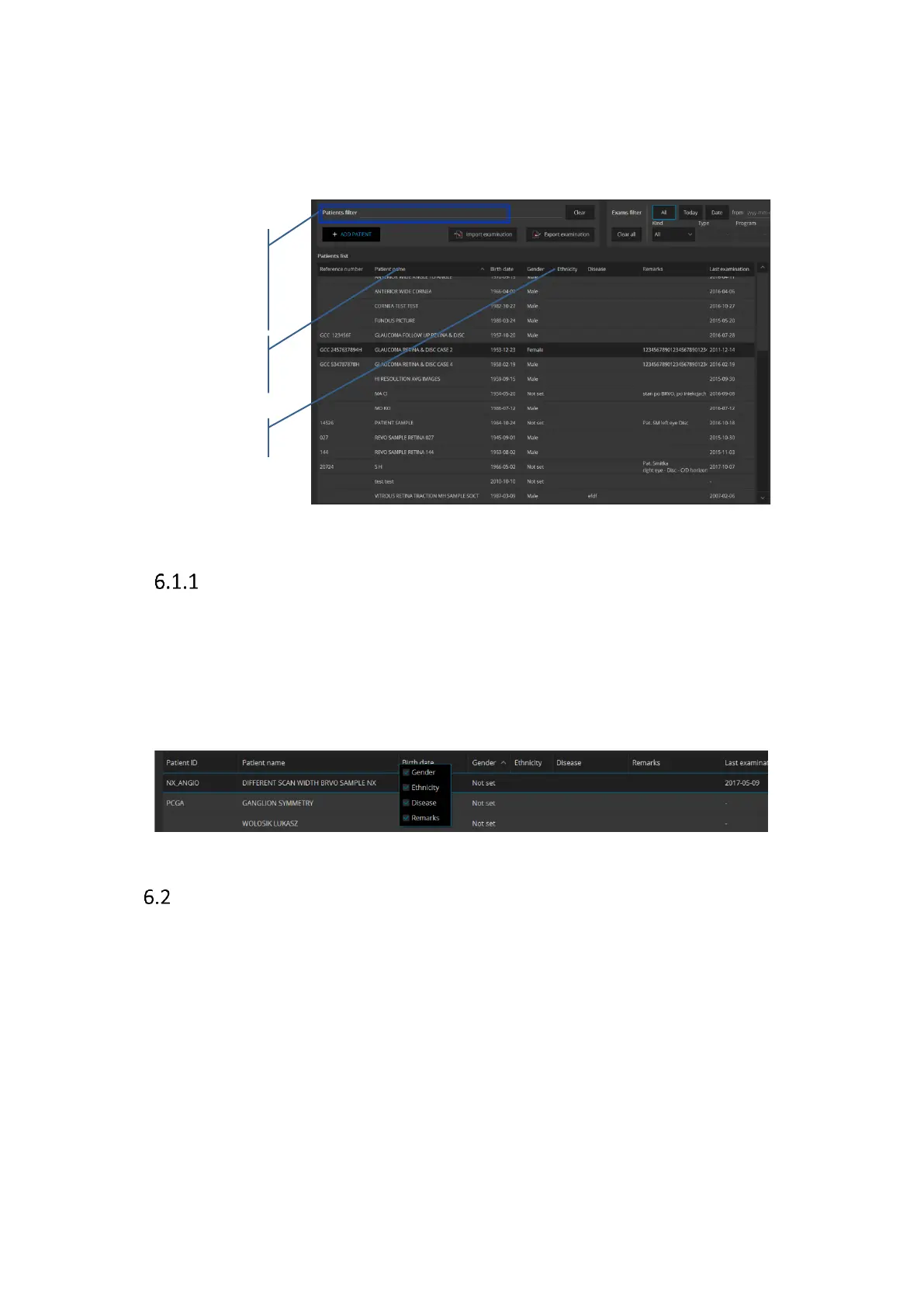
Patient filter: use this field to quickly find a patient on the list.
Figure 10. Patient list
Customization of the patient list view.
It is possible to customize the patients list view. To hide columns: Gender, Ethnicity, Disease
and remarks, Right Click over the header to open menu. Uncheck unwanted column from
menu. To customize width of each column, grab the end of the column’s header and move to
desired position.
Registering new patients
In order to register a new patient, click button [Add patient] in the main window. Patient
registration screen will open. Patient's first name, last name and date of birth must be entered
in proper fields.
Enter the first few letters of
the patient's name and the
system will find the closest
match



 To Next Page