339 / 374
SOCT User Manual Version 10.0 rev. A
DICOM client modules are based on communication with service providers (SCP hosts) within LAN
TCP/IP. DICOM identifies the application based on unique ID (AE Title) and TCP/ID address. AE Title
and TCP/ID address should be saved in the application settings and in all SCP
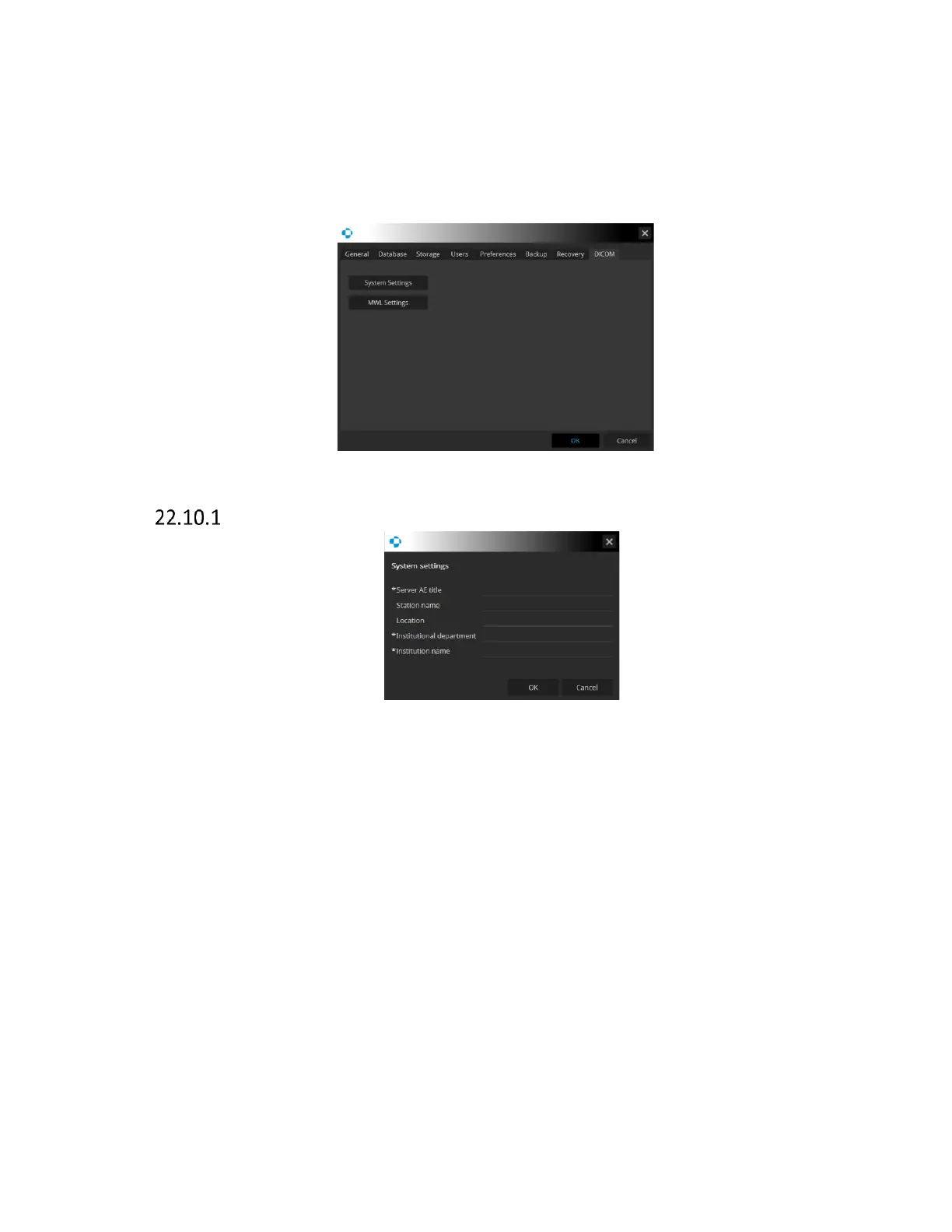
Figure 331. DICOM tab.
System settings
Figure 332. System settings window.
AE title Enter the server AE title. This is obligatory value
Station Name Input the station name.
Location Input the location.
Institutional Department Name Input the institutional department name. This is obligatory
value
Institution Name Input the institution name. This is an obligatory value



 To Next Page