331 / 374
SOCT User Manual Version 10.0 rev. A
• On request - displays ""save anonymized as.."" in RMB context menu below “Export in all
menus” when export is available
In this situation the system does not include personal information in the name of the file. The
system saves the item without information concerning the selected patient.
Text files (saving numerical data from Topography Table, Biometry Table, and in the future also
form maps and as an output).
• Disable
• Enable
Output.
Each output can have the anonymization function enabled or disabled. By default it is disabled
(unchecked). The settings for output are taken from the anonymization tab.
For example if the output is set to printout – the system anonymizes the information and method
according to 'Anonymization data' group.
For more details go to chapter 22.7.2 Creating an Output set.
Visual Field
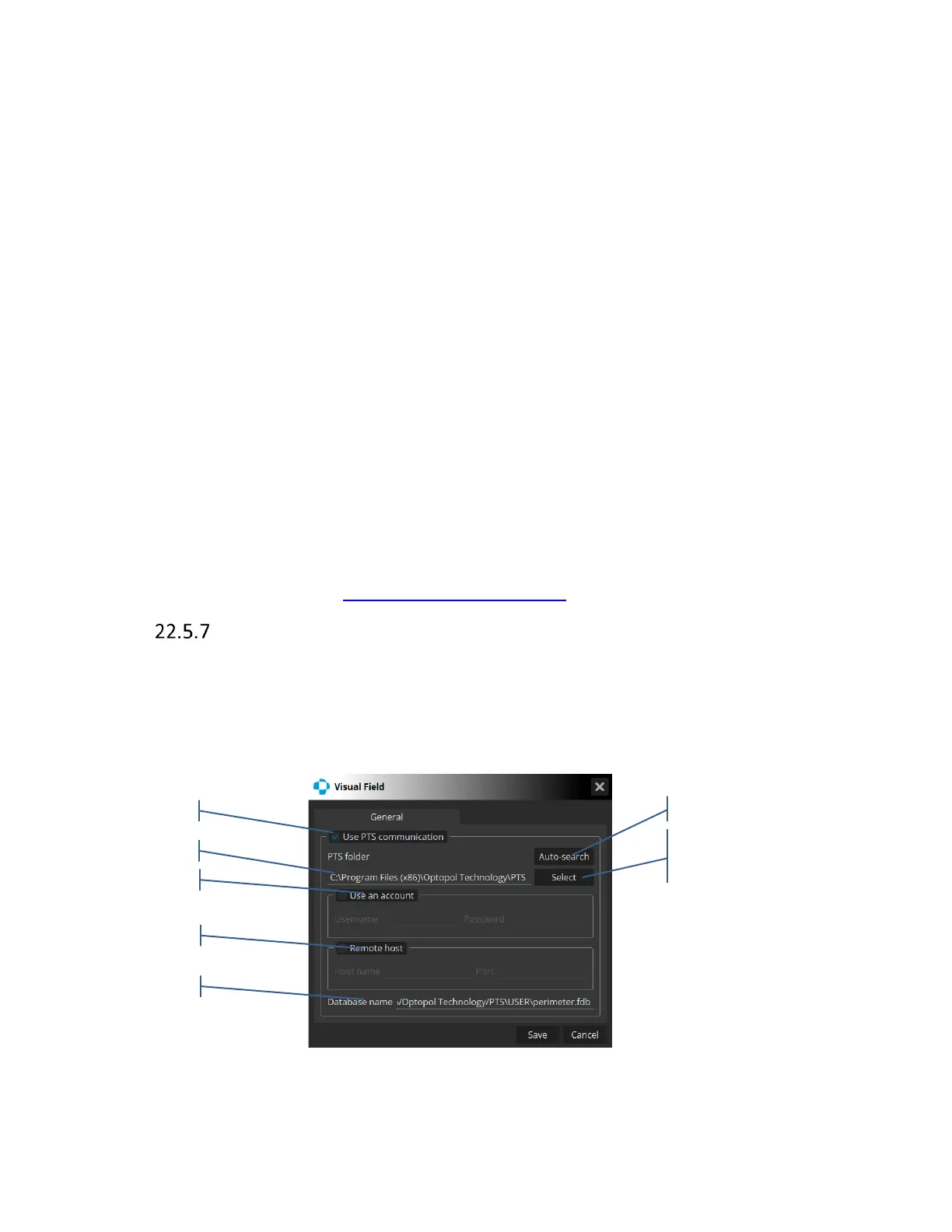
The configuration with the PTS database is done by pressing [Visual Field] in the
Setup\Preferences tab.
The system displays the Visual Field window where the user adjusts the settings necessary for the
configuration of data transfer between the PTS software and SOCT.
Figure 321 Visual Field settings window



 To Next Page