306 / 374
SOCT User Manual Version 10.0 rev. A
If the device has gone through the initial calibration successfully, the system starts to display
the information as for standard calibration.
Note: the initial calibration is usually longer and it make take a while. If the calibration ends in
failure, verify if: the Anterior adapter is installed, the tool is properly installed, the testing
surface inside the calibration tool is free from pollution, no strong light is reflected from
testing surface.
Standard calibration
When the calibration is not required, after selecting the Topography examination no
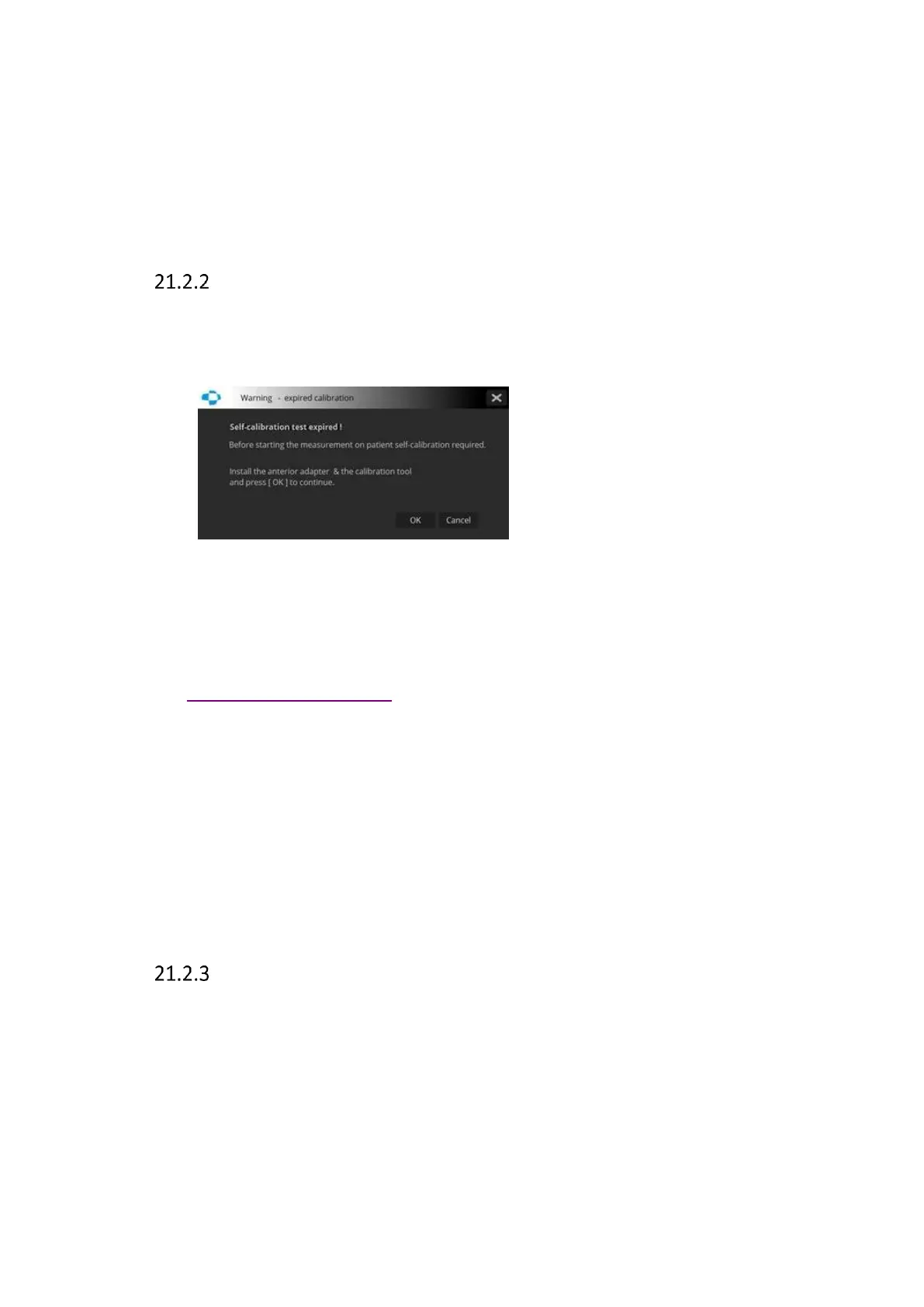
information is displayed. When the calibration is required the system displays the following
information:
[OK] – starts the calibration process
[Cancel] – skips the calibration and closes the information window
Instead of standard calibration, the user can choose to perform common calibration of
Biometry, Topography and WTW all in one go. The common calibration procedure is described
in section 21.3.5 Common calibration.
Before the examination the system checks when the device was calibrated for the last time
and display the following information:
“Last calibration X days ago. Before starting a measurement on a patient self-calibration is
recommended. Press OK to continue”.
[Skip] – goes to Acquire window
[OK] – starts the calibration process
Calibration process
At the start of the calibration process the user will be asked to “Install the calibration tool on
the chinrest and press Test”



 To Next Page