80 / 374
SOCT User Manual Version 10.0 rev. A
• Change scanners offset.
• In order to visualize the interesting retina structures better you can choose
Chorioretinal and Vitreoretinal C-gate mode.
6. Some refracting correction may be needed to obtain the best quality of tomogram.
Observe the QI bar in order to obtain the best signal while changing [FOCUS] bar position.
7. Once the scan location is aligned, ask patient to blink. Click twice on the tomogram or press
[Acquire] button. Device will initialize measurement immediately and then full scan will be
performed.
8. After examination is over the system transfers the captured image into database.
Scanning programs description
Retina examination
1. Ask the patient to look at the center of green cross and blink freely if the sound support is
Mute or disabled. If required, use the large fixation target. See chapter 7.9 Fixation target
change.
2. Verify scan program and change to RETINA if required.
3. Follow the procedure depending on Acquisition mode. See chapter 8.3 Acquisition modes
description
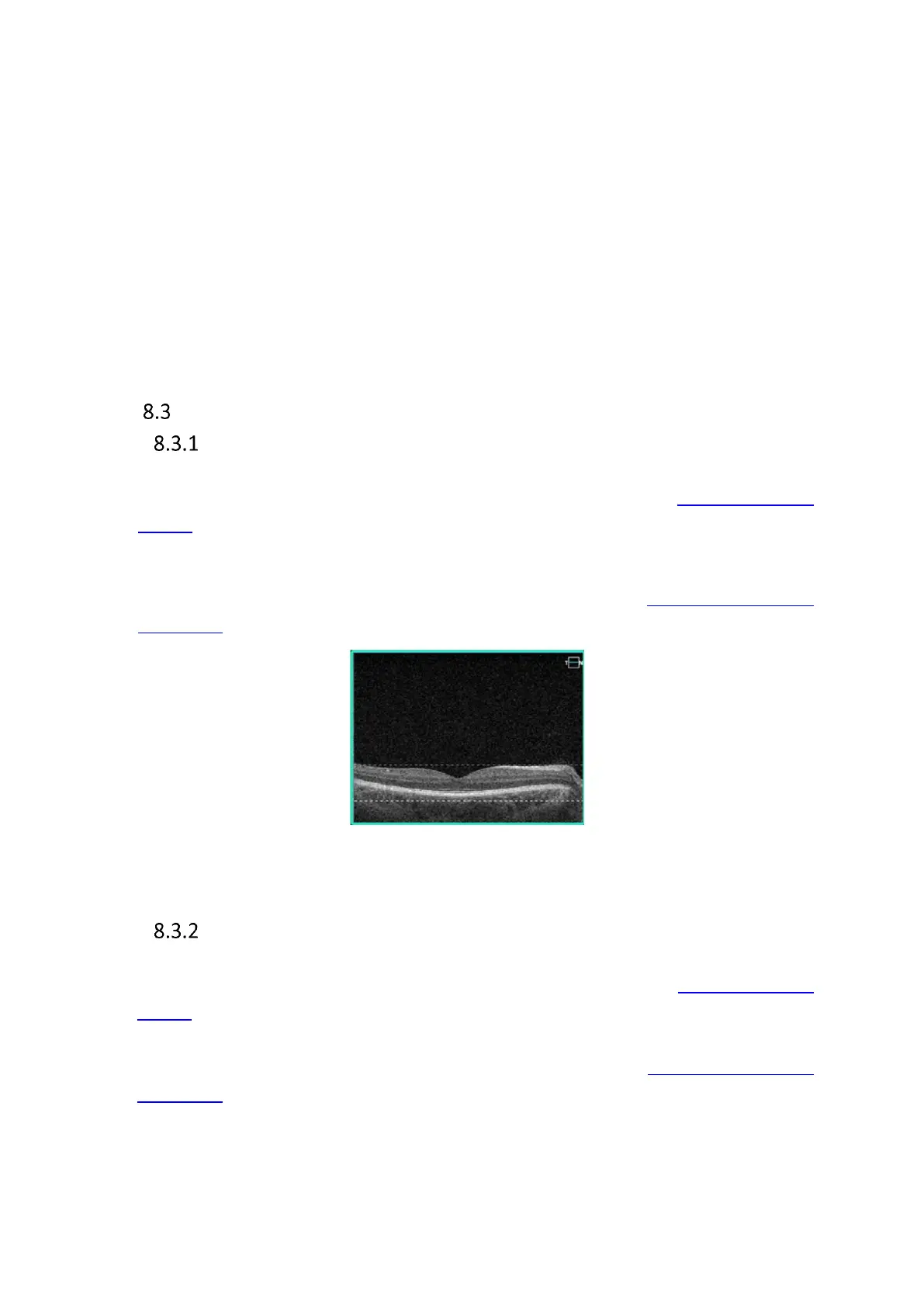
Figure 38. Proper Alignment of retina tomogram
Central examination
1. Ask the patient to look at the center of green cross and blink freely if the sound support is
Mute or disabled. If required, use the large fixation target. See chapter 7.8 Fixation target
change.
2. Verify scan program and change to CENTRAL if required.
3. Follow the procedure depending on Acquisition mode. See chapter 8.2 Acquisition modes
description



 To Next Page