166 / 374
SOCT User Manual Version 10.0 rev. A
1. Eye preview
2. Thickness map
3. Corneal thickness (μm)
The items are the same as on the [Single] tab screen. This table shows the values for each
examination. The rightmost column is the difference between the two examinations.
4. Tomogram
Same as [Single] tab screen.
5. Difference map
This color maps show the differences in corneal thickness and corneal epithelium thickness
between both examinations. Values for the differences between both examinations are shown on
the grids.
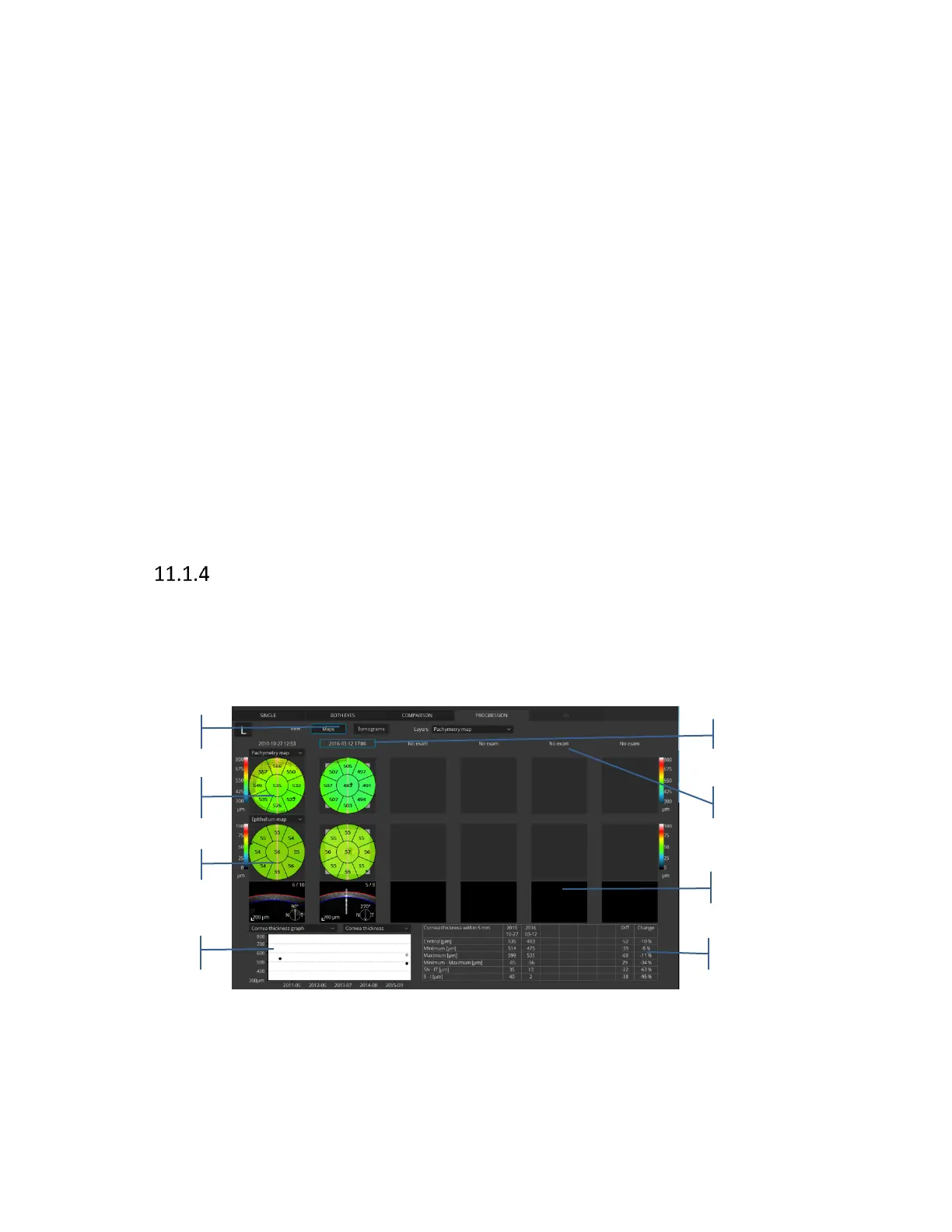
[Progression] tab screen
This screen shows the analysis results comparing six examinations arranged in time sequence of
eyes on the same side in the same scan mode, and same size of scanning area.
11.1.4.1 Maps view
Figure 139. Progression Anterior radial maps view
1. Type of view:
Available views:



 To Next Page