96 / 374
SOCT User Manual Version 10.0 rev. A
In the semi-automatic and manual modes, the image visible in the tomogram window can be
displayed in two modes:
Simple mode
Fast refresh Full Range discoupled – faster
refresh. In the simple mode the user can see
the original image together with its inverted
reflection.
Complex mode
Full Range coupled mode – default – lower
refresh. In the complex mode the original
and inverted images are coupled to form a
detailed, homogenous image.
External fixation
With the external fixation method, the patient uses the second eye to fixate on an external
target light. The SOCT may be equipped with an external fixation target arm. It is attached at
the top of the forehead support. Its position is set manually. When you select external fixation
target, instruct the patient to look at the blinking target light at the end of the external fixation
arm.
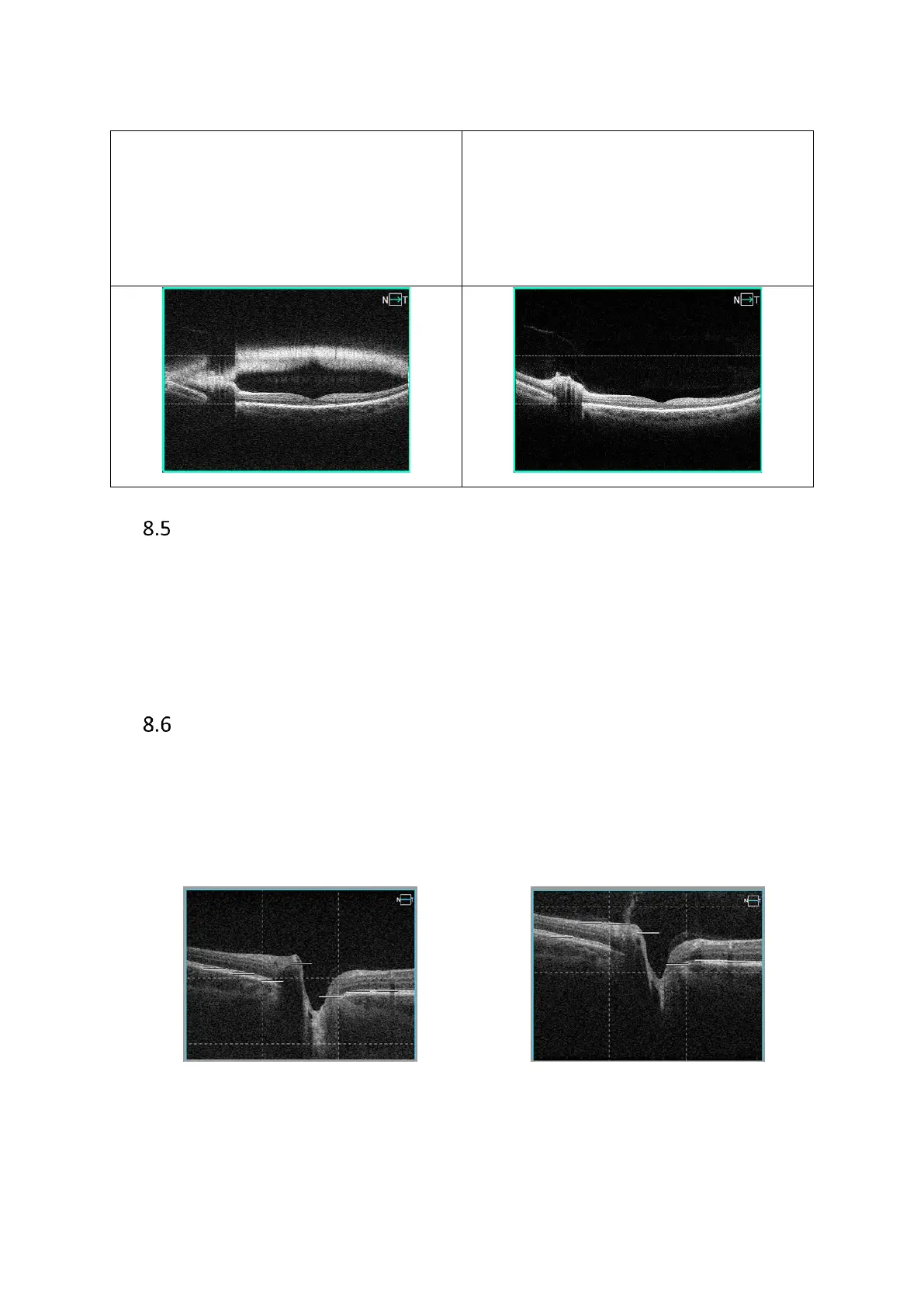
Chorioretinal/Vitreoretinal mode
Vitreoretinal / Chorioretinal C-gate mode. Settings are programmed based on scan design to
enhance either the information above the RPE (Vitreoretinal), or the choroid and overall
information (chorioretinal). Press [Settings] and select C-gate mode to change mode. Press
[OK] to change scan program.
Chorioretinal positioning Vitreoretinal positioning
Figure 63. Difference in Chorioretinal and Vitreoretinal scanning mode



 To Next Page