264 / 374
SOCT User Manual Version 10.0 rev. A
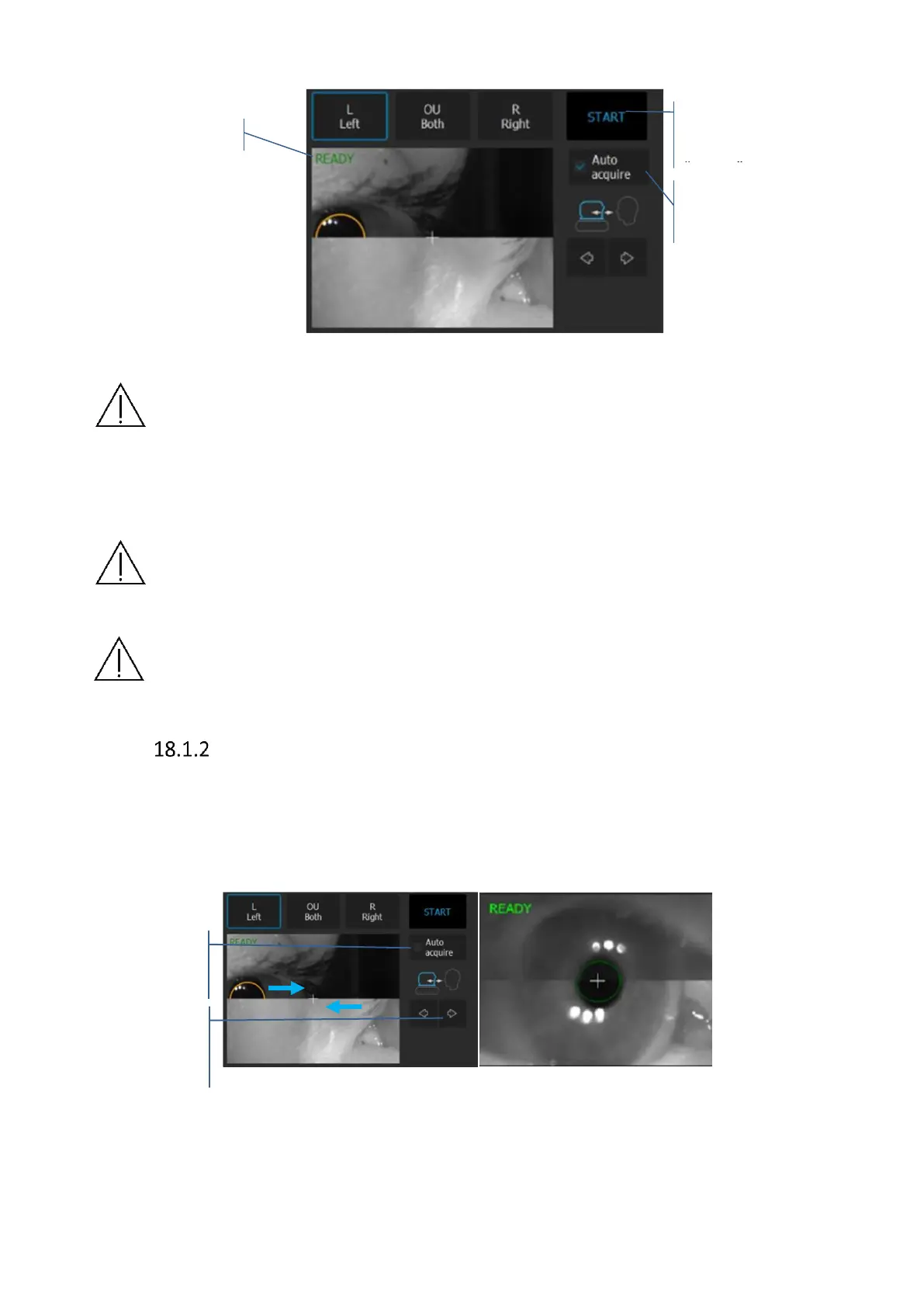
Figure 261. Full auto examination.
NOTE: There are a number of conditions in which auto functions processes could fail.
For example: dense media opacities, eyelashes or eyelid which block the beam of light,
inability of subjects to maintain fixation, strong nystagmus. When adverse condition
occurs optimize the OCT signal manually.
NOTE: If system does not detect the pupil, user has to adjust manually the center of
the patient’s pupil. In order to set working position properly, align the center of pupil
on proper height.
NOTE: In case the system is not able to keep proper position of the retina (e.g. patient
is shaking) operator has to switch off tracking and make examination manually.
Semi Auto mode
In nontypical and dense cataract cases it will be required for the operator to optimize signal
manually. The operator is guided along the examination by text messages displayed in the
tomogram preview window.
1. Uncheck [Auto Acquire]
Figure 262. Manual examination mode.



 To Next Page