EasyManua.ls Logo

Optopol SOCT Copernicus - Examination Acquisition Tab

Optopol SOCT Copernicus
374 pages
Print Icon
To Next Page IconTo Next Page
To Previous Page IconTo Previous Page
Loading...
54 / 374
SOCT User Manual Version 10.0 rev. A
7 EXAMINATION ACQUSITION TAB
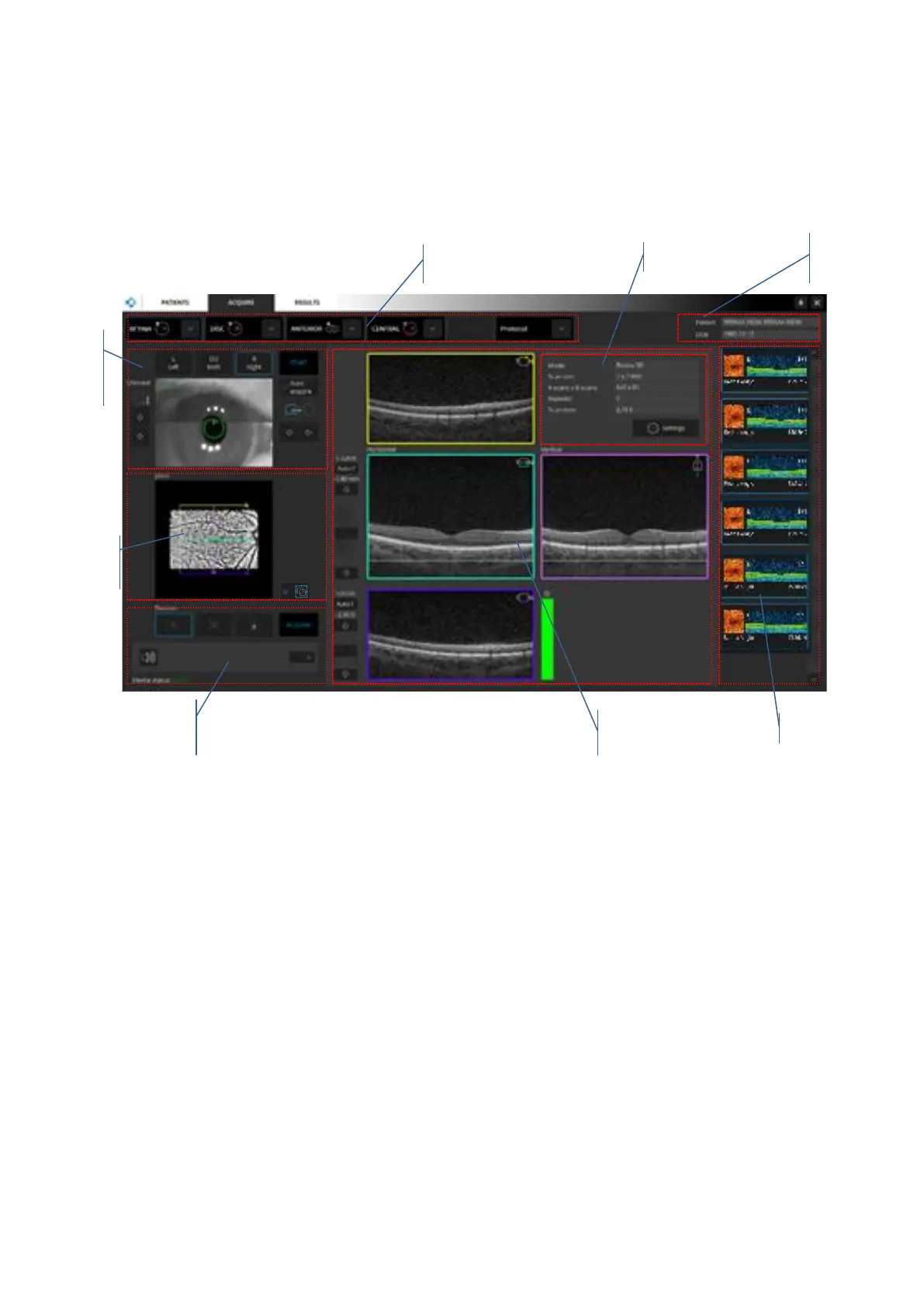
Examination acquisition tab is used to perform a new examination. In order to open the
examination window, click the Acquire“ tab at the top of the Main window. An example of the
examination window is shown below:
Figure 14.Examination window view for REVO nx / SOCT COPERNICUS REVO/ SOCT COPERNICUS / REVO
60/REVO 80

pSLO live
fundus preview
Parameters panel
Examination panel
Examination list
Patient
information
Fixation control and voice
guide language selection
Live OCT preview
Device head
movement
controls

Table of Contents

Other manuals for Optopol SOCT Copernicus

Related product manuals