286 / 374
SOCT User Manual Version 10.0 rev. A
NOTE: In case the system is not able to keep the proper position of the retina (e.g. the
patient is shaking) the operator needs to switch off tracking and do the examination
manually.
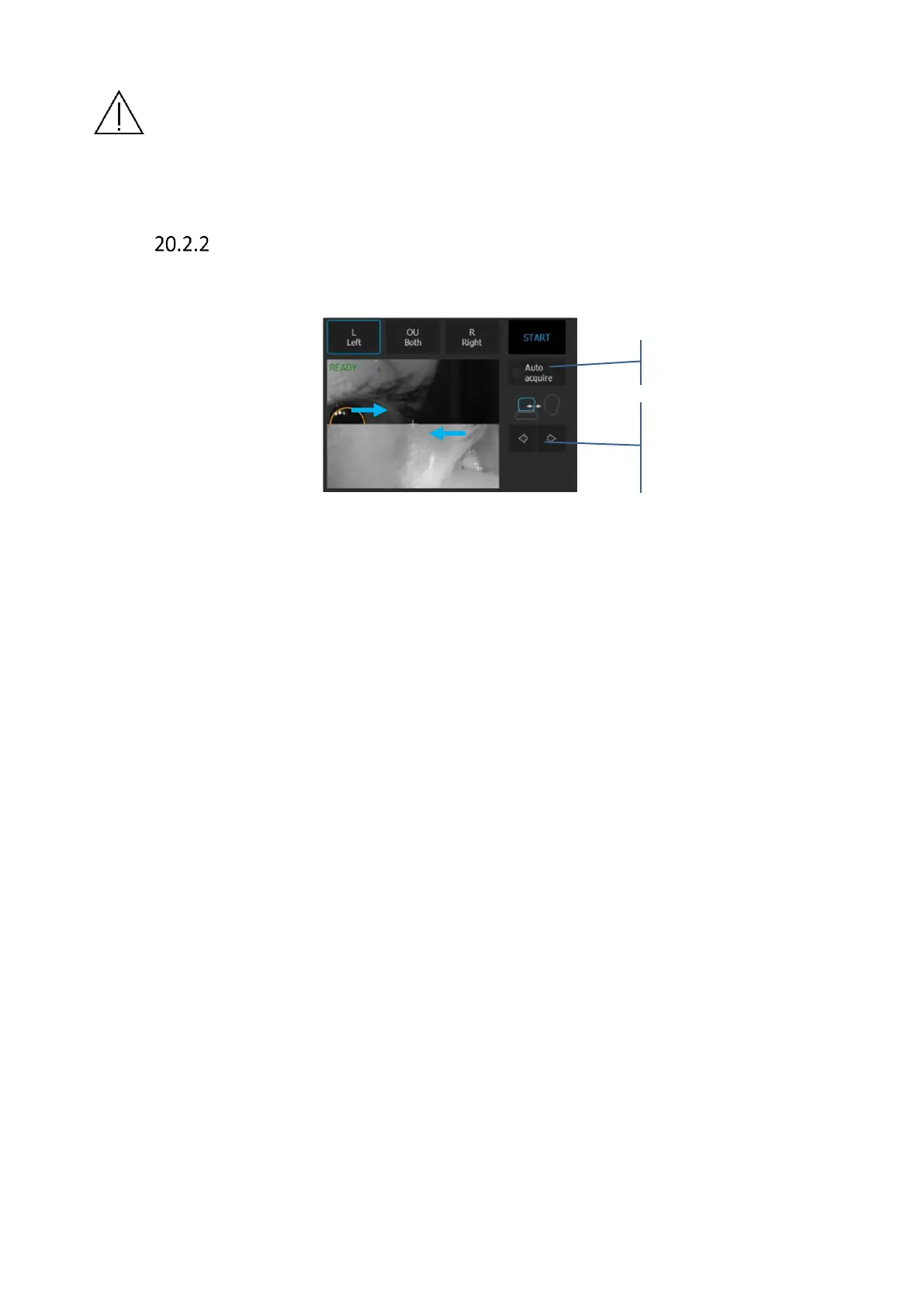
Semi Auto mode
1. Uncheck [Auto Acquire]
Figure 283. Manual examination mode
2. Cornea OCT signal should appear in the tomogram preview. If it does not, adjust C
Gate manually by moving the sliding bar or scrolling over the tomogram window.
If you cannot find cornea OCT signal adjust the patient refraction value and try to
find the signal once more.
3. Some refracting correction may be needed to obtain the best tomogram quality.
Observe the QI bar in order to obtain the best signal while changing [FOCUS] the
bar position.
4. Verify the position of the cornea which should be placed on the dashed horizontal
line. The center of the cornea should be on the vertical dashed line whenever
possible.
5. Once the cornea position is aligned ask the patient to blink and start the final
topography acquisition. Click twice on the tomogram or press the [Acquire] button.
The device will initialize the measurement immediately to perform a full scan.



 To Next Page