145 / 374
SOCT User Manual Version 10.0 rev. A
10.4.3.1 Availability of VF results
VF results layer is available in the [Combined] tab:
• in Retina maps if a Macula or Central visual field test is currently loaded (displayed as
either point 10-2, point 24-2 or 30-2) for a given eye;
• in Disc maps if a central or macula visual field test is currently loaded (displayed as
either point 24-2, point 30-2 or 10-2) for a given eye.
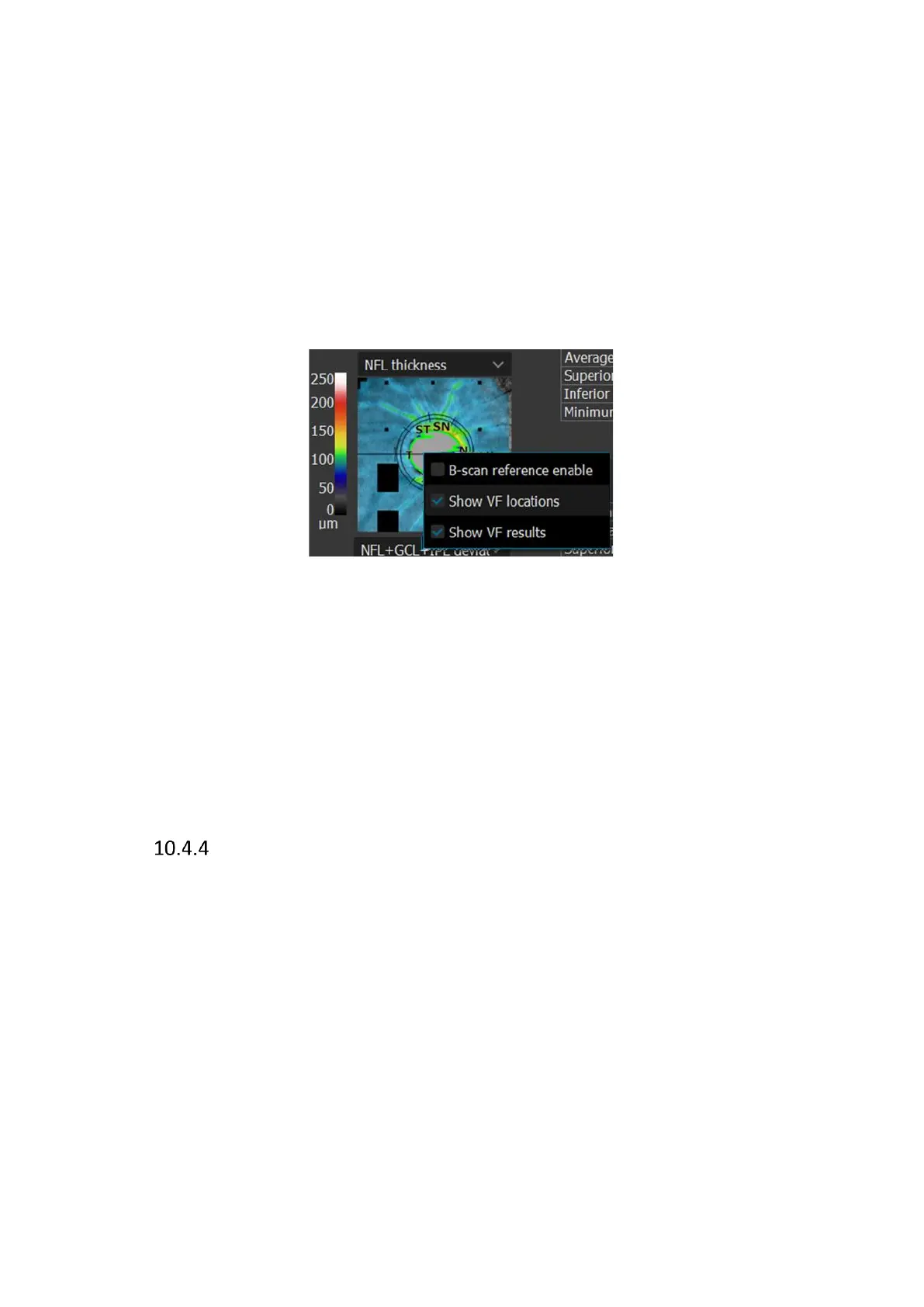
It can be toggled on and off by selecting VF results in the context menu from select views.
Context menu can be accessed by right-clicking on a suitable preview.
If the VF results layer is available and enabled, the VF locations layer for the map is hidden (if
enabled). Enabling VF results in one view enables it in all views for which VF locations can be
displayed.
Printouts from individual views reflect the display state of the VF locations function in the user
interface. The VF results display state is saved to the specific user and the state is saved after
the application restart.
Structure & Function – VF Locations Layer
The VF Locations layer displays the position of points of Visual Field, at appropriate locations
adjusted to foveola hole and disc area in the Retina and Disc maps. VF points of 10-2 and 30-2
test fields are arranged in a way that takes into account the non-linear relationship of VF results
and retina OCT imaging.
The VF Locations layer can be enabled in the context menu in any of NFL thickness, NFL
Signification and NFL deviation maps.
This functionality does not require an active connection with PTS software.



 To Next Page