346 / 374
SOCT User Manual Version 10.0 rev. A
Fuse
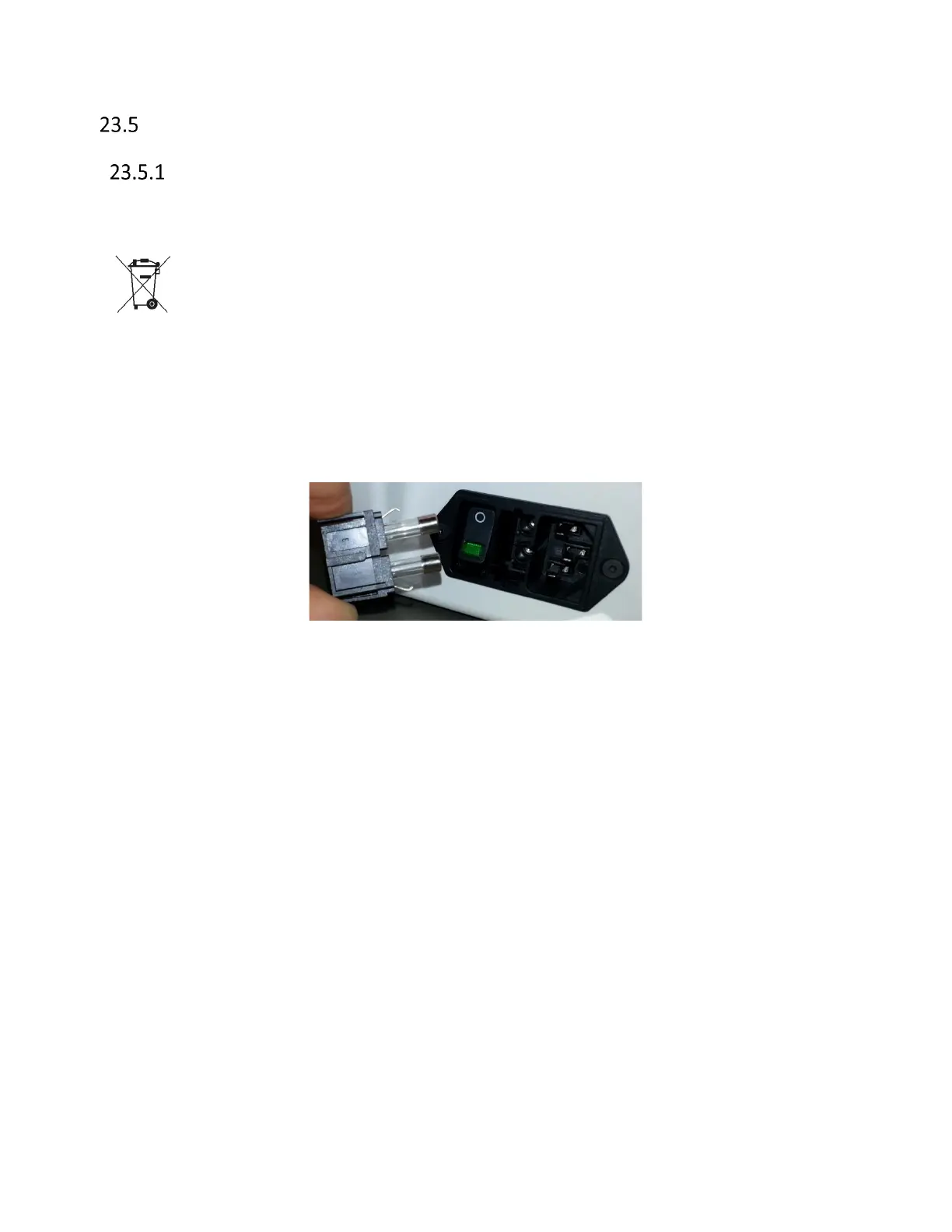
Blown fuses exchange
If the device does not work when the power is on, the possible reason is a blown fuse.
IMPORTANT: Before exchanging the fuses, make sure that there are no other visible
reasons causing the device not to work (broken cables, not connected cables, etc.).
Before exchanging the fuses, turn the device off and unplug it from power supply
socket.
The fuses are located in the power supply socket at the back of the device. In order to
replace the fuses, unplug the power supply cable, press the small plastic lever and pull
the fuses casing.



 To Next Page