249 / 374
SOCT User Manual Version 10.0 rev. A
Mark the desired examinations on the Exam List in Results view (hold the ctrl button and click
on each exam), press the right mouse button and select “Motion correction” from the Menu.
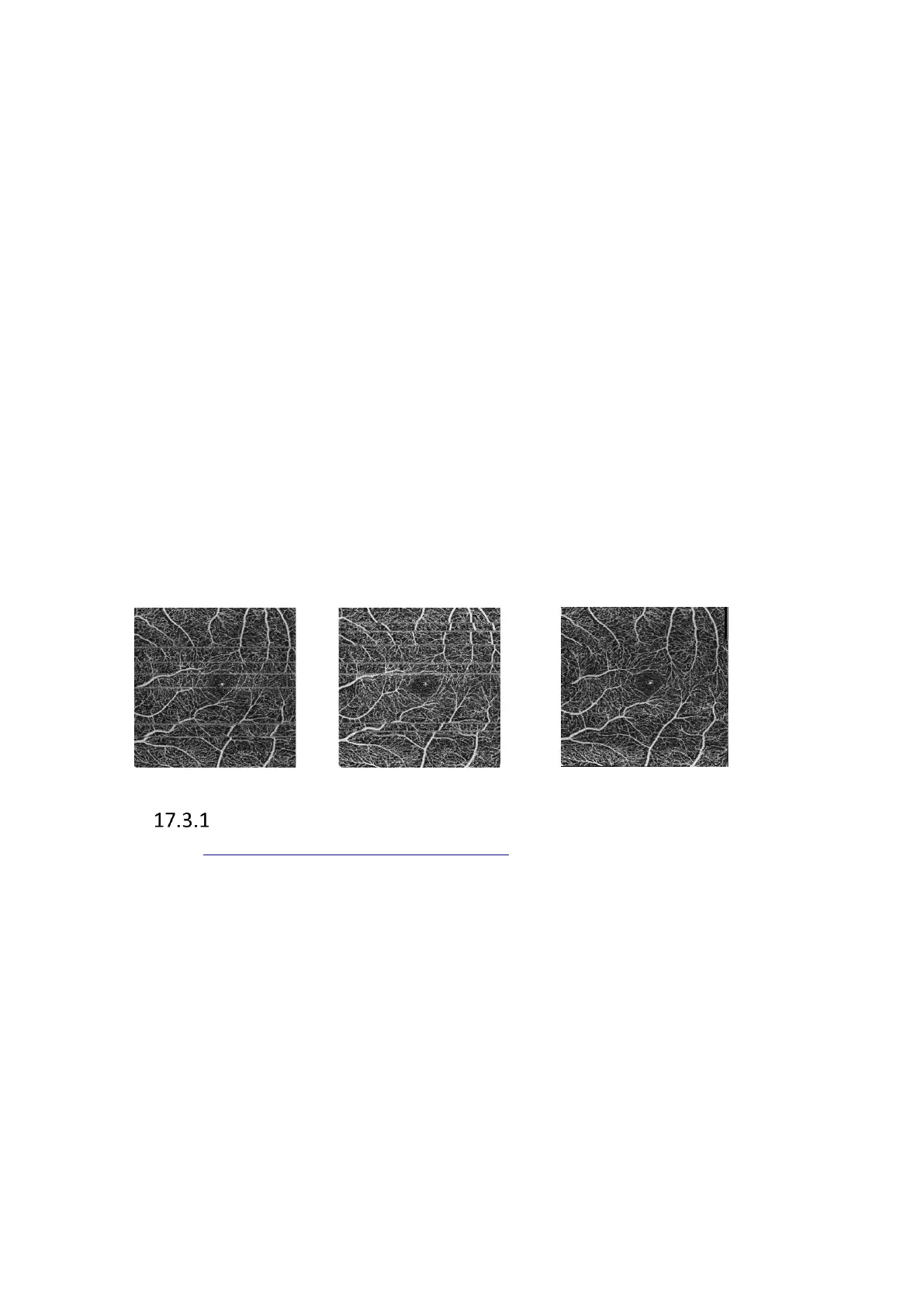
The system will generate a new exam free of or with reduced motion artifacts.
If you use the Repeat function you can choose the Motion Correction function from the menu
without selecting exams. The system will use all repeated examinations from the specified
location.
The user can run the MC automatically by right-clicking on the chosen exam and selecting
“Motion correction” from the context menu. The software generates the results from 1 up to
6 examinations depending on the number of identical exams available.
Note: All marked examinations must have the same physical dimensions and the same number
of A and B scans and the same exam type. Please note, if the affected area repeats exactly in
the same position on all scans, the system will not be able to eliminate the artifact from this
area.
Note: The right amount of data and the quality of the examination are necessary for correct
motion artifacts reduction.
Figure 250. Example of Motion Corrected examination
Motion Correction in 3D Examinations
See chapter 7.11.1 Acceptance window for a 3D scan.



 To Next Page