85 / 374
SOCT User Manual Version 10.0 rev. A
Anterior measurement
In order to conduct examination of anterior segment, follow the instructions below:
1) Select Anterior, and scan program if required.
2) Prepare the patient as explained in chapter 8.1 Preparartion for examination.
3) Press the [START] button to switch to the Full Auto or Semi Auto acquisition mode.
4) In Semi Auto or Manual verify the position of the OCT signal before pressing [Acquire]
button.
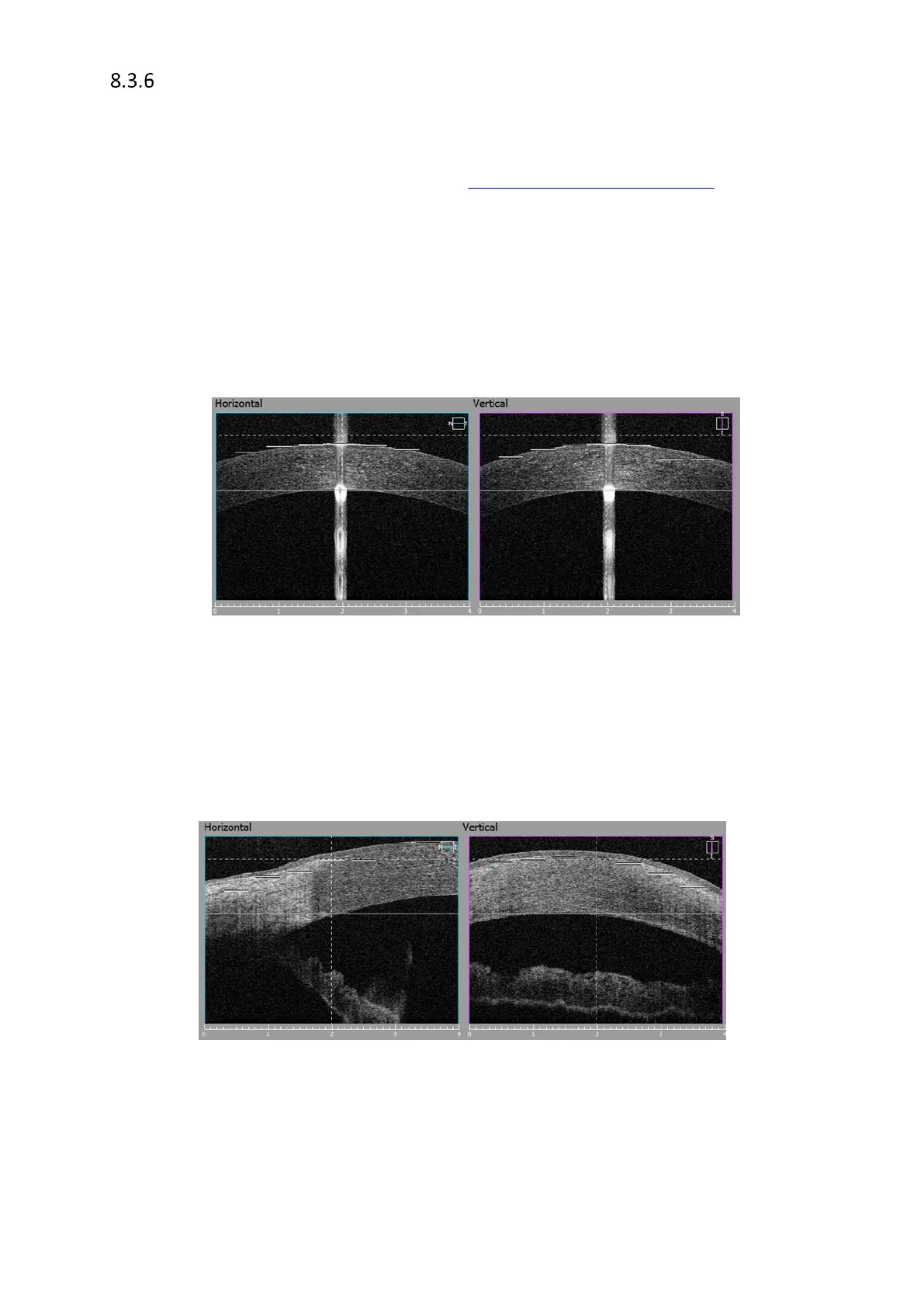
Cornea scan – (For pachymetry map use Anterior Radial scan). Locate the cornea in
between two dashed lines to get the best cornea images. Use center reflex from cornea to
locate the scan in the middle of scanned window. Use vertical dashed lines as reference.
Figure 44. Proper Anterior measurement alignment
Angle scan – There are two techniques of acquiring single Angle scan. Use Single B scan
Method I. Ask patient to look to the side(edge of device head) or use external target to
guide the patient until cornea with sclera are parallel to the scanning window. Grab and
move the cornea until the anterior angle will be in the center of the scanned window. See
image below for reference.
Figure 45. Single angle measurement proper alignment
Method II. Ask patient to look straight forward. Move the scanning head until Anterior angle
appears in the scan window. In this method it is recommended to scan in Bottom mode.



 To Next Page