308 / 374
SOCT User Manual Version 10.0 rev. A
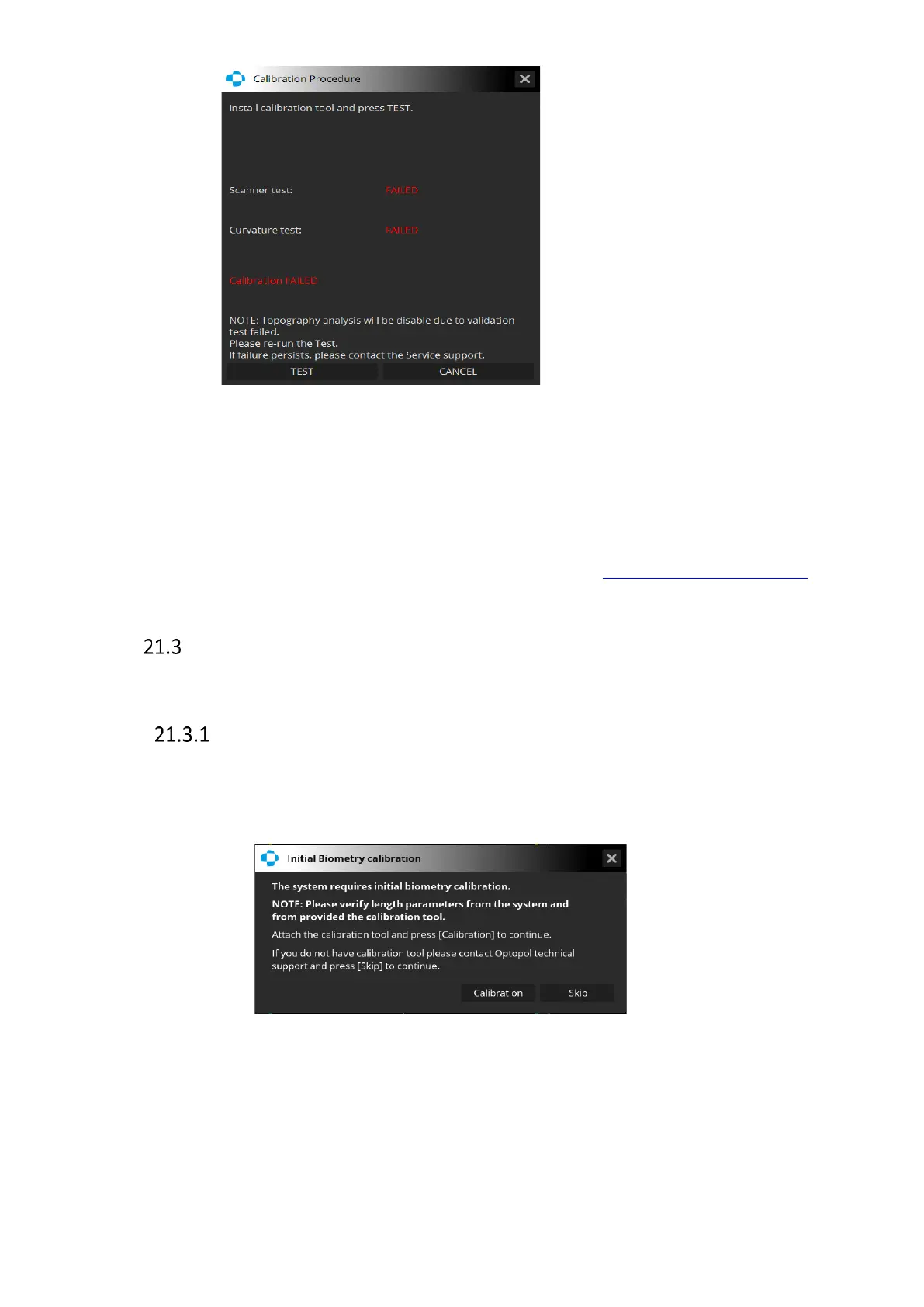
[Cancel] – close the window
[Test] – repeat calibration
If the device does not pass the software calibration, it is impossible to test and analyze in the
topography mode.
If both the Topography and Biometry modules have been activated in the system, the user
can calibrate them in one go. This procedure is described section 21.3.5 Common calibration.
Axial length (biometry) calibration
Performing calibration of the Biometry module ensures high precision of measurements.
Biometry calibration with the IOL Calculation tab unactivated
Once the Biometry module is opened for the first time the system prompts the user to perform
the initial calibration. After a year since the initial calibration the user will be prompted to
repeat the calibration procedure.
To skip calibration, click [Skip]. The calibration prompt will be displayed on the next day.



 To Next Page