77 / 374
SOCT User Manual Version 10.0 rev. A
Acquisition modes description
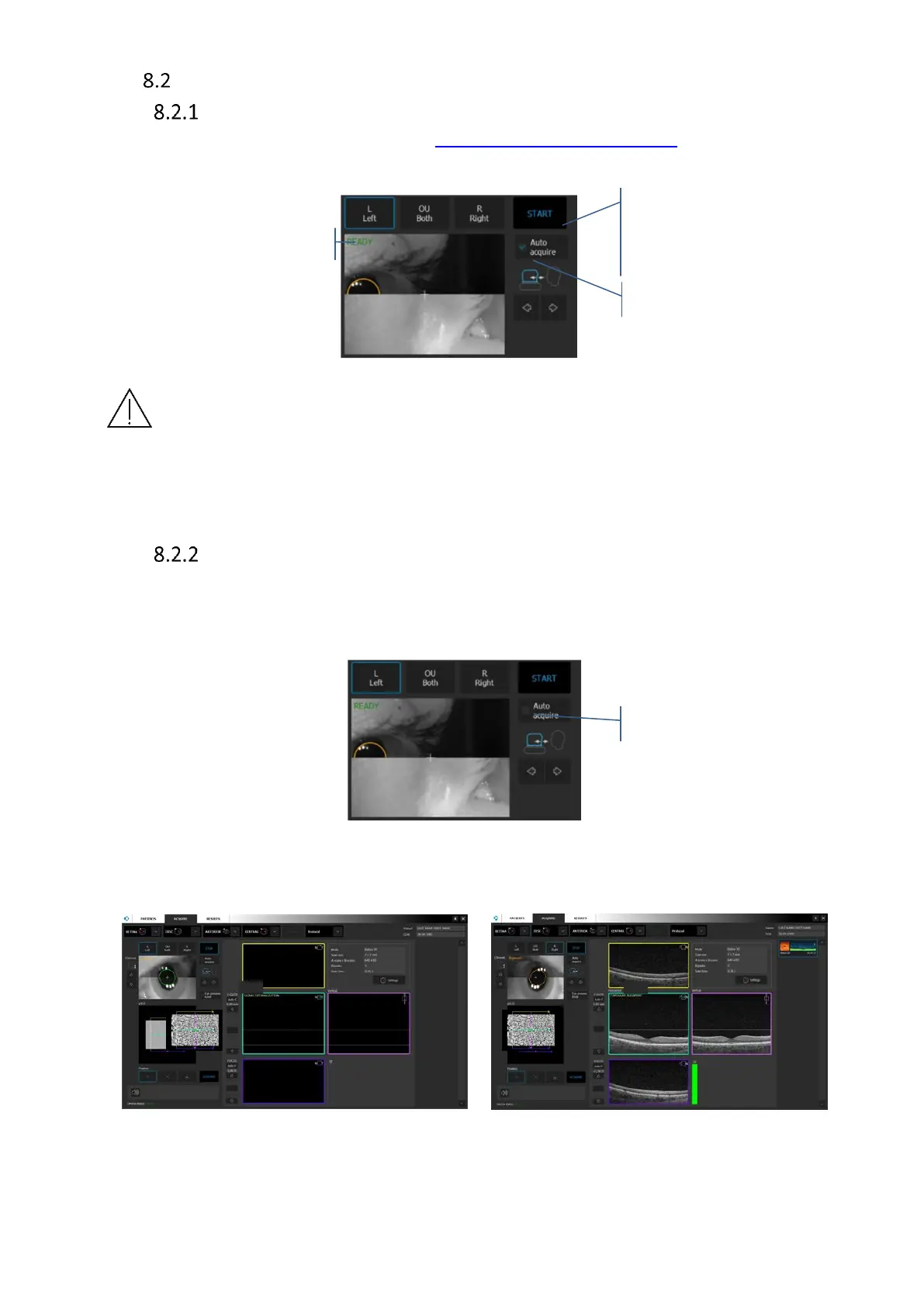
Full auto mode
1. Prepare patient’s position, see chapter 8.1 Preparation for examination.
2. Press START button. Wait until the system finishes the examination. Patient will be voice
guided by the software.
Figure 31. Full auto examination
NOTE: There are a number of conditions in which auto functions processes could fail.
For example: dense media opacities, eyelashes or eyelid which block the beam of light,
inability of subjects to maintain fixation, strong nystagmus. When adverse conditions
occur, optimize the OCT signal manually.
Semi Auto mode
1. Uncheck [Auto Acquire] and press [START]. The system will automatically align and
optimize tomogram [align XYZ head position, Optimize OCT signal (C-gate, Focus), align
tomogram position].
Figure 32. Semi auto examination
2. OCT signal will be placed between horizontal lines.
Figure 33. Semi-automatic examination mode



 To Next Page