347 / 374
SOCT User Manual Version 10.0 rev. A
24 NETWORK CONFIGURATION
Networking configuration procedure is described in the Installation Manual provided on the USB
Installation Disc.
Network connection configuration
SOCT network
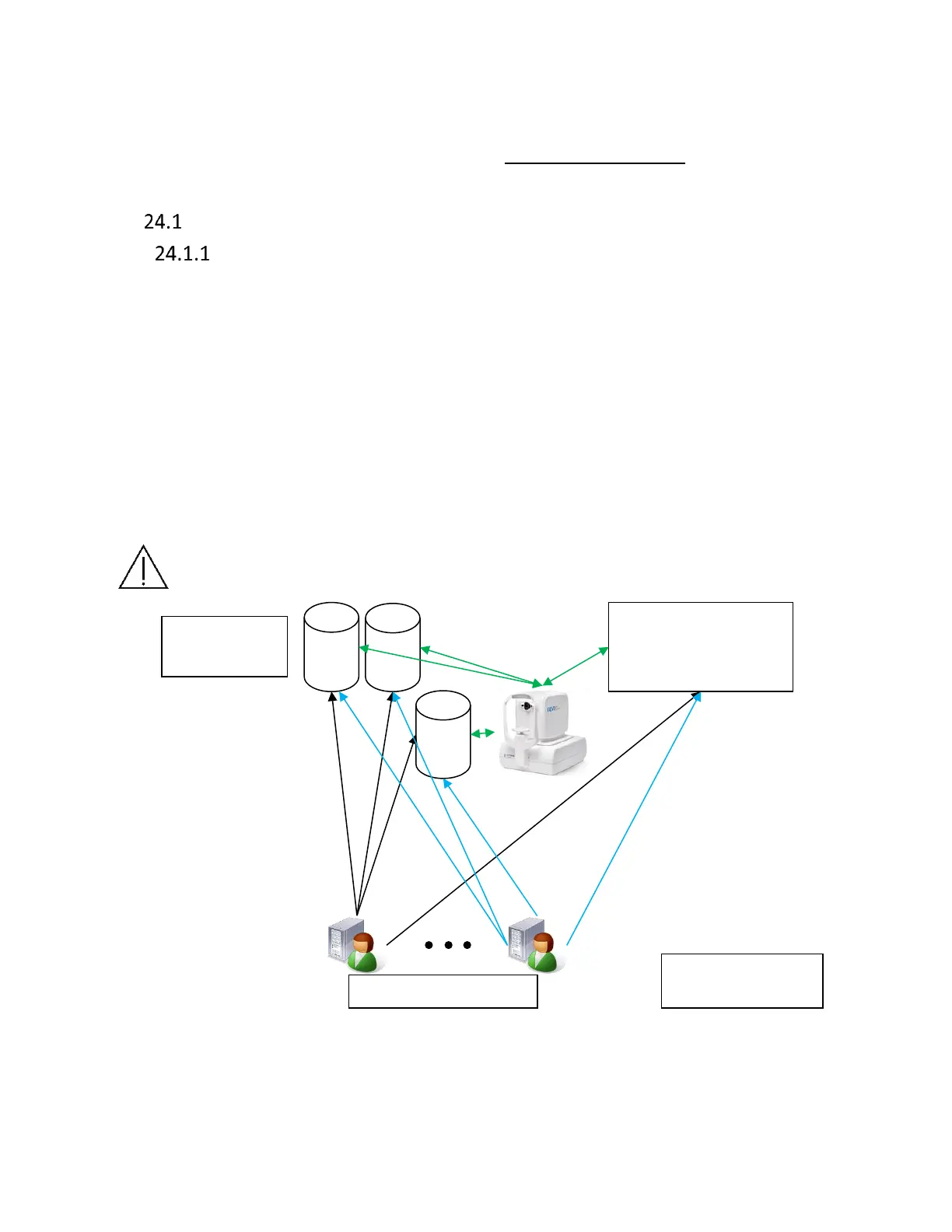
SOCT software allows to locate examination data on external network locations or HDD. Besides
that, it is possible to share the database table from SOCT device PC. There is unlimited number of
PCs connected to the same LAN which have access to SOCT database. All applications connected
to server database should have the same settings in setup database tab (SOCT device software,
viewing stations). Efficiency of work is limited by network structure and PC performance (OS
Windows required). It is recommended to use minimum 1000 Mbps network structure. There is
no additional synchronization button, this mechanism is done in the background.
Server application (e.g. MySQL, firebird) can also be installed on SOCT PC, in that case it will have
to be on to share the database with viewing stations.
NOTE: Database tables storage has to be done with a use of server software e.g. MySQL.
Figure 335. Networking possibilities scheme.
Networking functionality restrictions



 To Next Page