147 / 374
SOCT User Manual Version 10.0 rev. A
The context menu with the option to enable VF locations is available for Retina 3D and Disc 3D
examinations when viewing:
• Retina 3D: Tab |Both| sub view [Ganglion]
• Disc 3D: Tab |Both|
• Retina 3D and Disc 3D: Tab | Advanced |
• Retina 3D and Disc 3D: Tab | Combined |
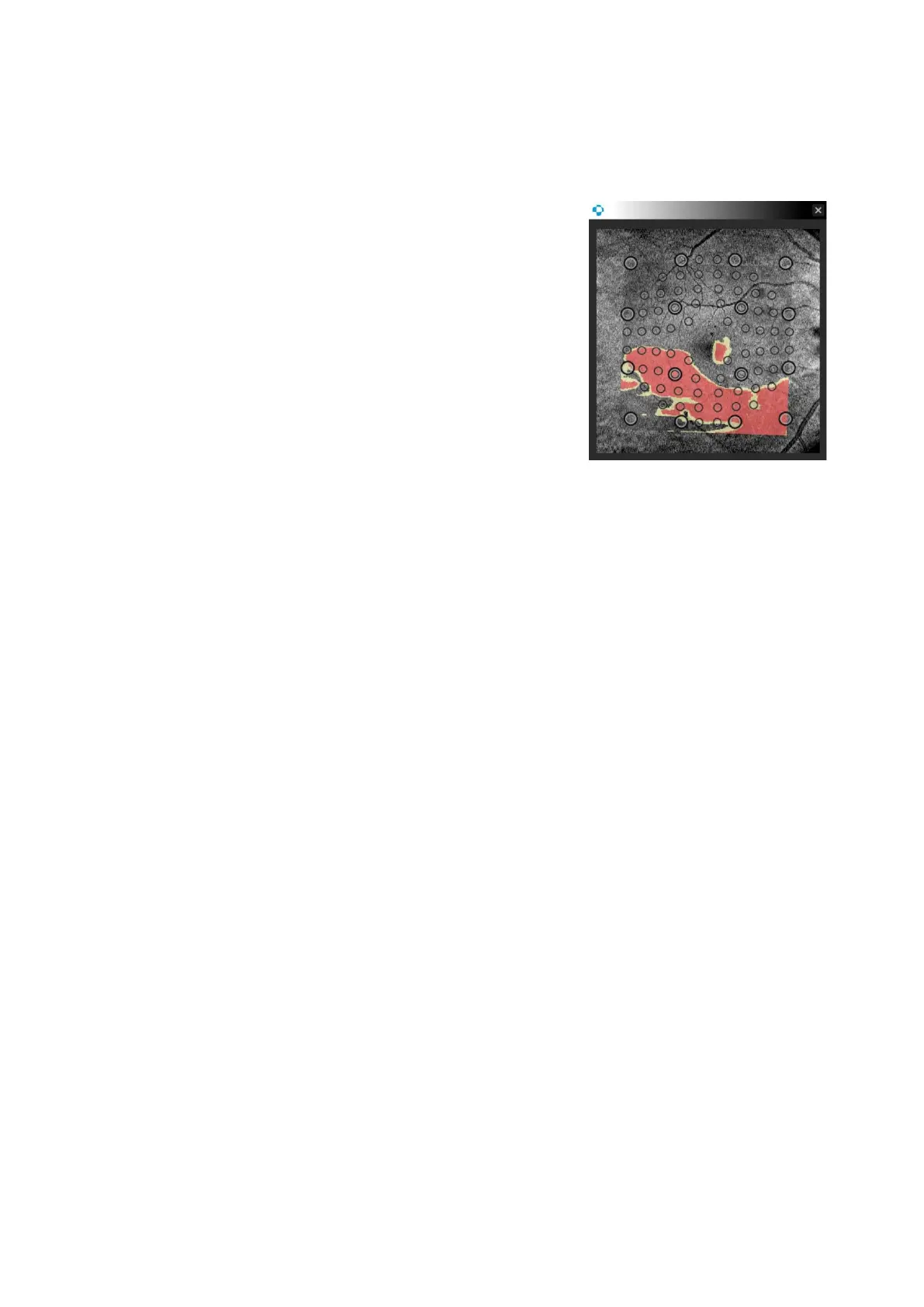
The VF locations layer is also visible when in magnification
windows after double clicking select view with VF locations
displayed, as seen from the example on the right:
Printouts from individual views reflect the display state of the VF locations function in the user
interface, so printouts are the same.
The display state of VF locations is saved to the specific user and the state is remembered after
the application restart. This setting is enabled by default.



 To Next Page