67 / 374
SOCT User Manual Version 10.0 rev. A
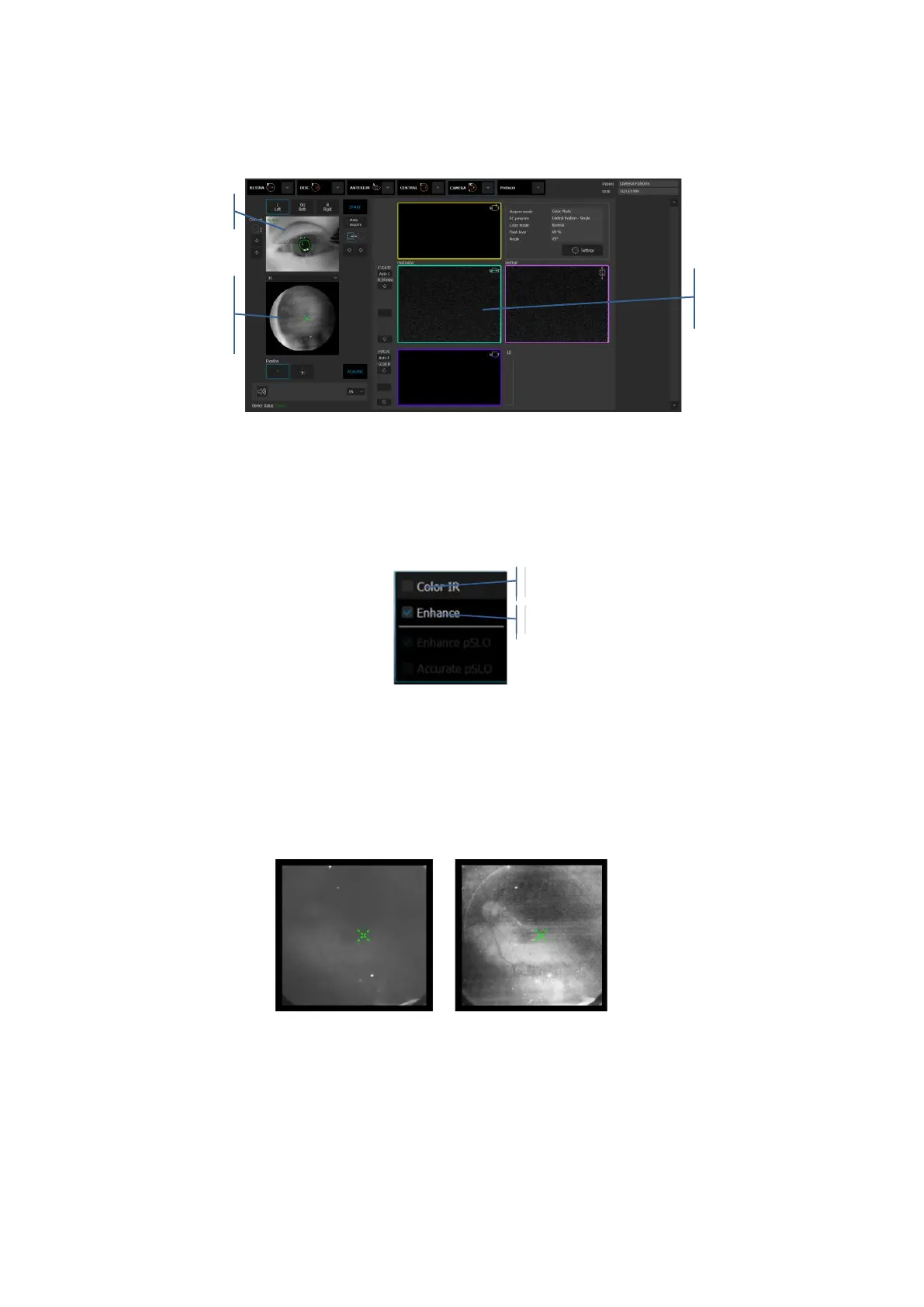
b. Live preview window – you can move the fixation target or scroll the mouse wheel over
the window to change the working position
c. Grab and move the horizontal and/or vertical tomogram windows.
When the IR mode is selected in the live fundus preview, a context menu becomes available.
To open the menu, right click on the IR preview window:
Figure 22. IR preview window context menu
Enhance mode – process the IR image to enhance fundus signal. Useful for patients with
cataract or small pupil.
Color IR – places a pseudo-color mask on the IR image



 To Next Page