70 / 374
SOCT User Manual Version 10.0 rev. A
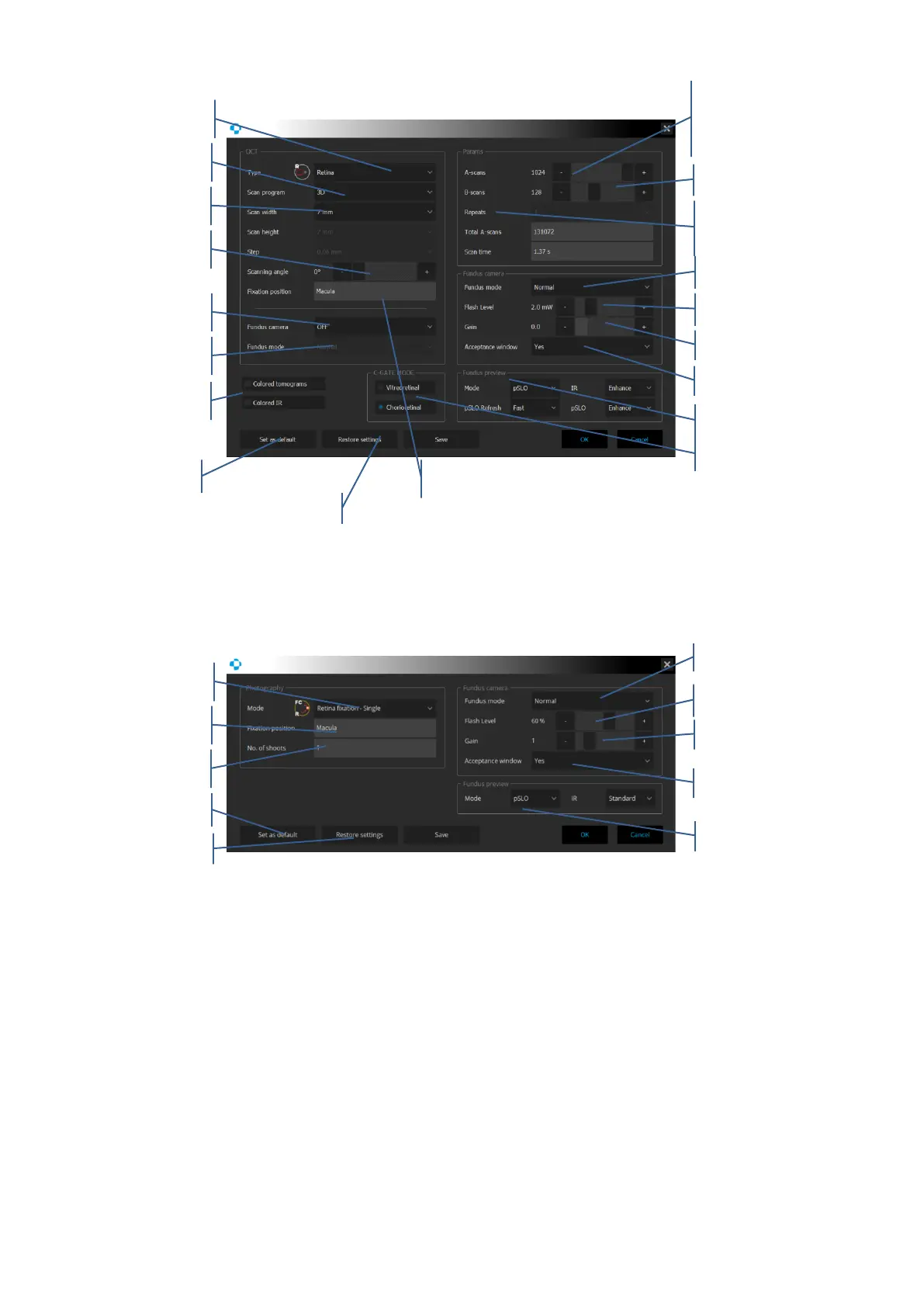
Figure 26. OCT examination settings panel
Figure 27. Fundus Camera mode examination settings panel
After the scanning program has been selected, the user is able to set the following parameters:
- Scan width depending on the scan mode.
- Scan height. It is available for Raster only.
- Spacing – Distance between consecutive tomograms. For Raster scan user can modify
the distance, for all other programs the system displays the value automatically.
- Scan angle – change angle of scanning.
- Number of A-scans per B-scan.
- Number of B-scans (not available for single B-scan, Cross and Raster scanning program).



 To Next Page