74 / 374
SOCT User Manual Version 10.0 rev. A
When the system does not recognize any motion artifacts, it will not create an MC scan. In this
situation, instead of the MC mark the system will display the time of the exam without
artifacts.
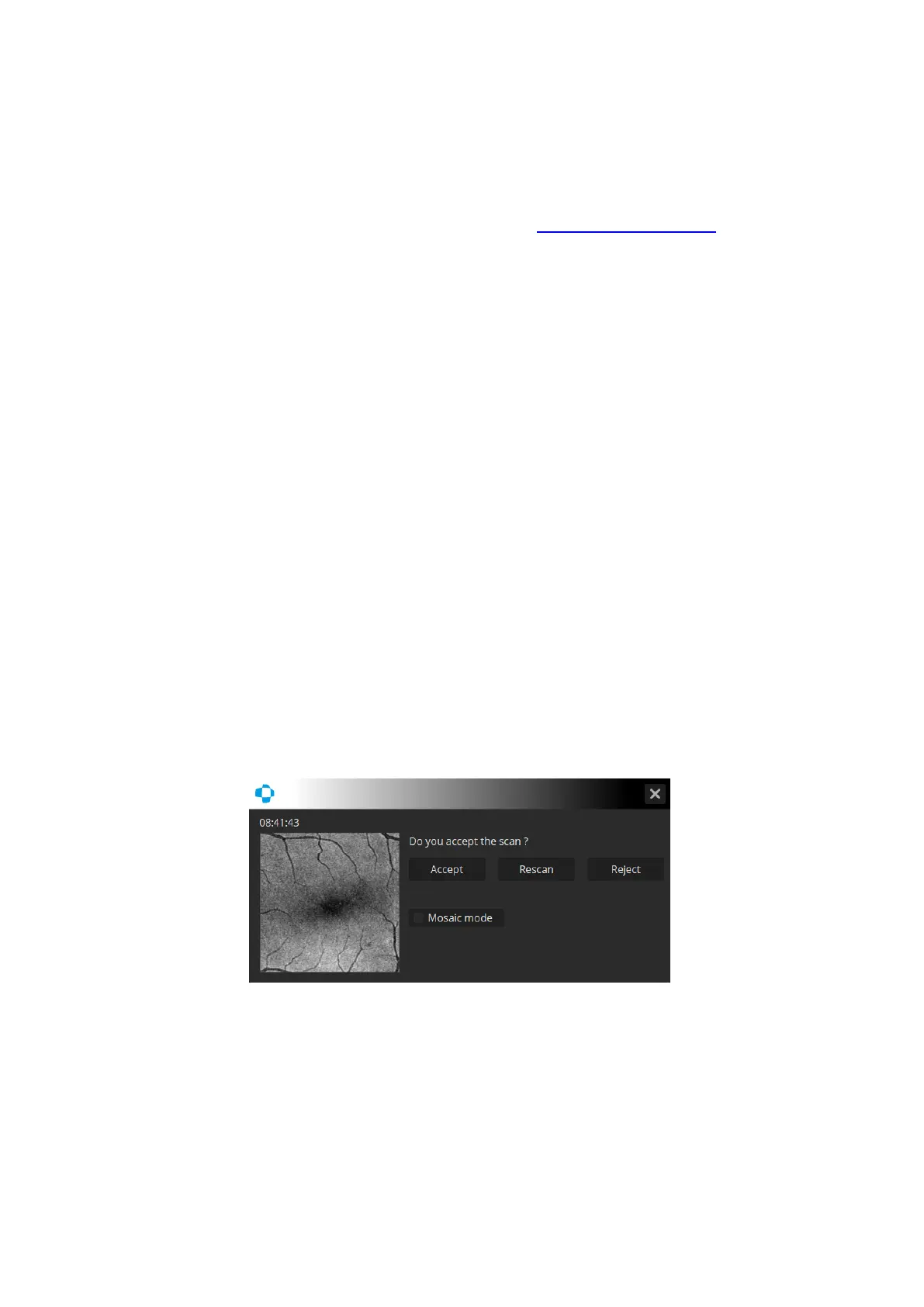
If the user does not accept the MC results, they can [Rescan] the exam. If the new MC results
are still unacceptable, the user can call the Motion Correction function based on 4 or more
original scans from the Result tab. See details in chapter 17.3 Motion correction.
If pressing [Reject], the system will only save the two basic scans if iTracking had been enabled.
If not, the system will not save any scans.
After scan acquisition, it will appear the top of the scan list, appear as an MC (Motion
Correction) scan and be selected as the active scan. In case of opening the Result tab, the SOCT
will only perform analysis on MC marked scans. The system only performs full analysis for MC
marked scans.



 To Next Page