Because RFL™ and Hubbell® have a policy of continuous product improvement, we reserve the right to change designs and specifications without notice.
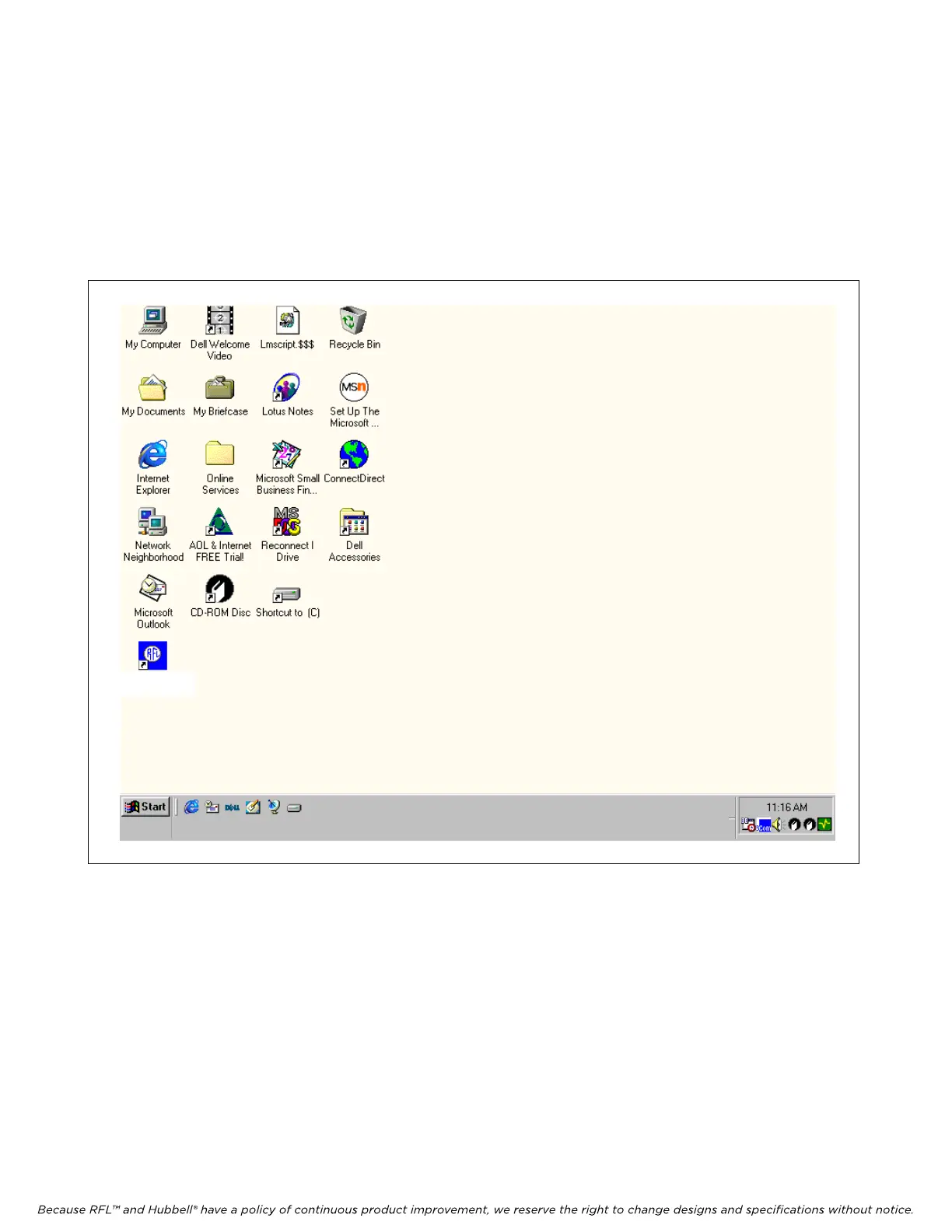
After the installation is complete, your desktop will be similar to the one shown in Figure 5-1. This
window is the starting point for running the Network Management Software. To run the Network
Management Software double click on the NMS 10.3 Icon on your desktop, or go to the Start menu
and select Programs/RFL IMUX 2000/NMS 10.3. Refer to paragraph 5.4 for information on how to
use the Network Management Software. Refer to paragraph 5.5 for an example showing how to
configure a typical network using the Network Management Software. Refer to paragraph 5.6 for
information on the Network Management Software help screens.
NMS 10.3
Figure 5-1. Typical desktop showing the RFL NMS version 10.3 icon
M-DACS-T1 RFL Electro
nics Inc.
February 28, 2006 5-3 (973) 334-3100



 To Next Page