Because RFL™ and Hubbell® have a policy of continuous product improvement, we reserve the right to change designs and specifications without notice.
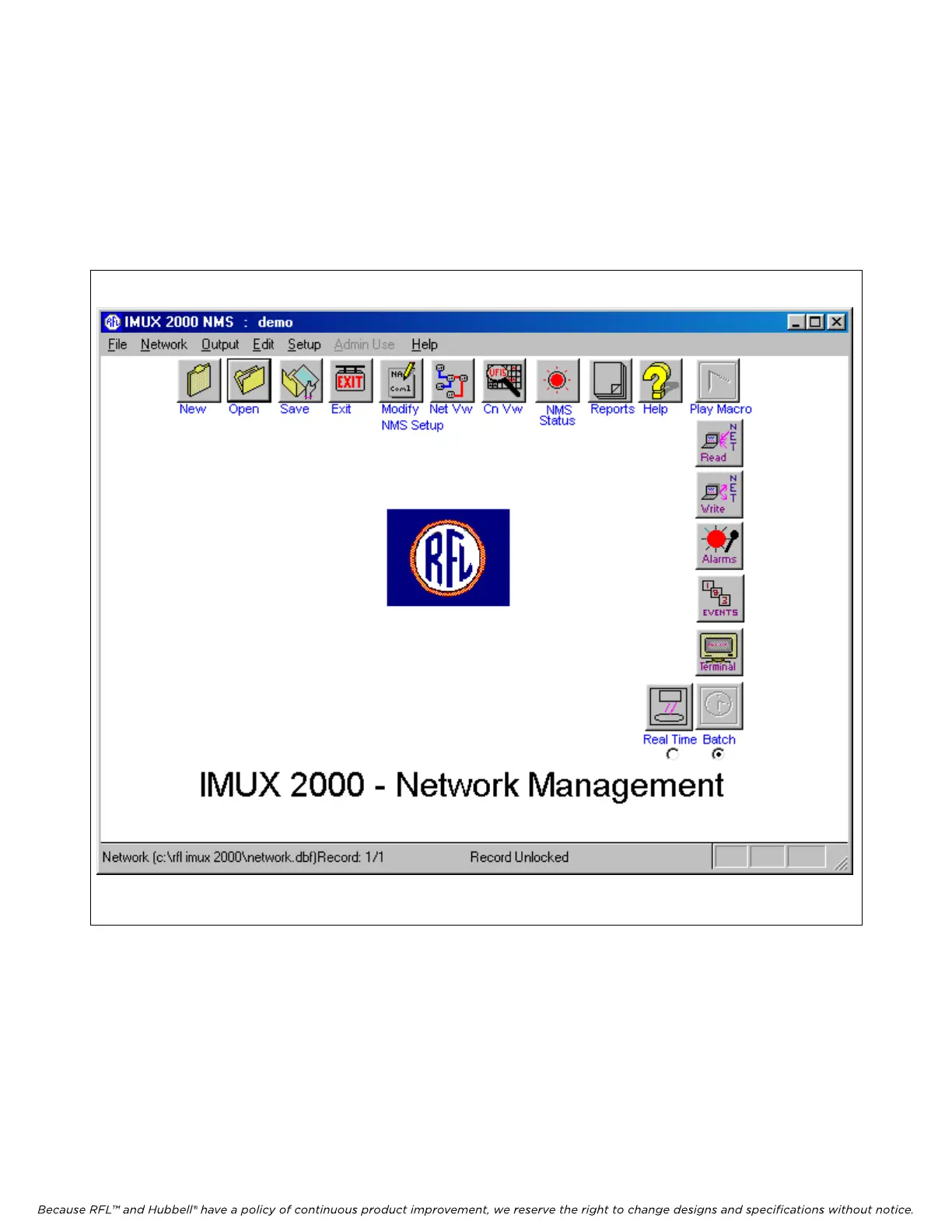
5.4 USING THE NETWORK MANAGEMENT SOFTWARE ICONS
To enter the Network Management Software, double click on the NMS 10.3 Icon on your desktop.
Then enter your user ID and password in accordance with paragraph 5.8.1. This will bring you to the
Main window as shown in Figure 5-8. This window has eighteen functions which correspond to the
Icons listed below.
M-DACS-T1 RFL Electronics Inc.
igure 5-8. Network Management Software Main Window
Version 10.3
F
February 28, 2006 5-10 (973) 334-3100



 To Next Page