Because RFL™ and Hubbell® have a policy of continuous product improvement, we reserve the right to change designs and specifications without notice.
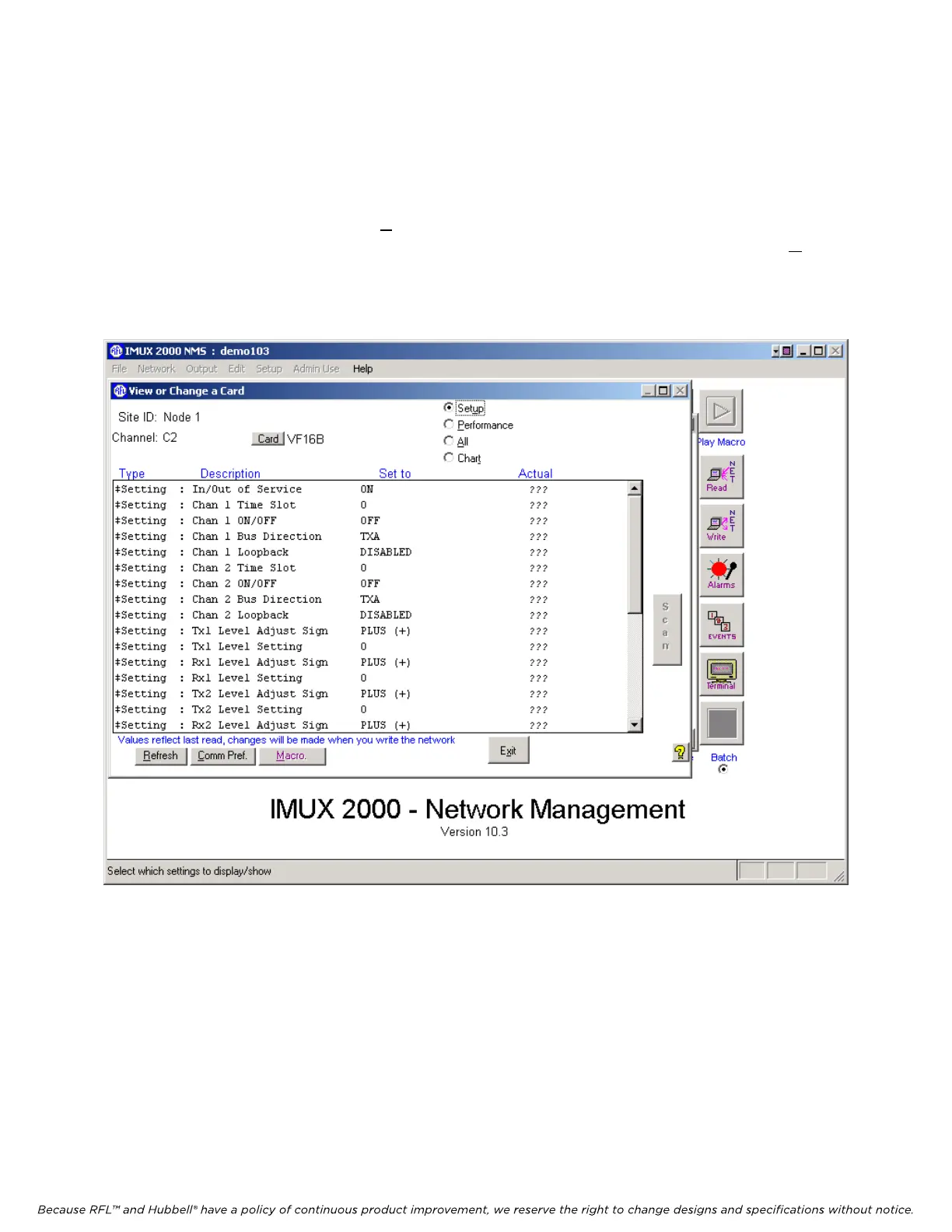
5.5.3.7.9 VIEW OR CHANGE A CARD WINDOW FOR THE VF16B
The View or Change a Card window for the VF16B is shown in Figure 5-31. This is where the user
can view or change VF16B settings. The “Actual” column is what the VF16B module is actually set to,
and the “Set to” column contains settings the user can change. When finished with either viewing or
changing the VF16B settings, click on Exit to return to the Display/Change Node window as shown in
Figure 5-16. To view the settings of the DS562I card, first click on DS562I and then click on View.
This will bring you to the Configuration and Status window for the DS562I card as shown in Figure 5-
32.
Figure 5-
31. View or Change a Card window for the VF16B
M-DACS-T1 RFL Electronics Inc.
February 28, 2006 5-48 (973) 334-3100



 To Next Page