Because RFL™ and Hubbell® have a policy of continuous product improvement, we reserve the right to change designs and specifications without notice.
6.2.2 DATA CIRCUITS
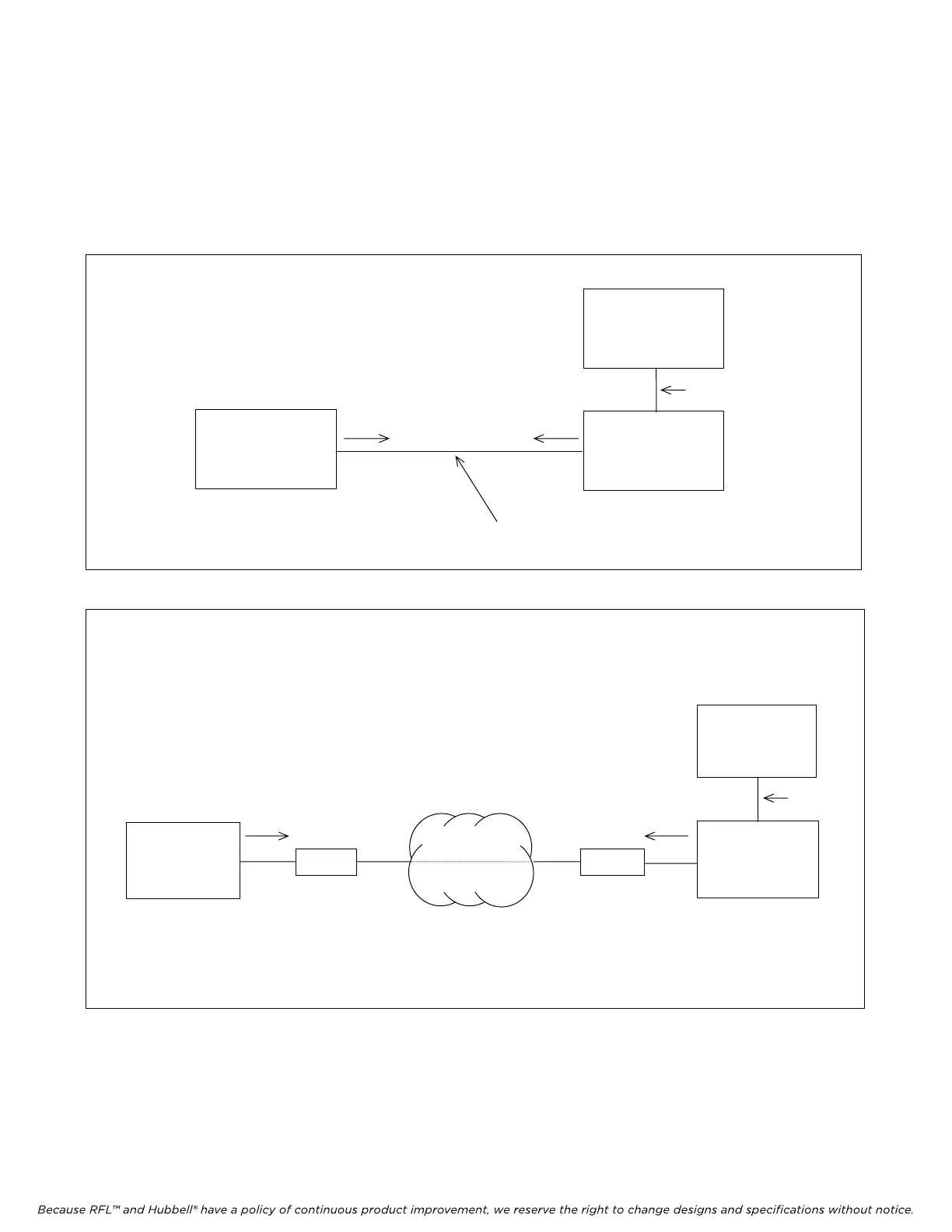
For local operation, connect a video terminal or PC directly to the remote port on an IMUX 2000
Series multiplexer (Figure 6-1) using an RS-232 cable. Or, using modems, establish a remote
connection over a dial-up voice circuit (Figure 6-2).
PC or
TERMINAL
IMUX 2000
M-DACS
MULTIPLEXE
R
RS-232 Cable
Command
Response
OTHER
M-DACS
MULTIPLEXERS
T1 LINK WITH ESF
(1)
Figure 6-1. Local connection
PC or
TERMINAL
IMUX 2000
M-DACS
MULTIPLEXER
Modem
Modem
Public Network
Response
Command
OTHER
M-DACS
MULTIPLEXERS
T1 LINK
WITH ESF
(1)
Figure 6-2. Remote connection over a dial-up circuit
Note 1: Remote control communication with a multiplexer over a T1 link is possible over a network providing
FDL facilities. Note that some interfaces such as CSU, block FDL traffic.
M-DACS-T1 RFL Electronics Inc.
October 25, 2004 6-2 (973) 334-3100



 To Next Page