Because RFL™ and Hubbell® have a policy of continuous product improvement, we reserve the right to change designs and specifications without notice.
M-DACS-T1 RFL Electronics Inc.
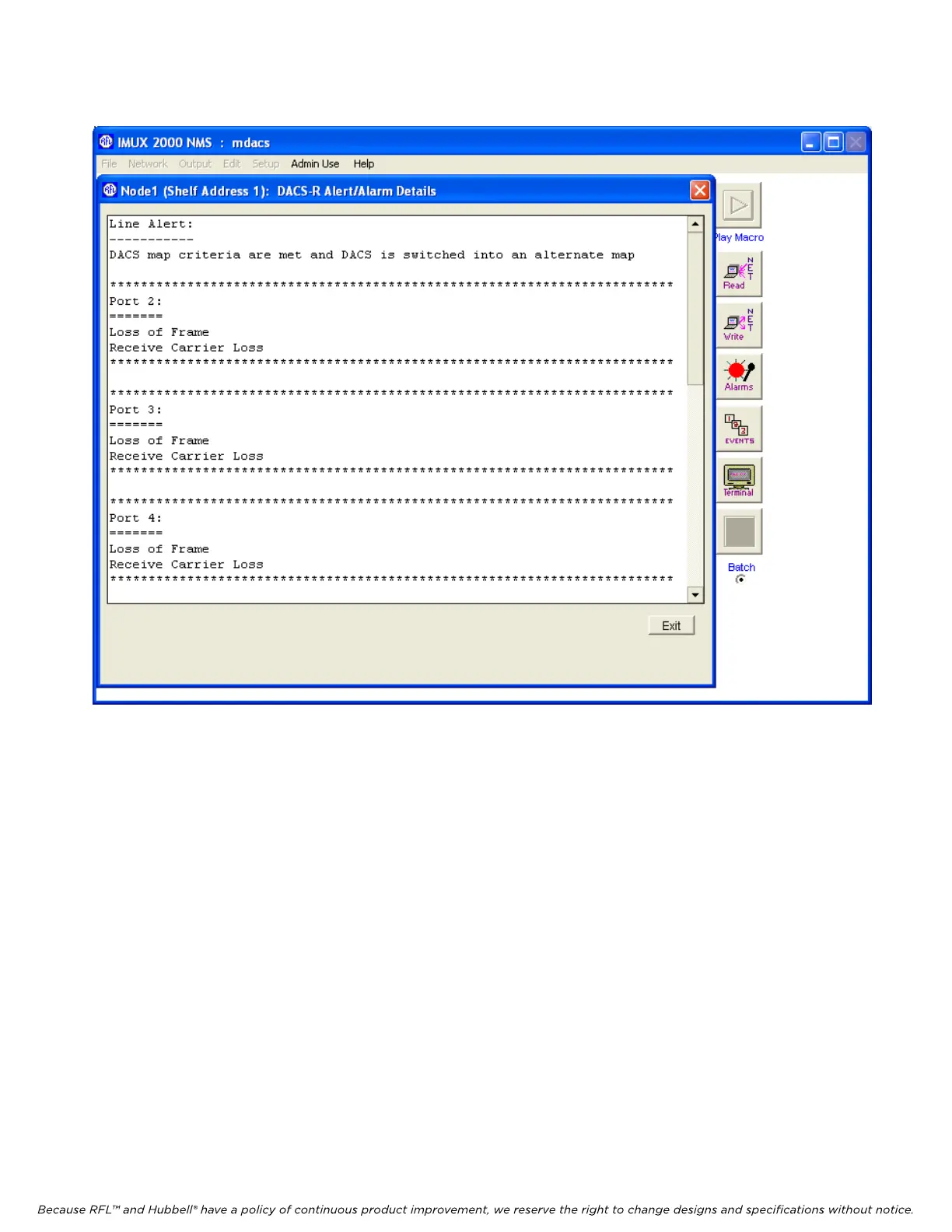
igure 5-28. Alert/Alarm Details window
hen finished with either viewing or changing the other DACS module settings and status, click on
o
F
W
Exit. This will return you to the Display/Change Node window where you can select the next card. G
back to the Display/Change Node window and click on the CM4 “DI-A” button. This will bring you to
the CM4 D/I-A Configuration And Status window as shown in Figure 5-29.
February 28, 2006 5-45 (973) 334-3100



 To Next Page