Because RFL™ and Hubbell® have a policy of continuous product improvement, we reserve the right to change designs and specifications without notice.
5.5.3.6 SELECTING NETWORK VIEW
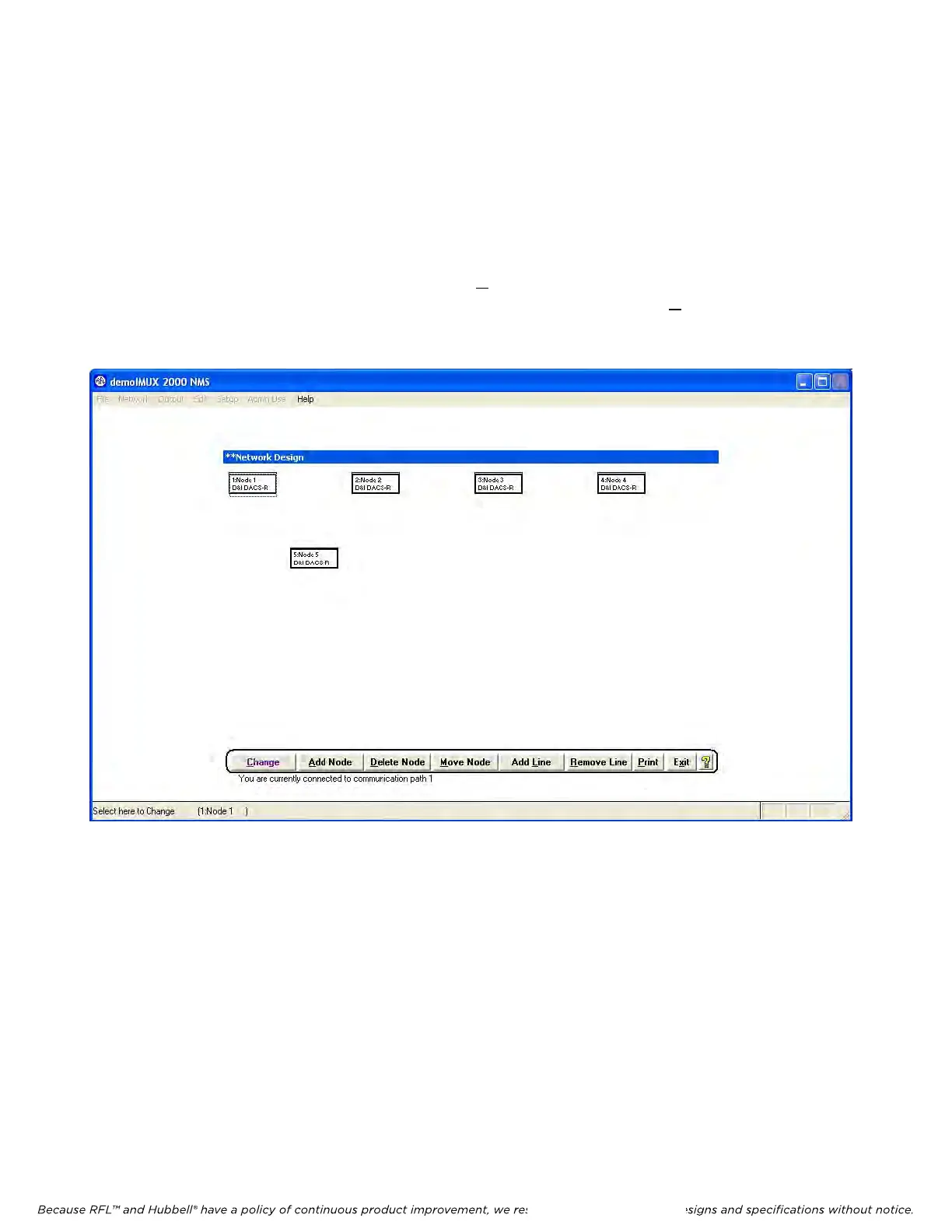
The Network View window is the first window in a set of several windows that tells the user what
nodes are in the network. The information in these windows was read from the network and stored in a
temporary file. The Network View window is where the user can configure card and module settings
and program the DACS module maps. You get to the Network View window by clicking on the
Network View Icon. If this network example actually existed, and the network was read as described in
paragraph 5.5.3.5, a Network View window similar to the one shown in Figure 5-15 would be seen. To
make changes to the card settings, first click on the Change button at the bottom left of the window and
then click on the node that you want to change. For this example click on the Change button, and then
click on node 1 which is located at the upper left of the Network View window. This will bring you to
the Display/Change Node window for node 1 as shown in Figure 5-16.
Figure 5-15. Network View Window
M-DACS-T1 RFL Electronics Inc.
February 28, 2006 5-23 (973) 334-3100



 To Next Page