Because RFL™ and Hubbell® have a policy of continuous product improvement, we reserve the right to change designs and specifications without notice.
4.12.5 USING THE UNIV FUNCTION
The UNIV function allows for universal addressing. If universal addressing is enabled, any multiplexer
receiving through its local RS-232 port a command not containing a node address, will respond to that
command. This is the most typical operating mode. It allows the operator to control and query the
locally connected multiplexer without knowing its node address.
In some system configurations, several multiplexers may be bridged (parallel-connected) onto the RS-
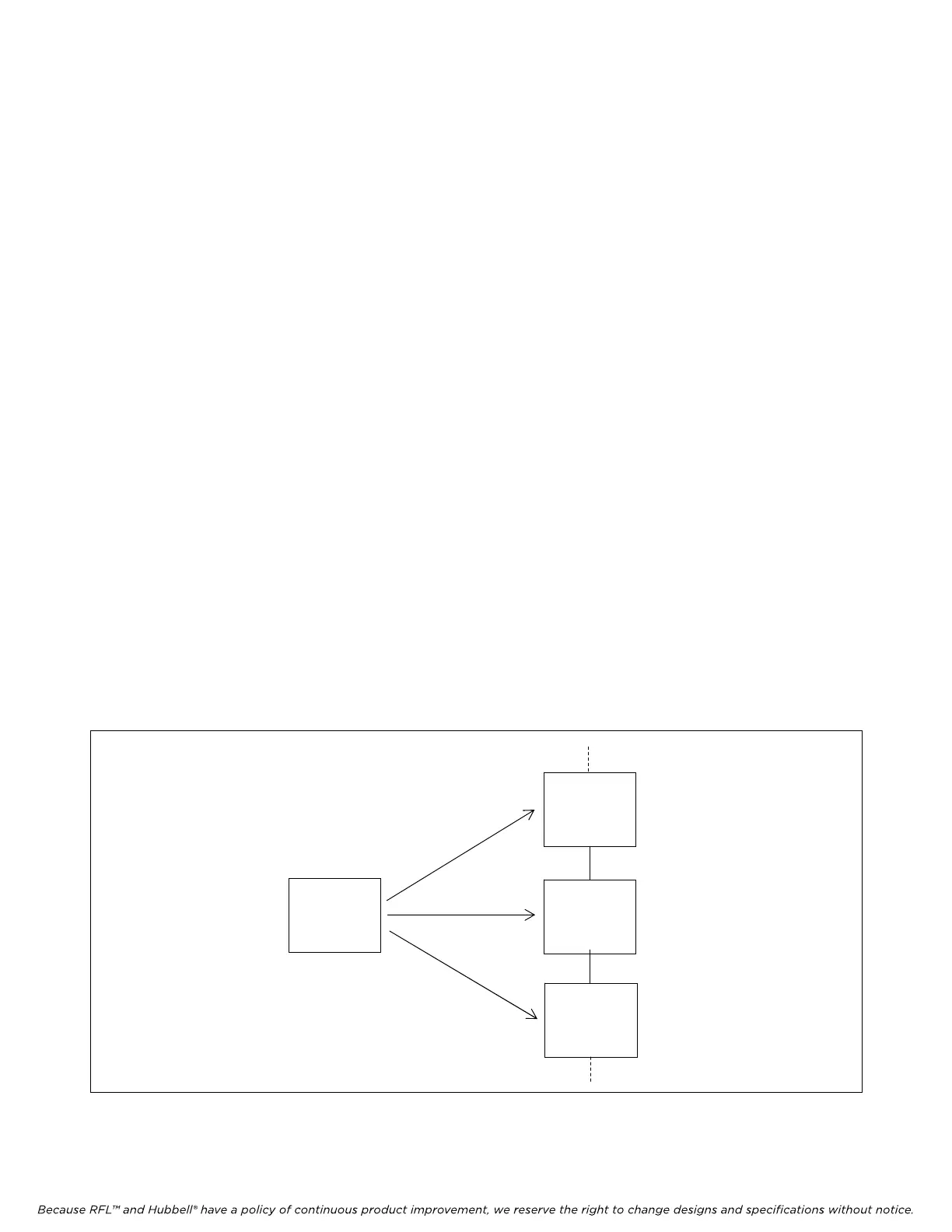
232 link to the controlling terminal as shown in Figure 4-4. A command or inquiry not containing a
node address would elicit a response from all nodes simultaneously, resulting in message collisions or
unwanted operation. To prevent this, universal addressing should be disabled.
If UNIV is OFF, the unit will only respond to commands which have its correct address. This
parameter is accessed via the front panel only, under the SIO menu. Universal addressing pertains only
to communications over a local port. To access a remote node over FDL, the desired node address
must be present in the command or inquiry.
To access the Univ function, proceed as follows:
1. Select the SIO group using the GROUP switch.
2. Press down on the SET/NEXT switch until Univ is displayed.
3. When the display shows Univ, the green part of the ON/OFF indicator lights if Univ is ON, and
the red part lights if Univ is OFF. To toggle from Univ ON to Univ OFF (or OFF to ON), press
up twice on the SET/NEXT switch.
To exit the Univ function and display the BAUD subgroup, press down on the SET/NEXT
switch. To exit the SIO group entirely, press up or down on the GROUP switch.
NETWORK
MANAGEMENT
TERMINAL
RS-232 MULTIPLEXER
PORT NODE
3
RS-232 MULTIPLEXER
PORT NODE 4
MULTIPLEXER
NODE 5
RS-232
PORT
COMMANDS SENT TO
ALL NODES USING RS-
232 BRIDGE
Figure 4-4. Example of a network management terminal which is simultaneously connected to multiple IMUX
multiplexers.
M-DACS-T1 RFL Electro
nics Inc.
July 18, 2008 4-18 (973) 334-3100



 To Next Page