Because RFL™ and Hubbell® have a policy of continuous product improvement, we reserve the right to change designs and specifications without notice.
OPERATION
The MA-490’s Data Port is used to connect to the Common Module’s or other equipment’s serial port.
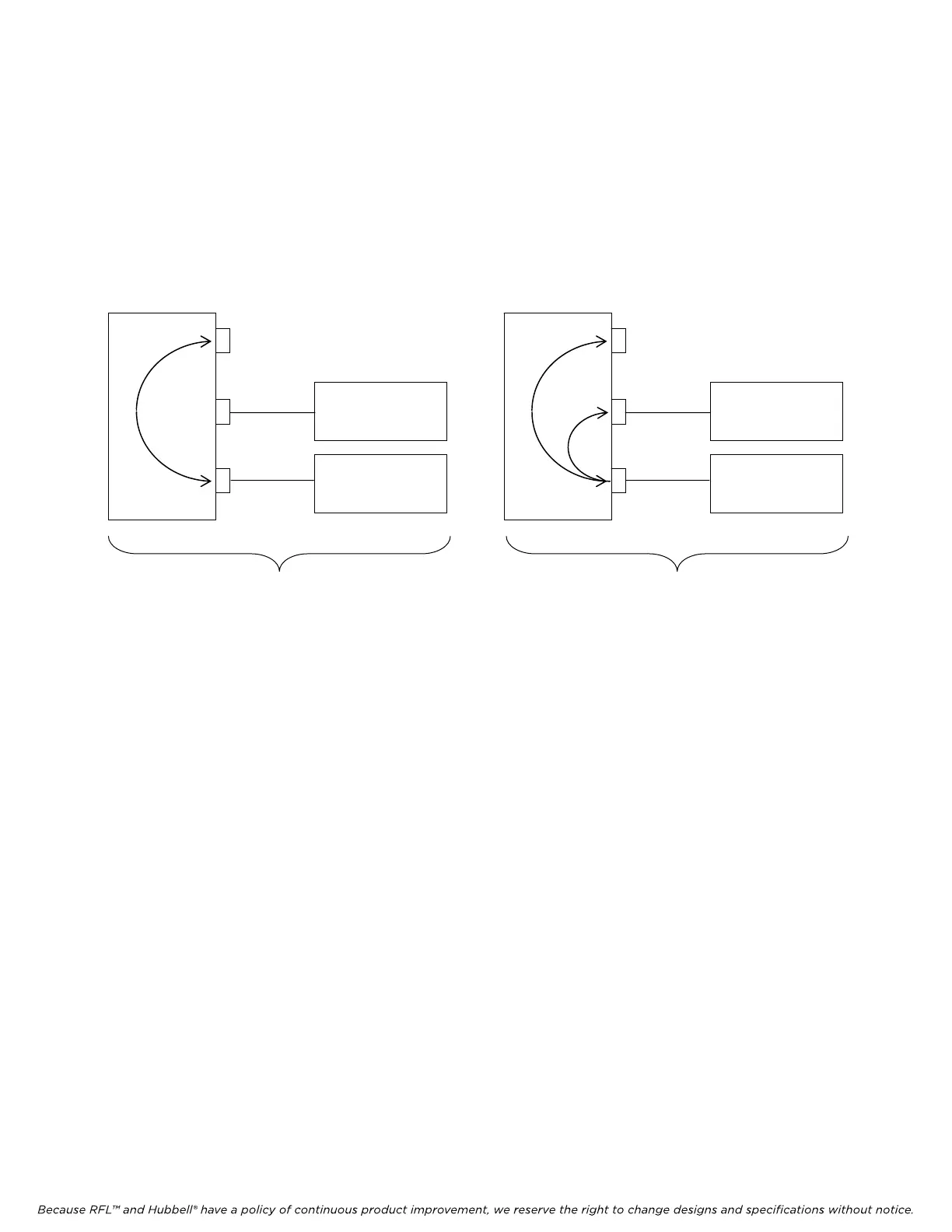
The MA-490’s Craft Port is used to connect to the PC’s serial port. The Craft Port has two different
modes: April mode and Console mode. April mode is used to setup the MA-490’s configuration
parameters. Console mode is used to tie the Craft Port and the Data Port together so they behave like
one serial port as shown in the figures below. When the MA490 is in the Console mode, the user can
type a “Ping” command through the Craft Port to ping a remote PC.
Ethernetport
Craft port
Data port
MA-490
PC or laptop
CM or other
External equipment
Console Mode disabled Console Mode enabled
Ethernetport
Craft port
Data port
MA-490
PC or laptop
CM or other
External equipment
The ping command has the following format:
ping 195.195.85.253
The Craft Port will enter the Console mode after 10 seconds of inactivity if the Console mode is
enabled. Once in Console mode, hit the “Escape” key 3 times to return to the April mode.
The April User Interface is used to setup the Data port parameters, Ethernet port parameters and some
other parameters.
These parameters are listed as follows:
999 System Label
053 IP Address
054 Network Mask
055 Default Router
058 Data Port Baud
059 Data Port Setup
060 Console Mode
061 Telnetimeout(s)
RFL MA-490 Telnet I/O RFL Electronics Inc.
March 6, 2007 5 (973)
334-3100



 To Next Page