Because RFL™ and Hubbell® have a policy of continuous product improvement, we reserve the right to change designs and specifications without notice.
RFL VF-8A RFL Electronics Inc.
August 6, 2010 11 (973) 334-3100
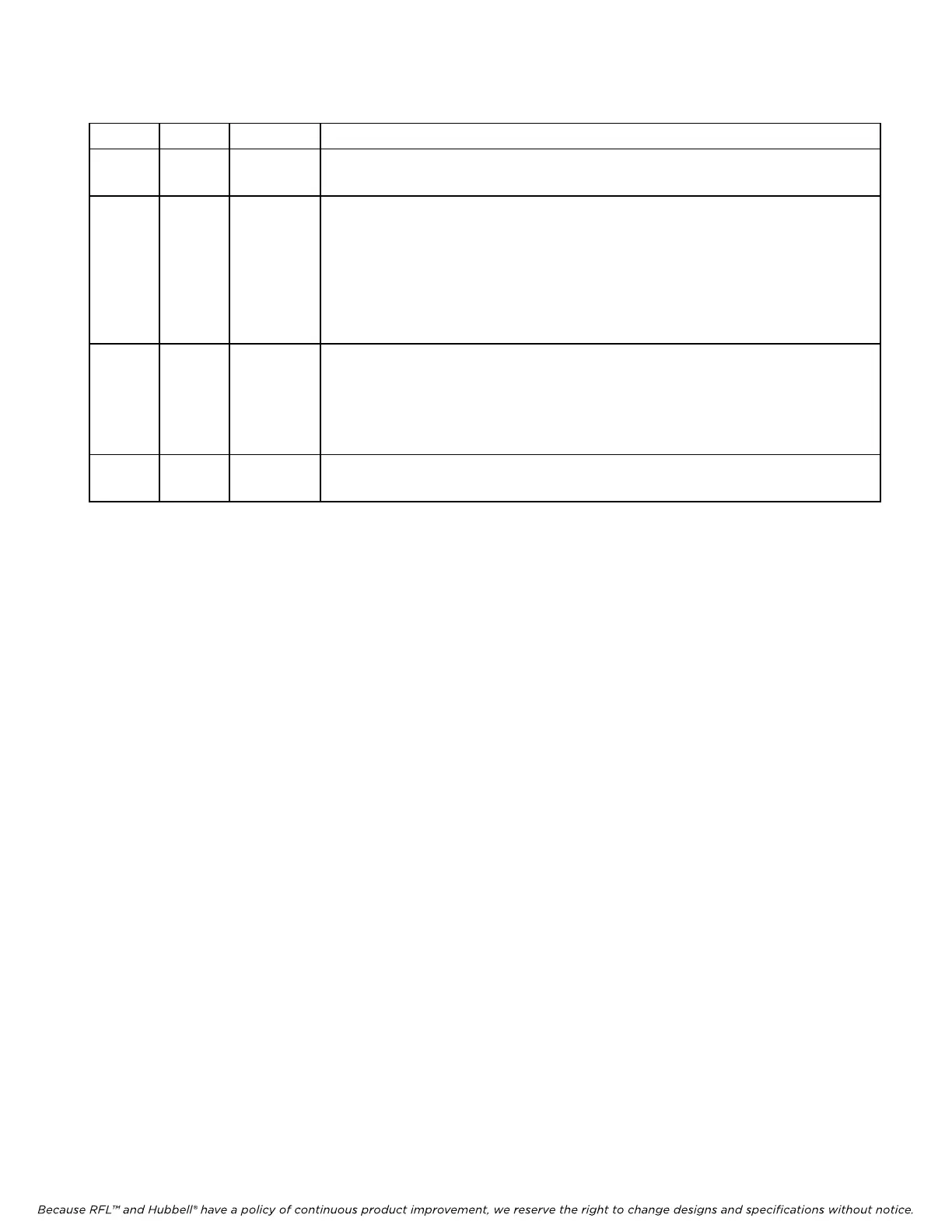
Table 5. Busy Circuit Modes for RFL VF-8A module
SW7-7 SW7-8 Mode Function
DOWN DOWN Party-Line
Mode
When SW7-7 and SW7-8 are set to DOWN, if a local phone is picked up when a
conversation is in progress, the local phone will be connected to the conversation.
DOWN UP Break-In
Mode
When SW7-7 is set to DOWN and SW7-8 is set to UP, if a local phone is picked up
when a conversation is in progress, the local phone will get a busy tone. The local
phone can break into the conversation by dialing any one of the following:
1. “ * ” (example: * )
2. “ group ID followed by the* ” (example: 3* )
3. “ the local three digit extension ” (example: 312 )
UP DOWN Privacy
Mode
When SW7-7 is set to UP and SW7-8 is set to DOWN, if a local phone is picked up
when a conversation is in progress, the local phone will get a busy tone and cannot
break into the conversation.
Note: In this case, if the local phone is off-hook, another extension will not be
able to
call that extension.
UP UP Not
Applicable
Not Used
15. If you plan to operate the RFL VF-8A module under local control, perform the following steps;
otherwise, go to step 16 for remote control.
a. Set to local control by placing DIP switch SW1-7 in the UP position.
b. Turn service on by placing DIP switch SW1-8 in the UP position.
c. Slide the module into the selected module slot until it is firmly seated and the module
front panel is flush with the top and bottom of the shelf.
d. Go to step 17.
<< text continues on page 13 >>



 To Next Page